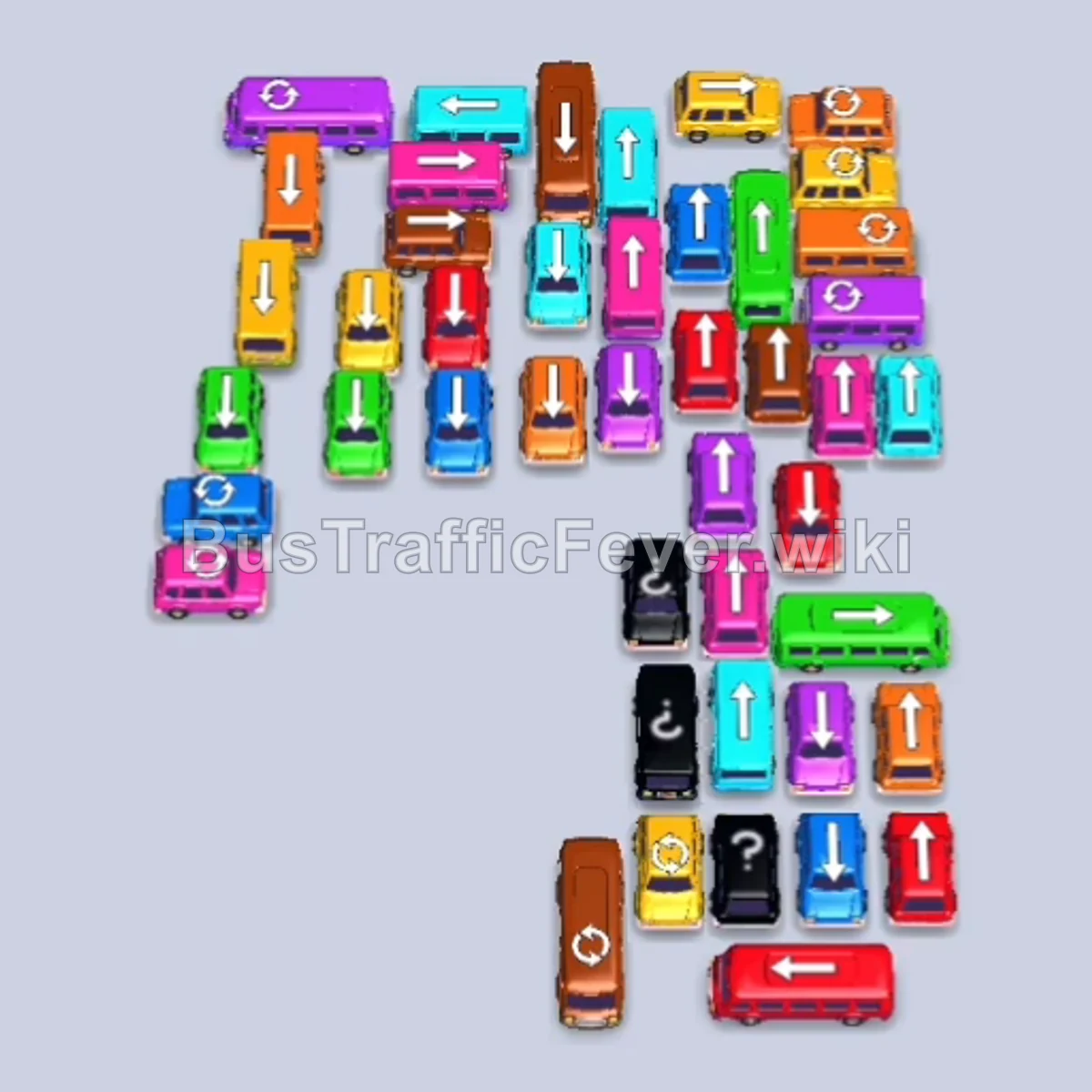
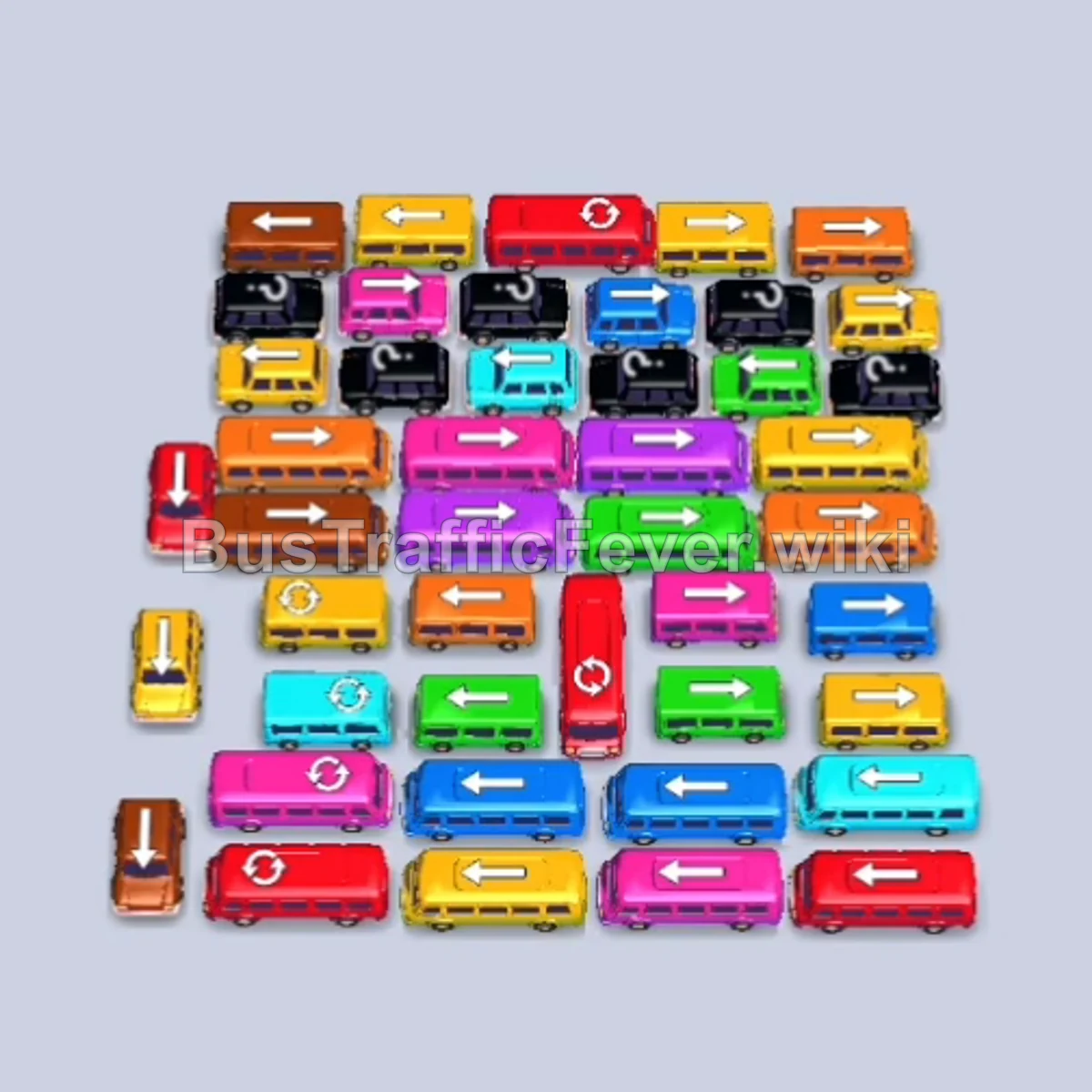
Bus Traffic Fever Level 208 Answer & Walkthrough Solution

Quick answer
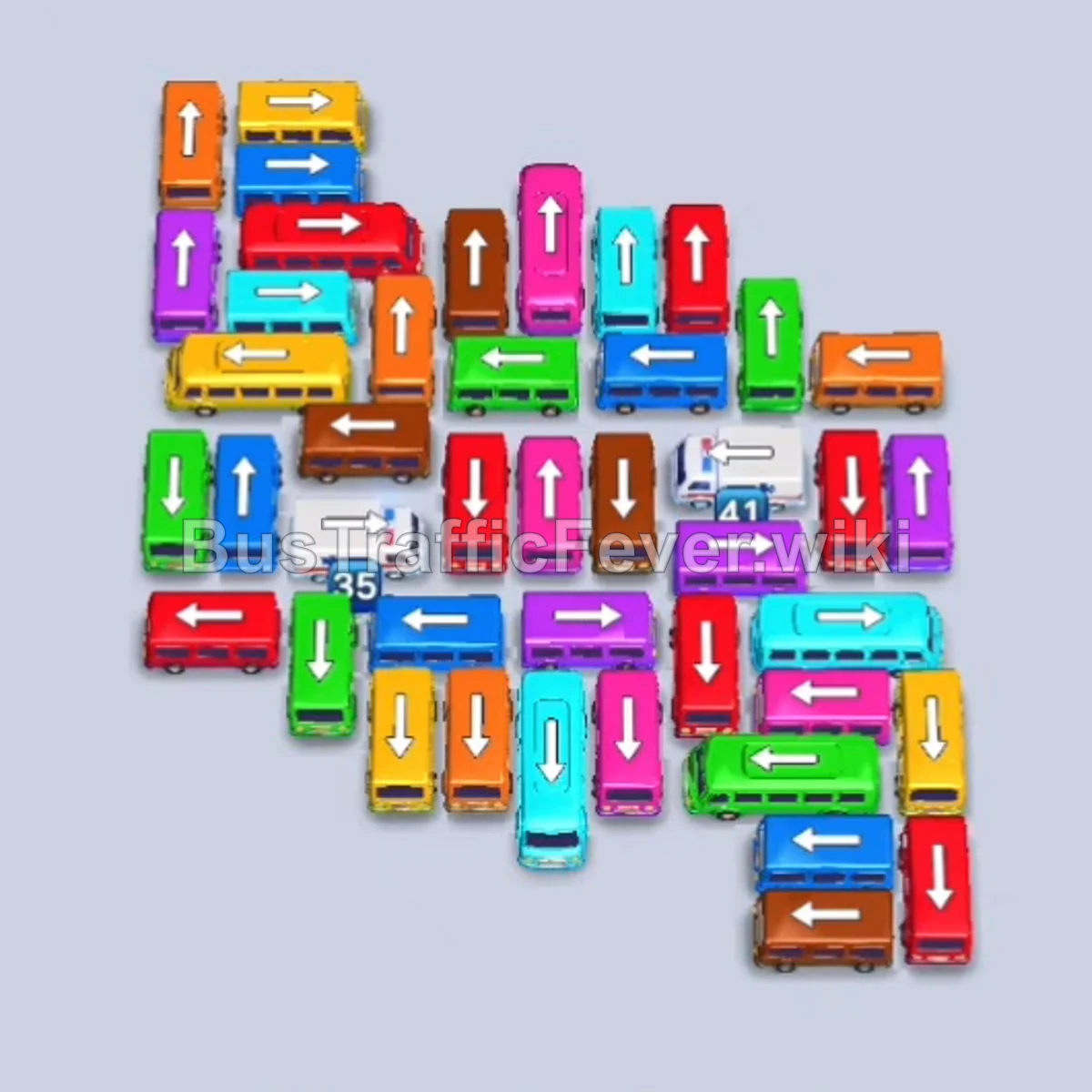
Level 208 features two separate white countdown spawner vehicles embedded in the central grid alongside incoming feeder roads on both sides. The key to victory is to cycle feeder vehicles that match the immediate dual-line passenger queue while steadily clearing grid vehicles around the two countdown spawners. Once each countdown hits zero, immediately deploy the white emergency vehicles to clear the massive white passenger waves, leaving the remaining central buses for a smooth final exit.
Step-by-step solution
Phase 1: Clearing Initial Feeder Roads & Upper-Left Flank
- Tap the horizontal Red bus at the top-left of the grid (facing left). Red passengers will board.
- Call the incoming Green bus from the right feeder road. Green passengers will board and depart.
- Call the incoming Red bus from the right feeder road. Red passengers will board and clear.
- Call the incoming Brown bus from the feeder road.
- Tap the vertical Pink bus in the upper-center grid. Pink passengers will board.
- Tap the horizontal Cyan bus (facing right) in the upper grid.
- Call the incoming Red bus from the right feeder road. Red passengers will board and depart.
- Call the incoming Brown bus from the feeder road. Brown passengers will board and clear.
- Call the incoming Green bus from the left feeder road. Green passengers will board and depart.
Phase 2: Managing Mid-Queue Bursts & Outer Grid Flanks
- Tap the Cyan bus from the grid. Cyan passengers will board both docked cyan vehicles and clear.
- Call the incoming Blue bus from the right feeder road.
- Call the incoming Yellow bus from the left feeder road.
- Call the incoming Green bus from the left feeder road. Green passengers will board and depart.
- Call the incoming Blue bus from the approach road.
- Tap the Brown bus along the bottom edge of the grid. Brown passengers will board and clear.
- Allow the Yellow bus in the dock to finish boarding yellow passengers and depart.
- Call the incoming Purple bus from the right feeder road. Purple passengers will board and depart.
- Call the incoming Red bus from the left feeder road. Red passengers will board.
- Call the incoming Blue bus from the left feeder road. Blue passengers will board and depart.
Phase 3: Deploying the First White Spawner & Center Excavation
- Call the incoming Green bus from the feeder road. Green passengers will board and leave.
- Call the incoming Cyan bus from the right feeder road. Cyan passengers will board.
- Call the incoming Yellow bus from the approach road. Yellow passengers will board and depart.
- Call the incoming Pink bus from the right feeder road. Pink passengers will board and clear.
- Call the incoming Cyan bus and the incoming Blue bus. Blue passengers will board and depart.
- Call the incoming Orange bus and Green bus from the left feeder road. Orange and green passengers will board and clear both.
- Call two incoming Red buses in sequence. Red passengers will board and depart.
- Call the incoming Yellow bus and Pink bus.
- Call the incoming Cyan bus and Purple bus. Purple passengers will board and depart.
- Call the incoming Brown bus and Red bus. Red passengers will board and clear.
- Call the incoming Green bus. Green passengers will board and depart.
- Tap the First White Countdown Vehicle (left spawner, now down to zero). White passengers will board and depart.
Phase 4: Releasing the Second White Spawner & Final Cleanup
- Call the incoming Blue bus and Red bus. Both will board passengers and clear.
- Allow the docked Pink bus and Cyan bus to finish boarding their passengers and depart.
- Call the incoming Yellow bus from the approach road.
- Tap the Cyan bus freed in the grid.
- Tap the large Blue bus in the grid.
- Call the incoming Brown bus from the left approach road. Brown passengers will board and depart.
- Tap the Second White Countdown Vehicle (right spawner, now down to zero). White passengers will board and clear.
- Tap the remaining Orange bus in the central grid. Orange passengers will board and depart.
- Allow the docked Yellow bus to finish boarding and depart.
- Finally, tap the vertical Purple bus in the central grid. Purple and orange passengers will finish boarding to complete Level 208!
Tips for success
- Track the Two Spawner Counters: The numbers on the white emergency vehicles decrease with every bus that departs the board. Make sure you don’t stall your traffic flow so both reach zero in time for the white passenger waves.
- Balance Dual Feeder Lines: Since vehicles approach from both the left and right roads, monitor both queues at the top so you pull from the side that matches the immediate upcoming color.
- Keep High-Capacity Buses Moving: Buses holding 24 or 40 passengers take longer to load. Avoid calling multiple large buses of different colors at the same time to prevent filling all five dock bays.
More Bus Traffic Fever help
Continue with the Level 207 walkthrough, review the core rules in how to play Bus Traffic Fever, or browse all level solutions to jump to another number.