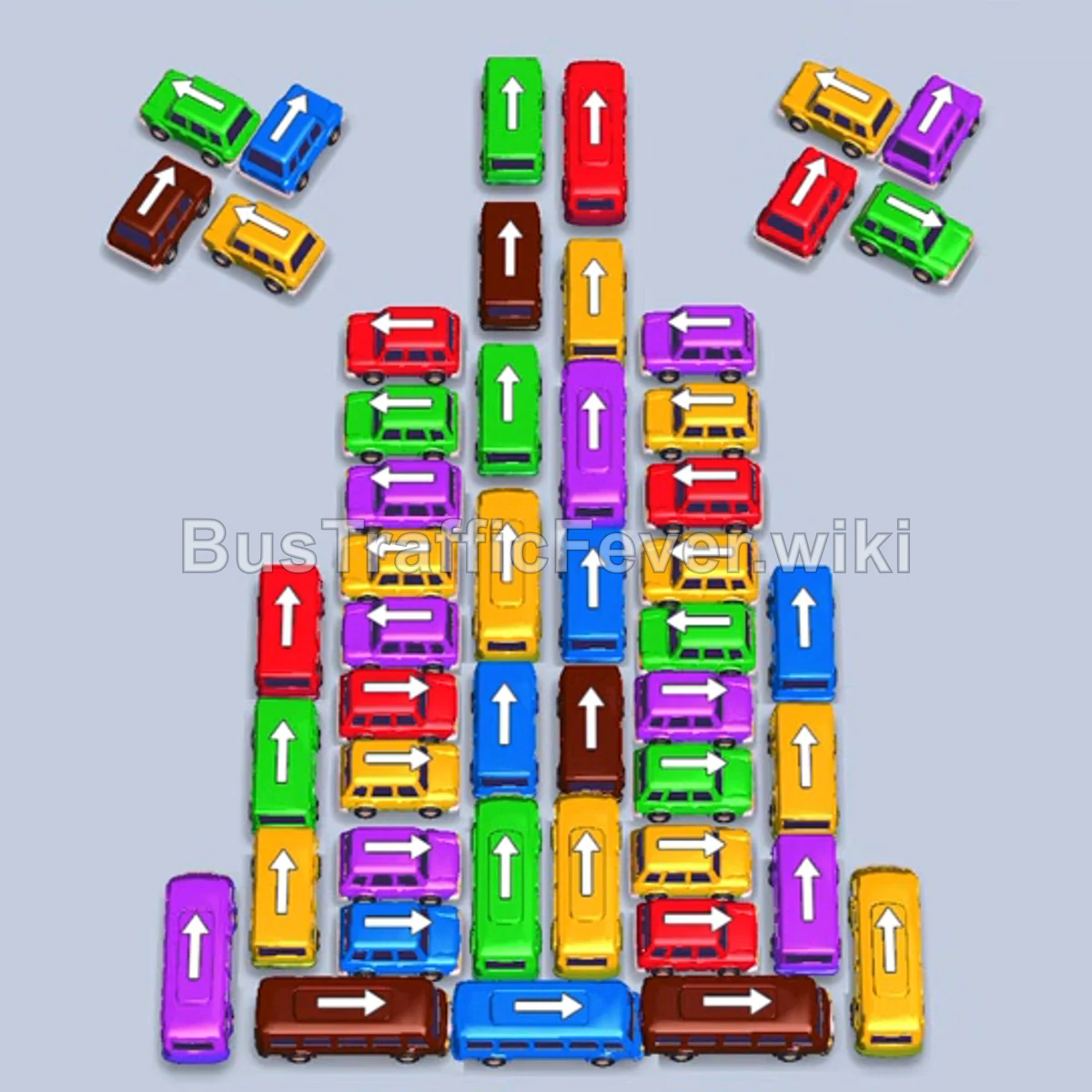
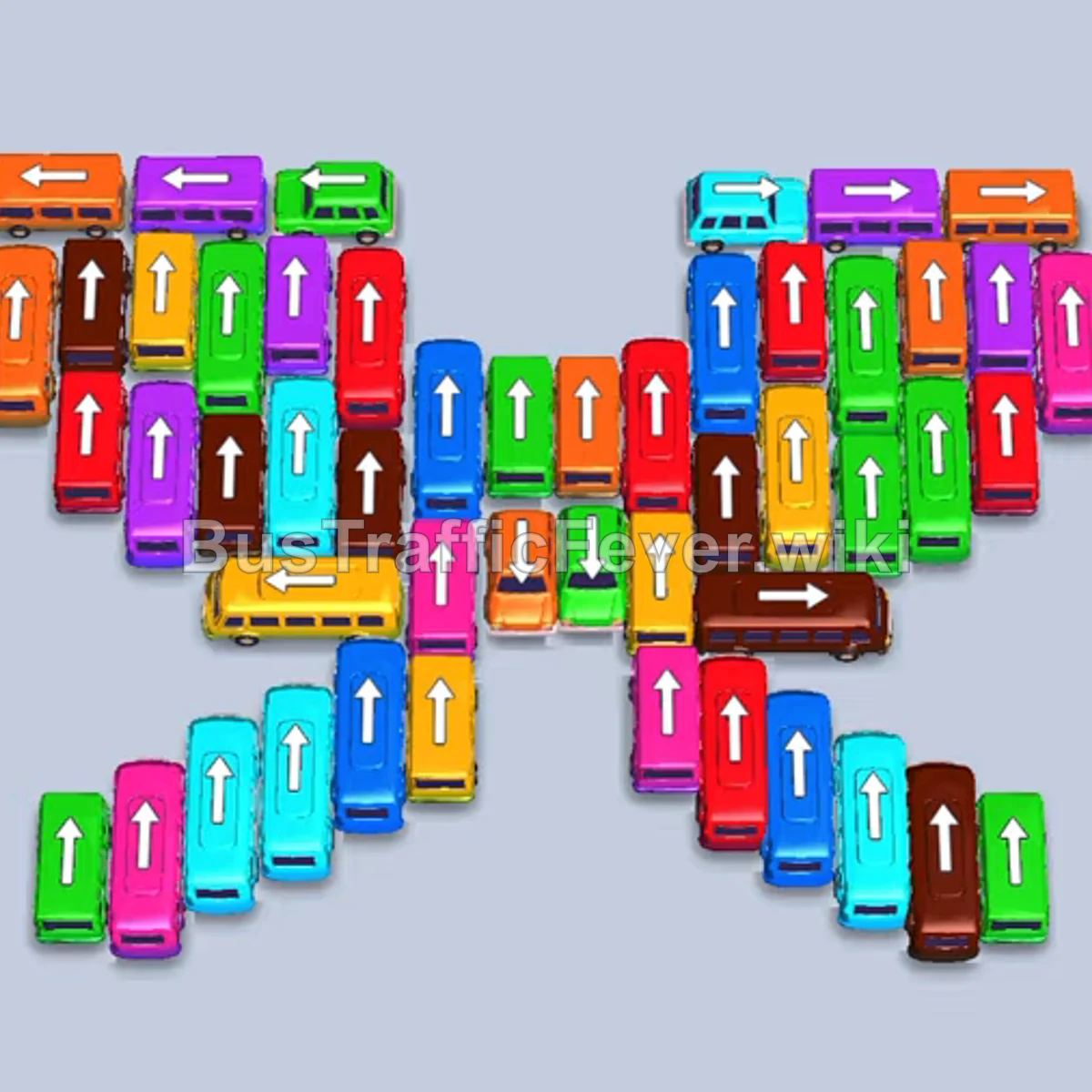
Bus Traffic Fever Level 373 Answer & Walkthrough Solution

Quick answer
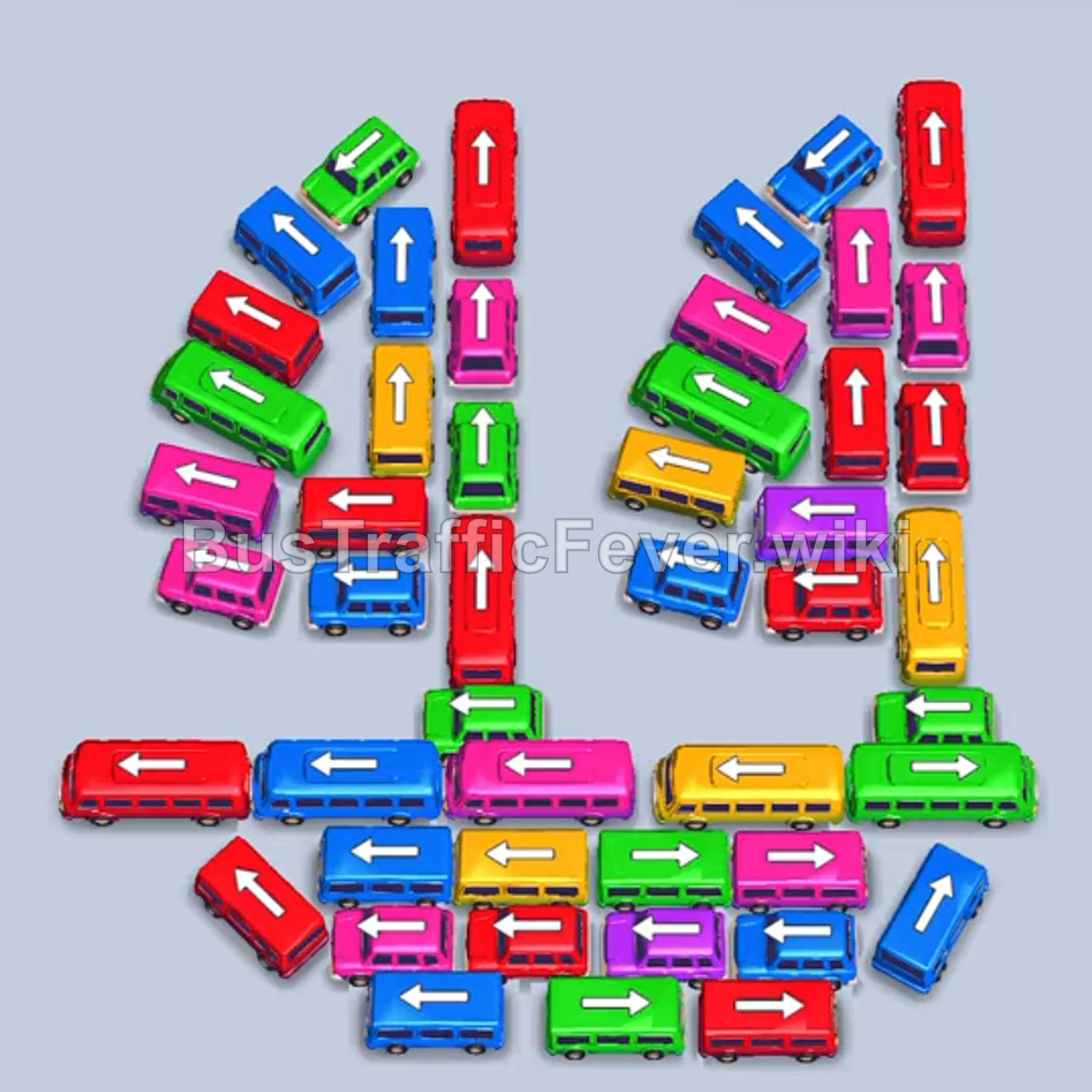
Level 373 features a complex layout structured into two large “4” digits, with vehicles heavily interlocking along both stems and crossbars. The key strategy is using the outer exits early to open the perimeter, parking long buses only when their passenger queues are close, and carefully cycling high-capacity vehicles through the available parking slots without overflowing them while a high-capacity pink bus sits in reserve.
Step-by-step solution
Phase 1: Clear the Lower Left Perimeter
- Tap the long red bus facing left at the bottom-left base of the first “4” to send it to the first parking slot.
- Tap the blue bus facing down along the far-left edge into the second slot. Red and blue passengers will board immediately, clearing both vehicles and reopening their slots.
Phase 2: Establish Multi-Color Passenger Cycling
- Tap the long pink bus facing left in the lower horizontal section of the left “4”. It will occupy the first parking slot for an extended cycle while other colors filter through.
- Tap the long yellow bus facing down on the right “4” into the second slot.
- Tap the red bus facing down in the vertical stem of the left “4” into the third slot.
- Allow yellow passengers to board and clear the yellow bus, opening a slot.
- Tap the blue bus facing left in the middle crossbar of the left “4”.
- Tap the small red bus facing down at the base of the left “4” vertical stem into the open slot. Red passengers will board both red vehicles and send them off.
- Tap the small blue bus facing right near the bottom to finish loading the active blue passenger queue and clear both blue vehicles.
Phase 3: Dismantle the Upper Stem and Diagonal Lines
- Tap the blue bus facing up near the lower-right area.
- Tap the blue bus facing down-left on the upper diagonal segment of the right “4”.
- Tap the blue bus facing down in the right “4” column. Blue passengers will rapidly board and clear all three blue vehicles.
- Tap the green van facing left at the lower-left edge.
- Tap the green bus facing up-left at the top-left tip of the left “4”. Green passengers will board and clear the green van.
- Tap the small blue bus facing up on the right side to absorb the next blue group in queue.
- Tap the red bus facing down on the left “4” stem. Red passengers will board it, while the newly arriving pink passengers will finally fill and clear the long pink bus that has been waiting in the first parking slot.
Phase 4: Unlocking the Central and Lower Crossbars
- Tap the blue bus facing left in the lower-left section.
- Tap the red bus facing down in the center.
- Tap the yellow bus facing left in the lower-middle section.
- Tap the yellow bus facing down on the lower-right side. Yellow passengers will board and clear the yellow vehicles.
- Tap the pink bus facing left that was unblocked in the central crossbar.
- Tap the green bus facing right at the bottom-right corner.
- Tap the pink bus facing left in the lower row. Pink passengers will board and clear the pink vehicles.
- Tap the red bus facing left at the bottom left, followed by the adjacent red bus facing down as red passengers arrive.
- Tap the remaining yellow bus facing left in the bottom track to catch the incoming yellow queue.
Phase 5: Clearing the Final Cluster
- Tap the green bus facing up in the left “4” column once the front vehicles have cleared.
- Tap the blue bus facing right in the lower section to clear the blue passengers.
- Tap the pink bus and green bus remaining in the central cluster to absorb their respective queues.
- Tap the final green bus facing down and the red bus facing up to load the remaining green and red passengers.
- Send the last remaining green vehicle into the parking area to collect the final passengers and finish the level.
Tips for success
- Manage the long pink bus early: The pink bus sent in Phase 2 requires 40 passengers and will sit in your first slot for a long time. Keep at least two to three other slots free so smaller groups can cycle through unhindered.
- Prioritize freeing trapped stems: Both vertical columns are blocked from the bottom up. Tapping the lower horizontal vehicles early is essential to allow the column buses to slide down and exit.
- Watch queue transitions: Always look at the colors waiting just behind the front queue before tapping a vehicle. Sending a color that is buried too deep in the line will clog a parking slot unnecessarily.
More Bus Traffic Fever help
Continue with the Level 372 walkthrough, review the core rules in how to play Bus Traffic Fever, or browse all level solutions to jump to another number.