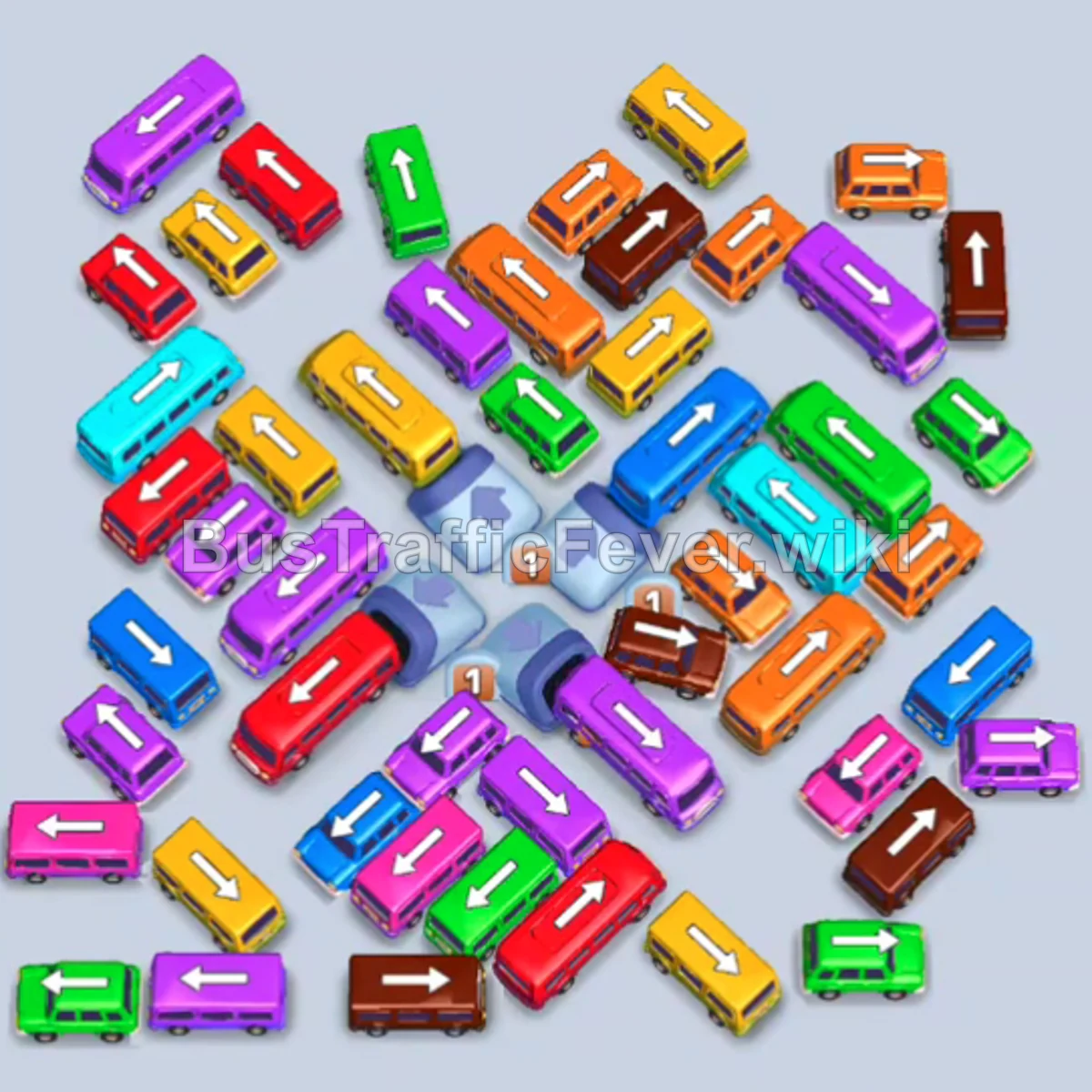
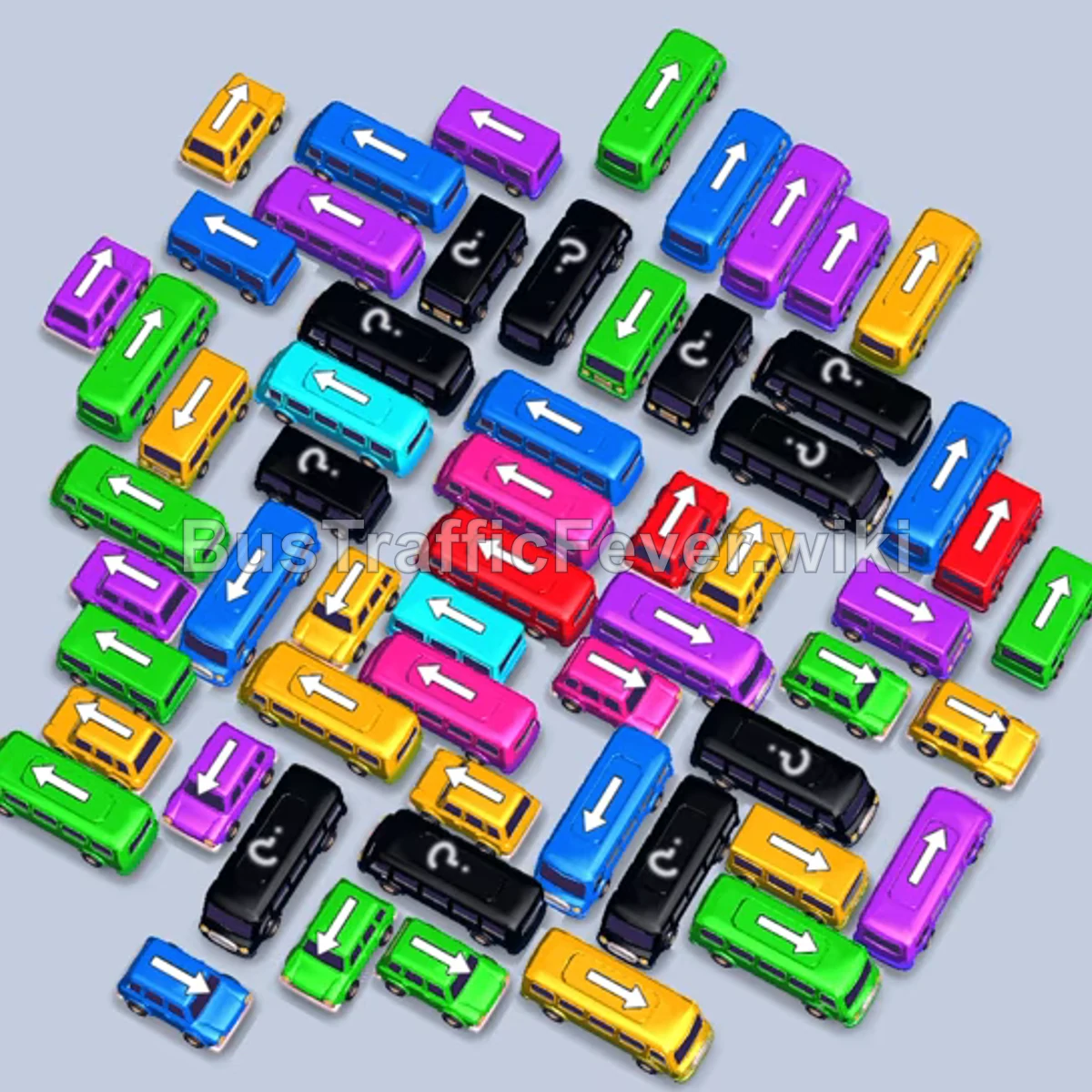
Bus Traffic Fever Level 381 Answer & Walkthrough Solution

Quick answer
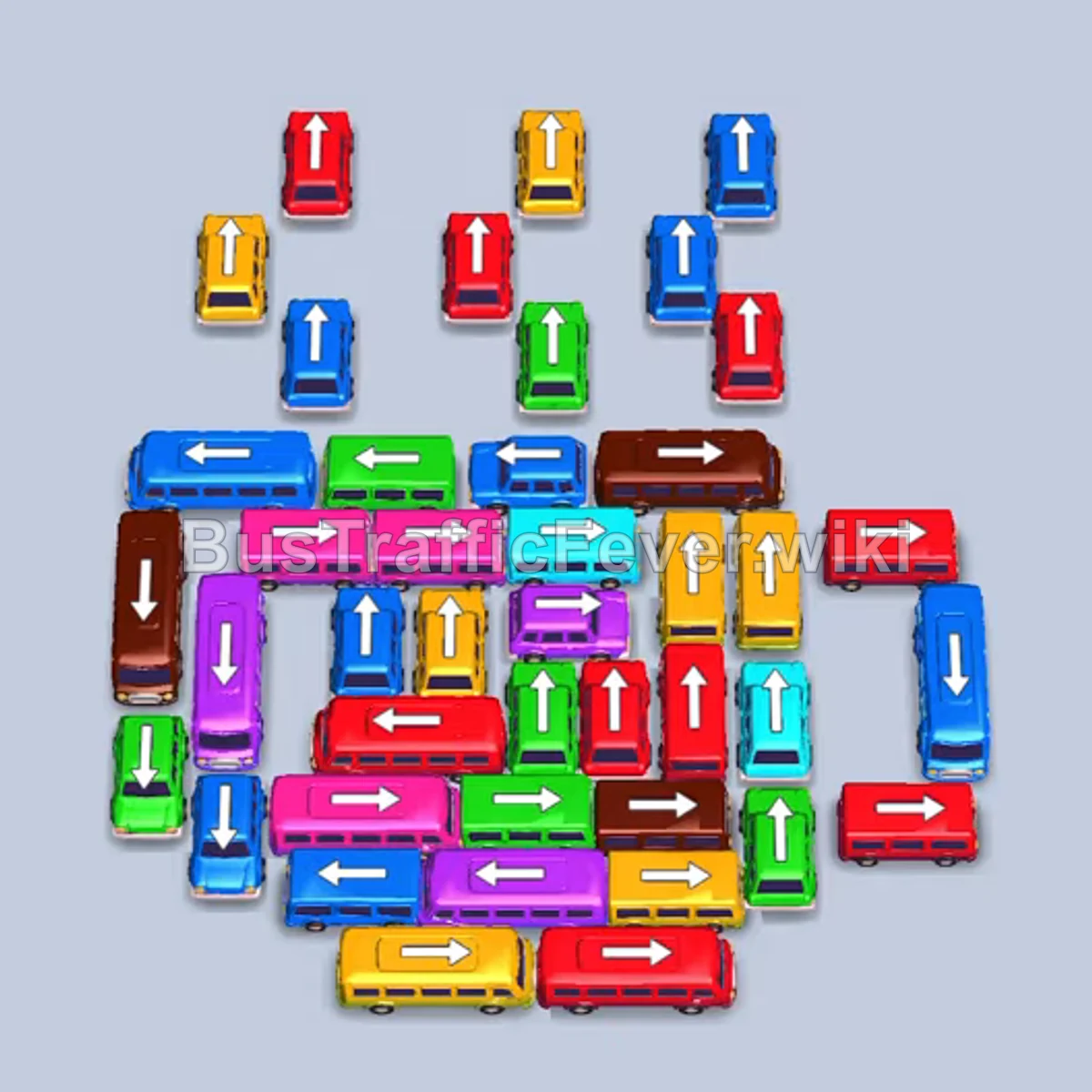
The puzzle consists of an outer cluster of small buses guarding a tightly packed, spiral-like grid of buses and buses. The solution relies on first clearing the free, upward-facing buses at the top to match the front queue colors (yellow, red, and blue). Once the top opens, work around the outer edges to dispatch long buses and vans that hold large passenger groups (brown, yellow, red), freeing inner buses without clogging the parking slots.
Step-by-step solution
Difficulty: Hard
Phase 1: Clearing the Front Perimeter Buses
- Tap the yellow bus facing upward at the top-left of the cluster.
- Tap the first red bus facing upward at the top center.
- Tap the second red bus facing upward next to it at the top right-center.
- Allow the red and yellow passengers to board until all three vehicles depart and clear the parking area.
- Tap the blue bus facing upward at the upper left-center.
- Tap the blue bus facing upward at the upper right.
- Tap the red bus facing upward directly below the top row.
- Wait for the blue and red passengers to board and clear all three vehicles, completely emptying the parking bays.
Phase 2: Unlocking the Outer Layer & Buses
- Tap the vertical brown bus on the far-left outer edge facing downward.
- Tap the yellow van facing right at the bottom right.
- Tap the cyan bus facing upward at the top right.
- Tap the green bus facing upward at the top center.
- Let the green and cyan passengers board. Once the green bus and cyan bus depart, open slots are created.
- Tap the long red bus facing right along the upper edge.
- Tap the long yellow bus facing right along the bottom edge.
- Tap the green bus facing upward in the upper middle area to enter the open slot.
- Allow the red bus and green bus to fill up and leave the docking area.
Phase 3: Dismantling the Mid-Grid Spiral
- Tap the blue bus facing upward on the left side to enter a parking bay.
- Watch the brown bus and blue bus finish boarding and leave.
- Tap the red bus facing right on the right side.
- Tap the green bus facing right along the top.
- Tap the brown van facing right in the center.
- Once the red bus clears, tap the purple bus facing left at the bottom.
- As the green bus and yellow bus leave, tap the red bus facing right on the right side.
- Tap the next purple bus facing left along the lower-left.
- Tap the yellow bus on the right side facing right.
- Tap the cyan bus facing upward on the right side.
- Allow the yellow, red, and purple vehicles to board passengers and depart.
Phase 4: Clearing the Core Vehicles
- Tap the remaining purple bus facing left.
- Tap the yellow bus facing right.
- Tap the red bus facing right in the center.
- As slots clear, tap the remaining yellow bus facing right.
- Tap the red bus, green bus, and blue bus facing left on the left side.
- Tap the brown bus facing left to dock.
- As bays open, tap the blue bus facing down along the right edge.
- Tap the remaining green bus and purple bus to fill the bays and match the passenger queue.
- Tap the two blue buses facing upward in the center.
- Allow the blue, brown, and yellow vehicles to finish boarding and drive away.
Phase 5: The Final Stretch
- Tap the yellow bus facing left.
- Tap the blue bus facing upward on the right.
- Tap the purple bus facing right.
- Tap the brown bus to load the remaining brown passengers.
- Once all four vehicles load and depart, only two buses remain in the center.
- Tap the red bus facing upward.
- Tap the green bus facing upward.
- The final green and red passengers board, completing the level.
Tips for success
- Watch the Passenger Queue Colors: Large buses (like the 40-passenger brown and yellow buses) take time to fill. Never call another large bus unless you see its color dominating the upcoming passenger line.
- Keep at Least Two Slots Open: When unwrapping the center spiral, avoid sending multiple small buses of colors not currently in the front line, or you risk filling all 5 slots before passengers can board.
- Prioritize Exterior Buses: Always eliminate vehicles that unblock the path for others (especially the upward-facing buses at the top and horizontal buses on the perimeter).
More Bus Traffic Fever help
Continue with the Level 380 walkthrough, review the core rules in how to play Bus Traffic Fever, or browse all level solutions to jump to another number.