Bus Traffic Fever Level 121 Answer & Walkthrough Solution


Quick answer
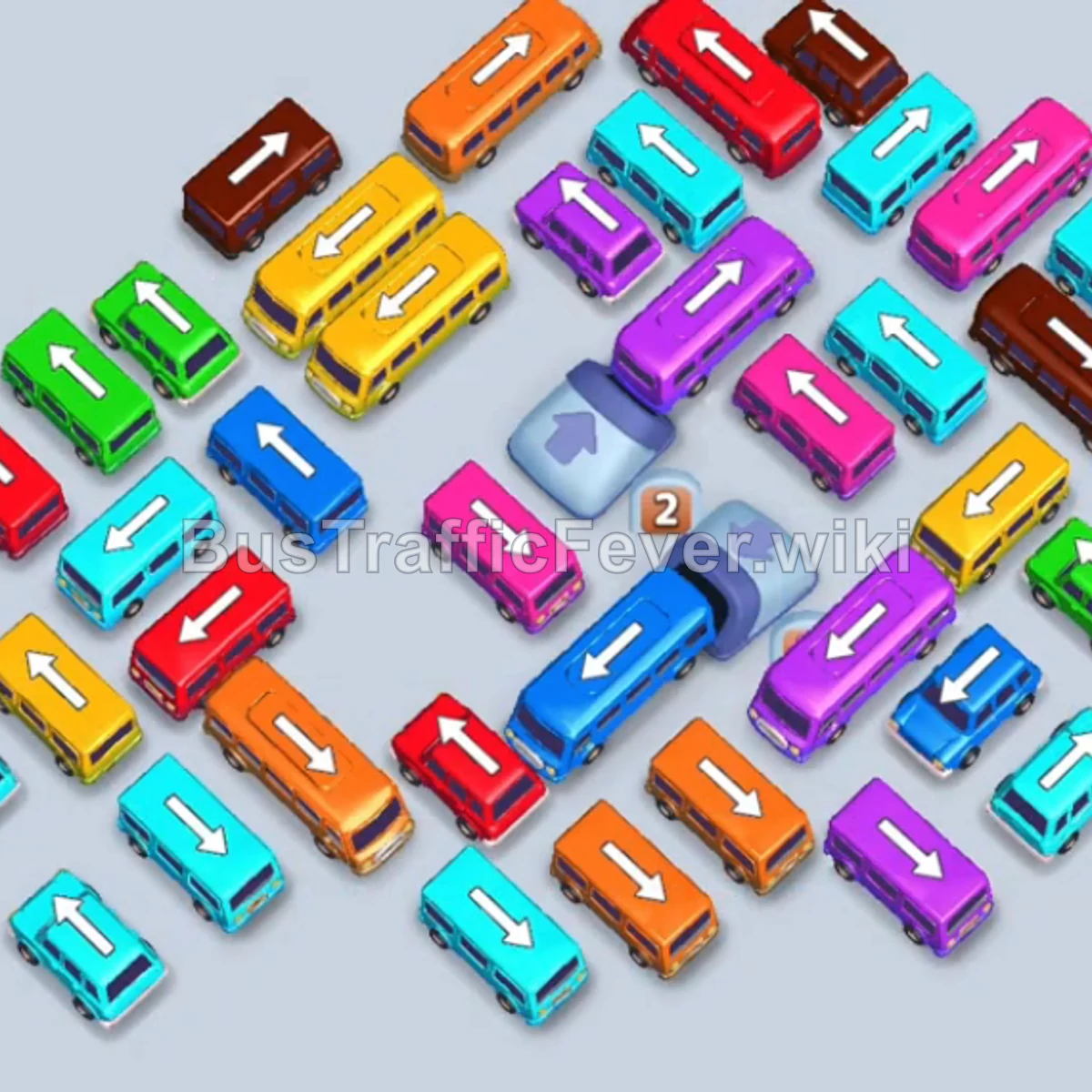
Tap the Orange Bus at the top-left heading right. It occupies the first parking slot and clears the initial group of orange passengers. Tap the Yellow Bus on the middle-left pointing upward into slot 1 to begin loading yellow passengers.
Step-by-step solution
Phase 1: Clearing the Initial Blockage & Unlocking the Left Lane
- Tap the Orange Bus at the top-left heading right. It occupies the first parking slot and clears the initial group of orange passengers.
- Tap the Yellow Bus on the middle-left pointing upward into slot 1 to begin loading yellow passengers.
- Tap the Blue Bus at the bottom-center pointing upward into slot 2.
- Tap the Purple Bus in the middle-left area pointing left into slot 3.
- Tap the Purple Bus in the middle-right area pointing left into slot 4. Purple passengers will board both purple buses, clearing them from the parking bays.
- Blue passengers will then board the Blue Bus in slot 2, allowing it to leave.
- Tap the Pink Bus pointing right on the middle-right into slot 3. Pink passengers will board and clear it.
Phase 2: Freeing the Center Congestion
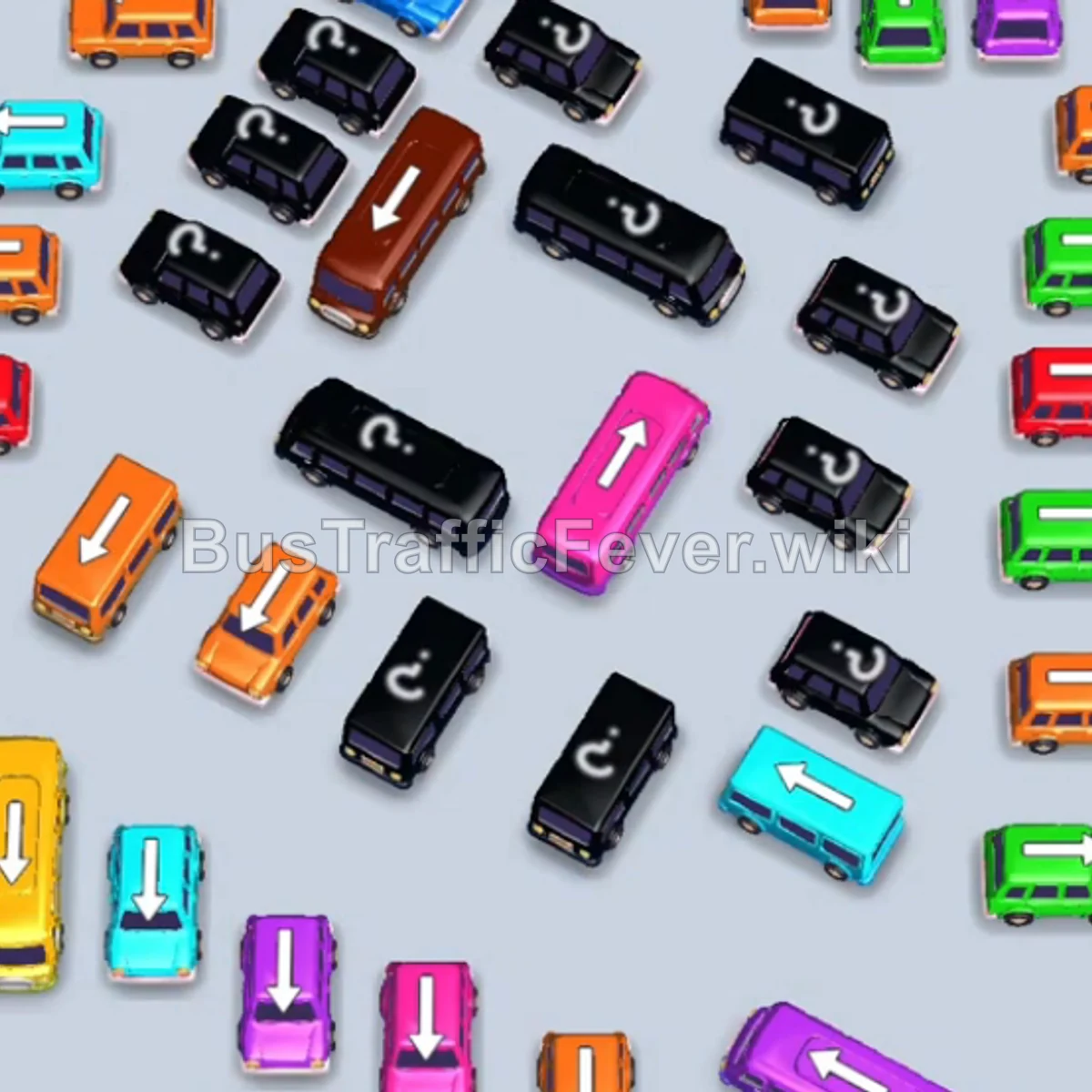
- Tap the Brown Bus at the top-right heading left into slot 2 to start boarding brown passengers.
- Tap the Pink Bus in the center-right heading left into slot 3 to clear the next group of pink passengers.
- Tap the Cyan Bus on the middle-right pointing left into slot 3. Cyan passengers board and clear it.
- Tap the Purple Bus at the bottom center into slot 3.
- Tap the Purple Bus below the center pointing left into slot 4. Purple passengers board both vehicles and clear them.
Phase 3: Clearing Midfield Buses
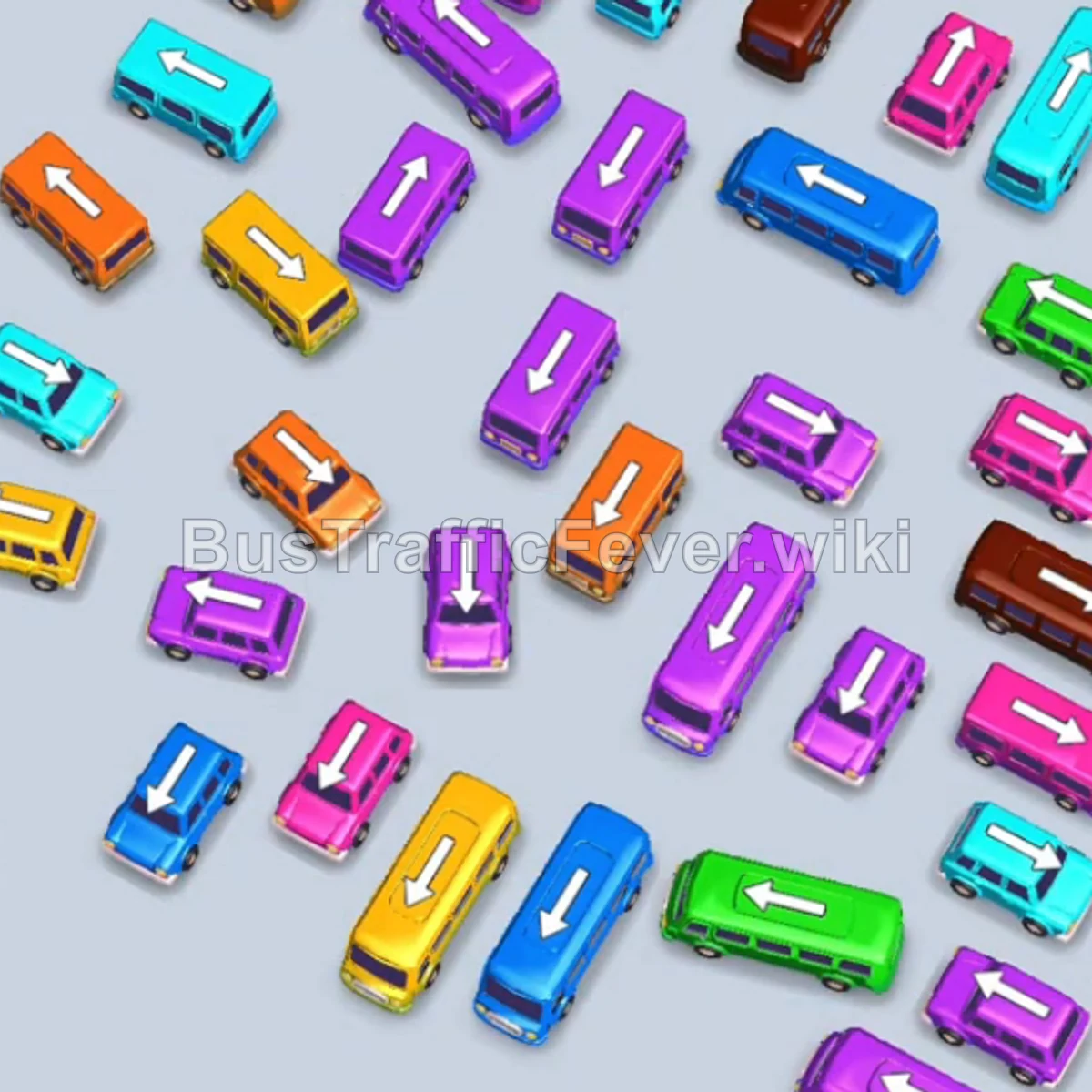
- Tap the Cyan Bus on the middle-left pointing right into slot 3. Cyan passengers board and clear it.
- Tap the Pink Bus in the center area pointing right into slot 3. Pink passengers board and clear it.
- Tap the Pink Bus in the center pointing right into slot 3. Pink passengers board and clear it.
- Tap the Orange Bus in the center pointing left into slot 3. Orange passengers board and clear it.
Phase 4: Opening up Lower Area Vehicles
- Tap the Purple Bus in the upper-center area pointing right into slot 3. Purple passengers board and clear it.
- Tap the Cyan Bus in the center pointing left into slot 3. Cyan passengers board and clear it.
- Tap the Pink Bus in the lower-middle area pointing left into slot 3.
- Tap the Orange Bus pointing right into slot 4. Orange passengers board the bus, and the remaining yellow passengers board the Yellow Bus in slot 1. Both vehicles depart.
Phase 5: Final Sequence & Board Cleanup
- Tap the Cyan Bus on the left into slot 1. Cyan passengers board and clear it.
- Tap the Yellow Bus on the left into slot 1.
- Tap the Purple Bus near the bottom-right into slot 3. Purple and yellow passengers board their buses and depart.
- Tap the Cyan Bus on the left into slot 1.
- Tap the Green Bus at the bottom pointing left into slot 3. Green passengers board and clear it, while remaining brown passengers board the Brown Bus in slot 2 to depart.
- Tap the Purple Bus at the bottom-left into slot 1.
- Tap the Orange Bus into slot 2. Purple and orange passengers board and clear them.
- Tap the Cyan Bus into slot 3 to board the cyan passengers.
- Tap the Purple Bus into slot 1.
- Tap the Blue Bus into slot 2.
- Tap the Green Bus into slot 3.
- Tap the Brown Bus into slot 4.
- Tap the final Purple Bus, Green Bus, and Yellow Bus into the remaining slots. All remaining passengers will board their matching vehicles, successfully completing the level!
Tips for success
- Monitor the Passenger Line: Always check which color passenger is at the front of the queue to prioritize moving matching vehicles.
- Keep Slots Open: Avoid filling all parking bays with non-matching colors at once, as this will lead to gridlock.
- Buffer Partial Vehicles: Notice that larger buses (like the Yellow and Brown buses) can hold passengers across multiple waves—keep them parked until their color reappears in the queue.
More Bus Traffic Fever help
Continue with the Level 120 walkthrough, review the core rules in how to play Bus Traffic Fever, or browse all level solutions to jump to another number.