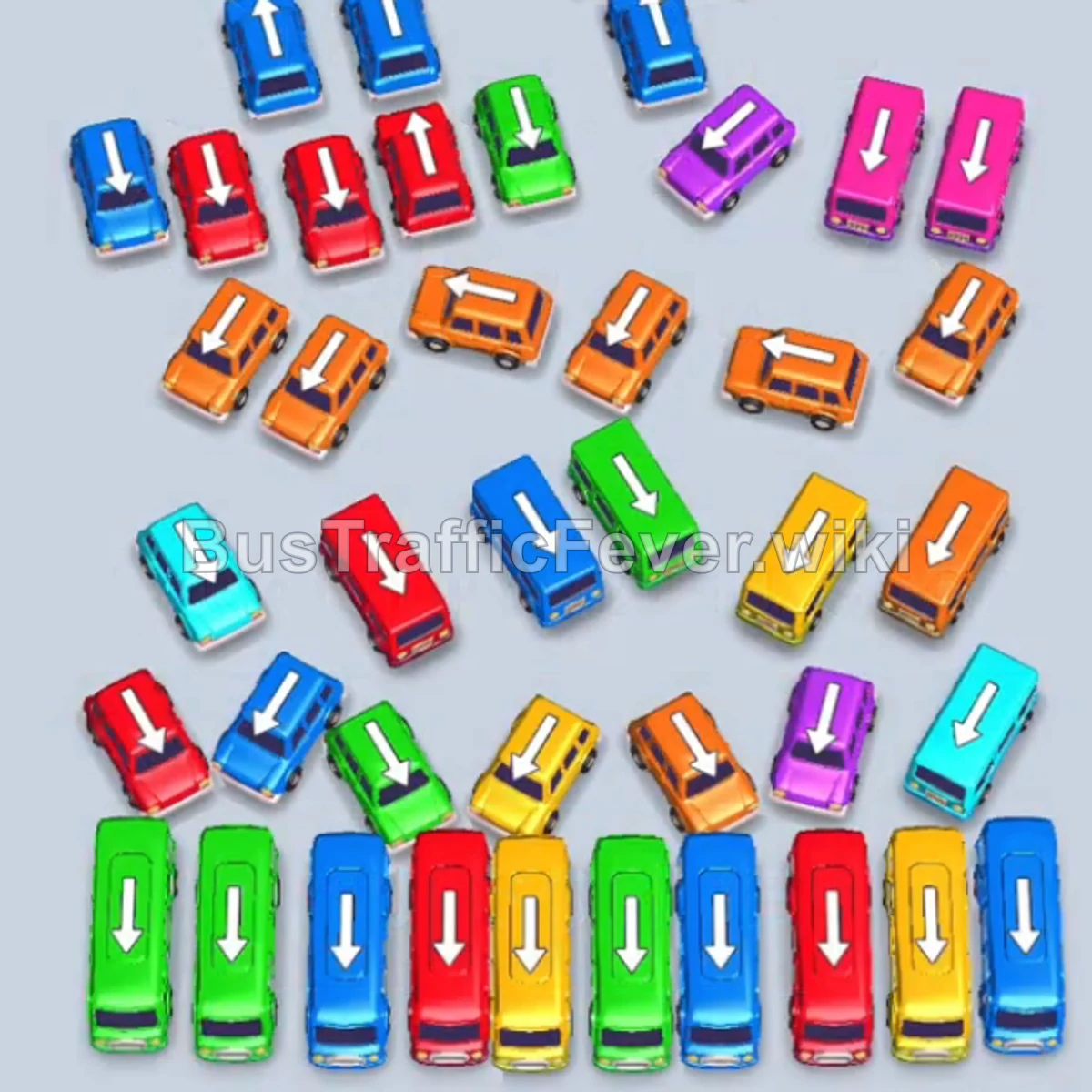
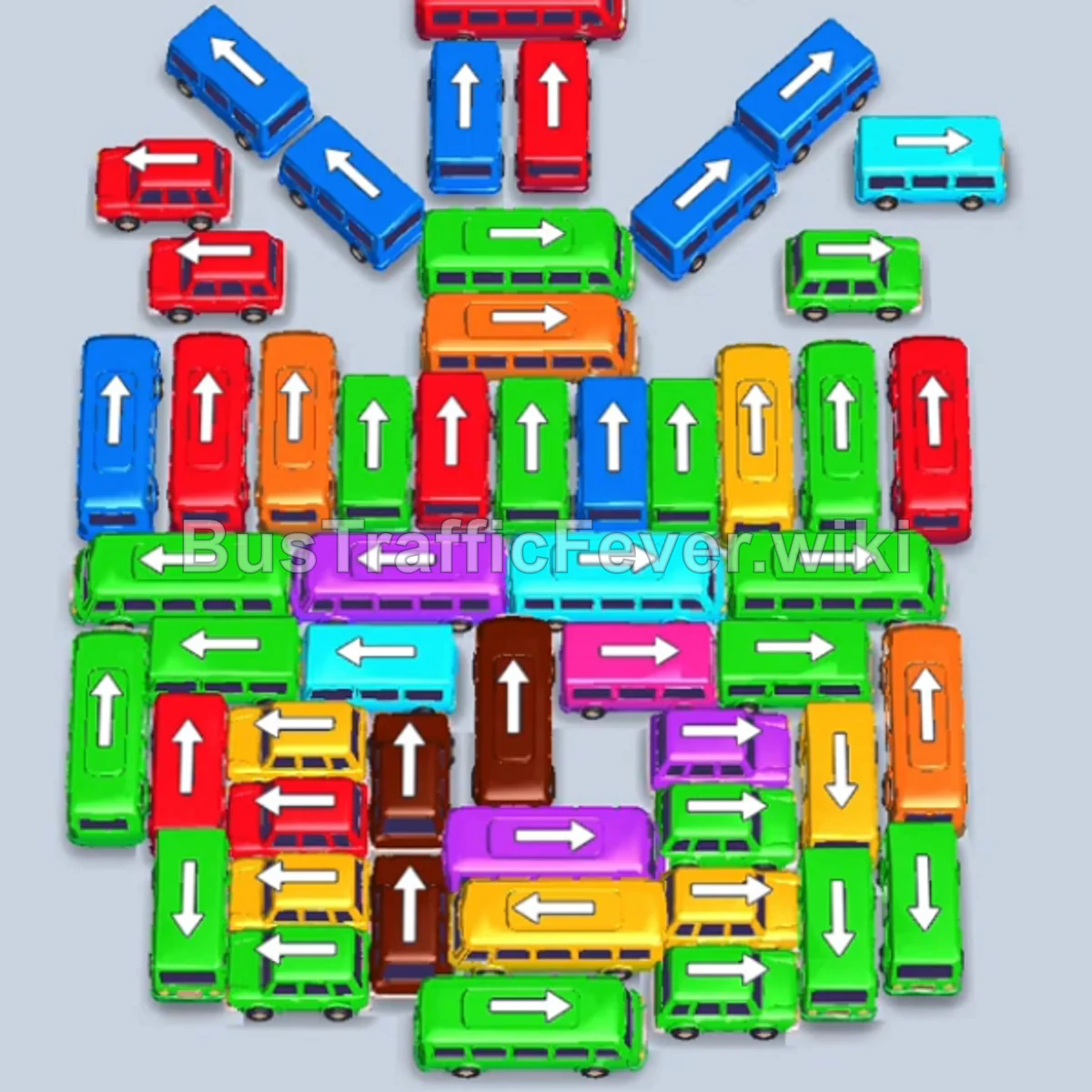
Bus Traffic Fever Level 36 Answer & Walkthrough Solution

Quick answer
Tap the Green bus in the upper-left section pointing up. It occupies a parking slot and begins loading green passengers. Tap the Blue bus pointing right on the upper-left side to pick up incoming blue passengers. Tap the Red bus at the top left pointing downward to park it in reserve.
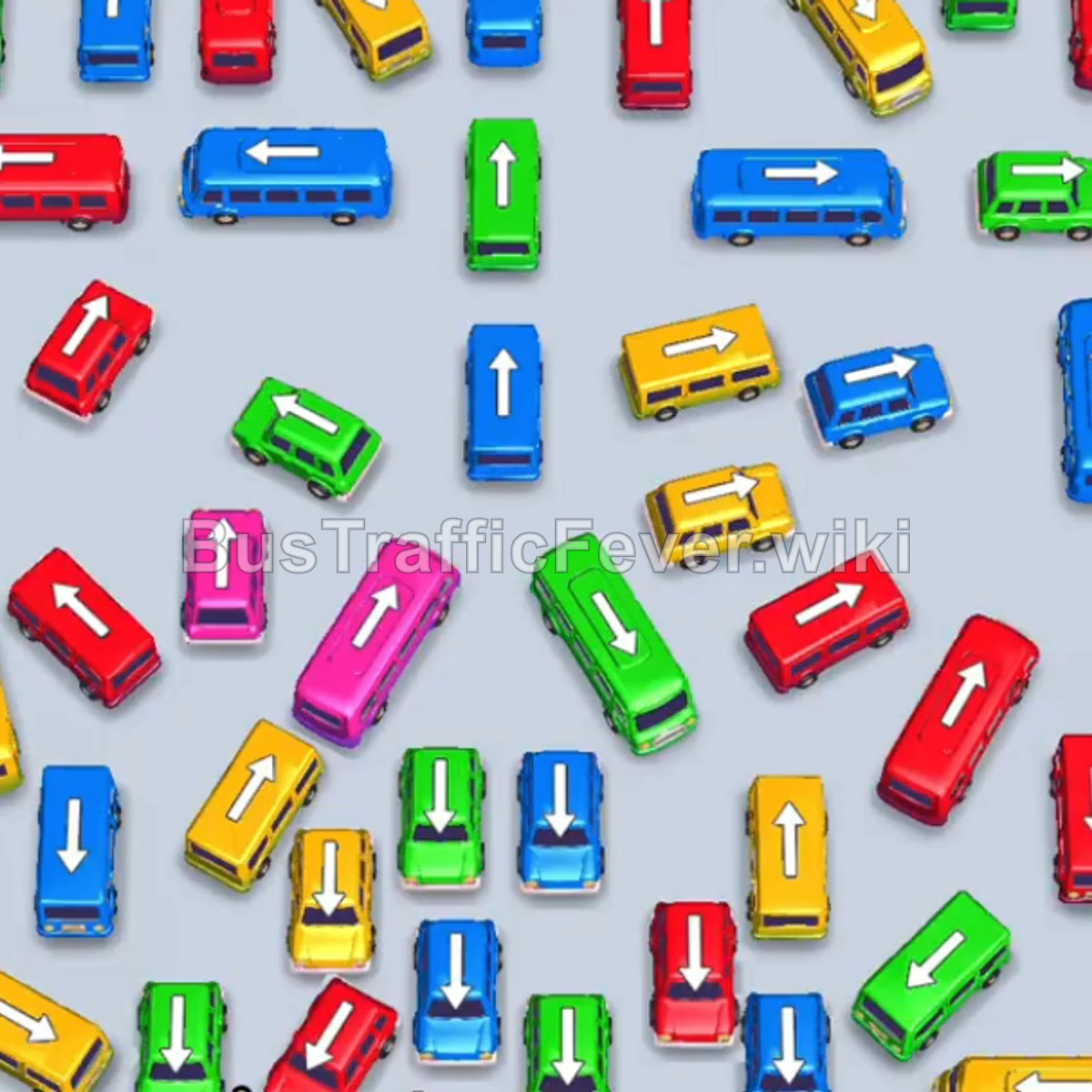
Step-by-step solution
Phase 1: Clearing Initial Path and Upper Vehicles
- Tap the Green bus in the upper-left section pointing up. It occupies a parking slot and begins loading green passengers.
- Tap the Blue bus pointing right on the upper-left side to pick up incoming blue passengers.
- Tap the Red bus at the top left pointing downward to park it in reserve.
- Tap the Blue bus on the middle-left pointing left into the parking bay.
- Tap the Yellow bus at the top right pointing downward to board yellow passengers.
- Tap the Yellow bus in the middle right pointing right to board the remaining yellow passengers in this group.
- Tap the small Yellow bus in the center pointing upward to finish clearing the yellow queue segment.
Phase 2: Unblocking Midfield and Alternating Colors
- Tap the small Blue bus near the lower right pointing left into an open slot.
- Tap the Green bus in the center pointing down to clear the green passenger wave.
- Tap the small Green bus near the lower left pointing up.
- Tap the Yellow bus in the center pointing down to board yellow passengers.
- Tap the small Blue bus at the upper left pointing down into the parking bay.
- Tap the Green bus in the lower-middle area pointing up.
- Tap the Green bus in the center area pointing up to absorb incoming green passengers.
- Tap the small Red bus in the center pointing up.
- Tap the Yellow bus on the right side pointing up.
Phase 3: Managing the Lower Congestion
- Tap the Green bus in the lower center pointing up to clear the next green crowd.
- Tap the Red bus on the left pointing down to collect the red passenger line.
- Tap the Green bus on the lower-right pointing up.
- Tap the Yellow bus in the lower section pointing up to collect yellow passengers.
- Tap the Red bus near the bottom right pointing up.
- Tap the small Red bus on the lower-left pointing left.
- Tap the Yellow bus at the bottom right pointing up.
- Tap the Blue bus in the center pointing right to absorb the blue passenger wave.
- Tap the Red bus in the lower section pointing up.
Phase 4: Final Sequence and Cleanup
- Tap the small Yellow bus near the bottom left pointing up.
- Tap the small Blue bus near the bottom pointing up.
- Tap the Green bus pointing up to pick up the green passengers.
- Tap the small Yellow bus in the lower-middle pointing left.
- Tap the Green bus on the bottom right pointing up.
- Tap the Pink bus pointing upward to clear the pink passenger line.
- Tap the small Red bus in the lower-middle pointing up.
- Tap the small Yellow bus at the bottom left pointing up.
- Tap the small Blue bus pointing left into the parking slot.
- Tap the Red bus at the bottom right pointing up.
- Tap the small Red bus on the left pointing up.
- Tap the Green bus on the far left pointing up.
- Tap the Pink bus pointing upward to finish off the remaining pink passengers.
- Tap the Red bus pointing up to collect remaining red passengers.
- Tap the Green bus, Blue bus, and final vehicles into the open parking slots to complete the final boardings and finish the level!
Tips for success
- Watch the Passenger Track: Always look at the top conveyor belt to see which color segment is arriving next before releasing a vehicle.
- Keep at Least 1–2 Free Slots: Avoid filling all parking bays with vehicles of non-matching colors; this prevents deadlocks and gives you room to maneuver blocking vehicles out of the way.
- Prioritize Unblocking Arrows: Clear vehicles that have an open directional arrow first so that trapped buses behind them can be freed when their color is needed.
More Bus Traffic Fever help
Continue with the Level 35 walkthrough, review the core rules in how to play Bus Traffic Fever, or browse all level solutions to jump to another number.