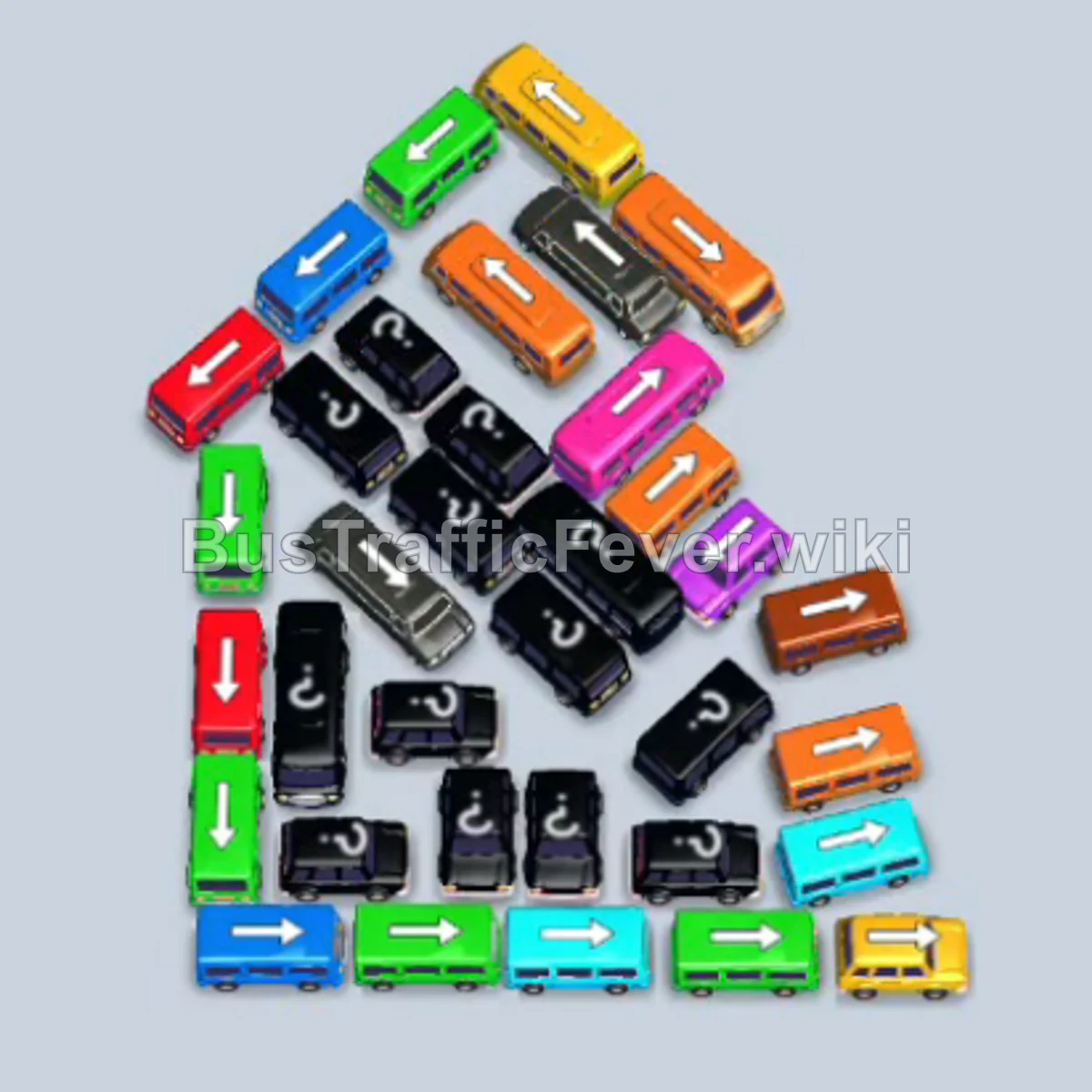
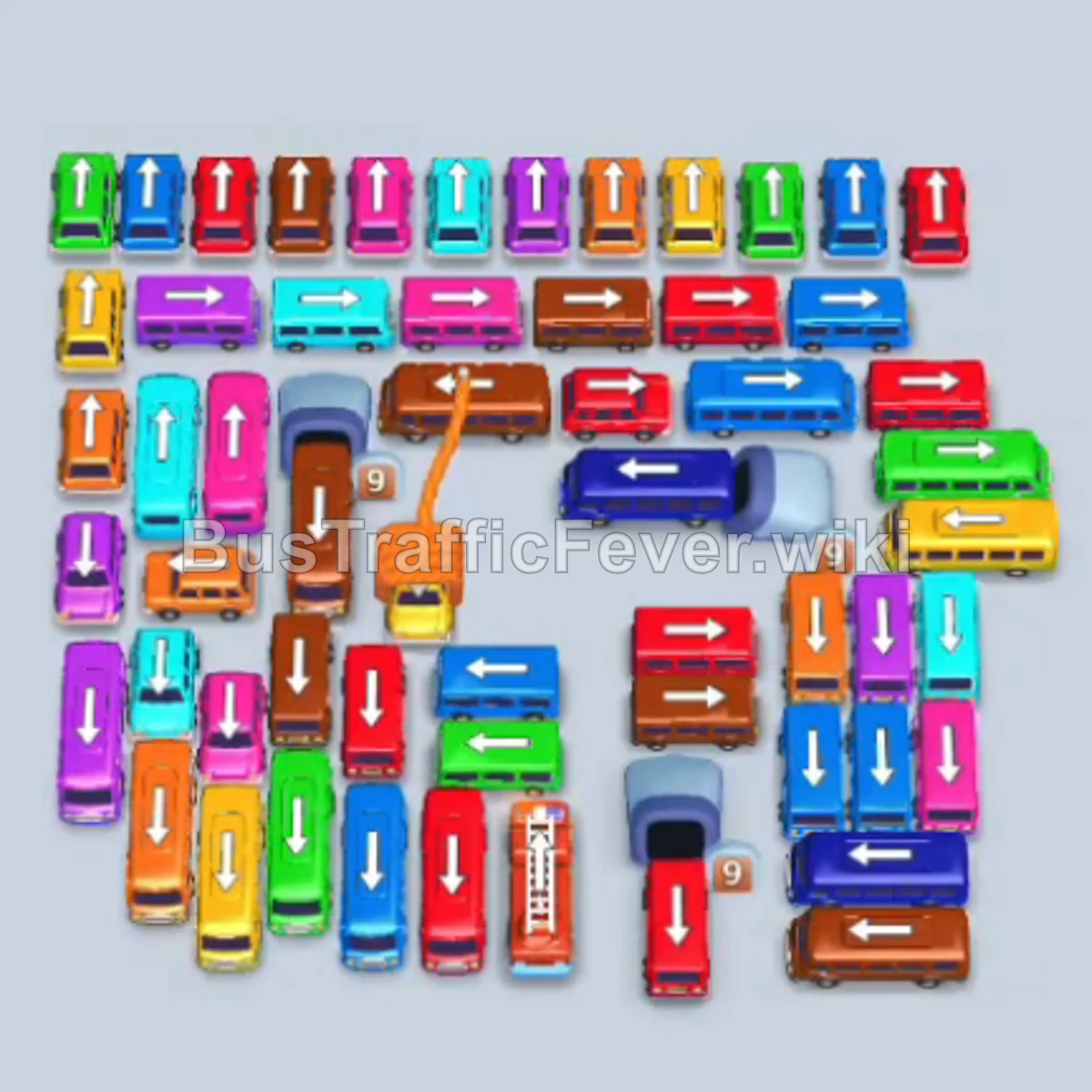
Bus Traffic Fever Level 313 Answer & Walkthrough Solution

Quick answer
Level 313 presents a massive, multi-layered cluster of buses with a five-slot parking dock. The key to clearing the board without getting stuck is strictly coordinating bus releases with the passenger queue order at the top—clearing waves in sequence from yellow, pink, and cyan through green, brown, and purple—while ensuring at least one or two parking slots remain open for clearing blocking vehicles.
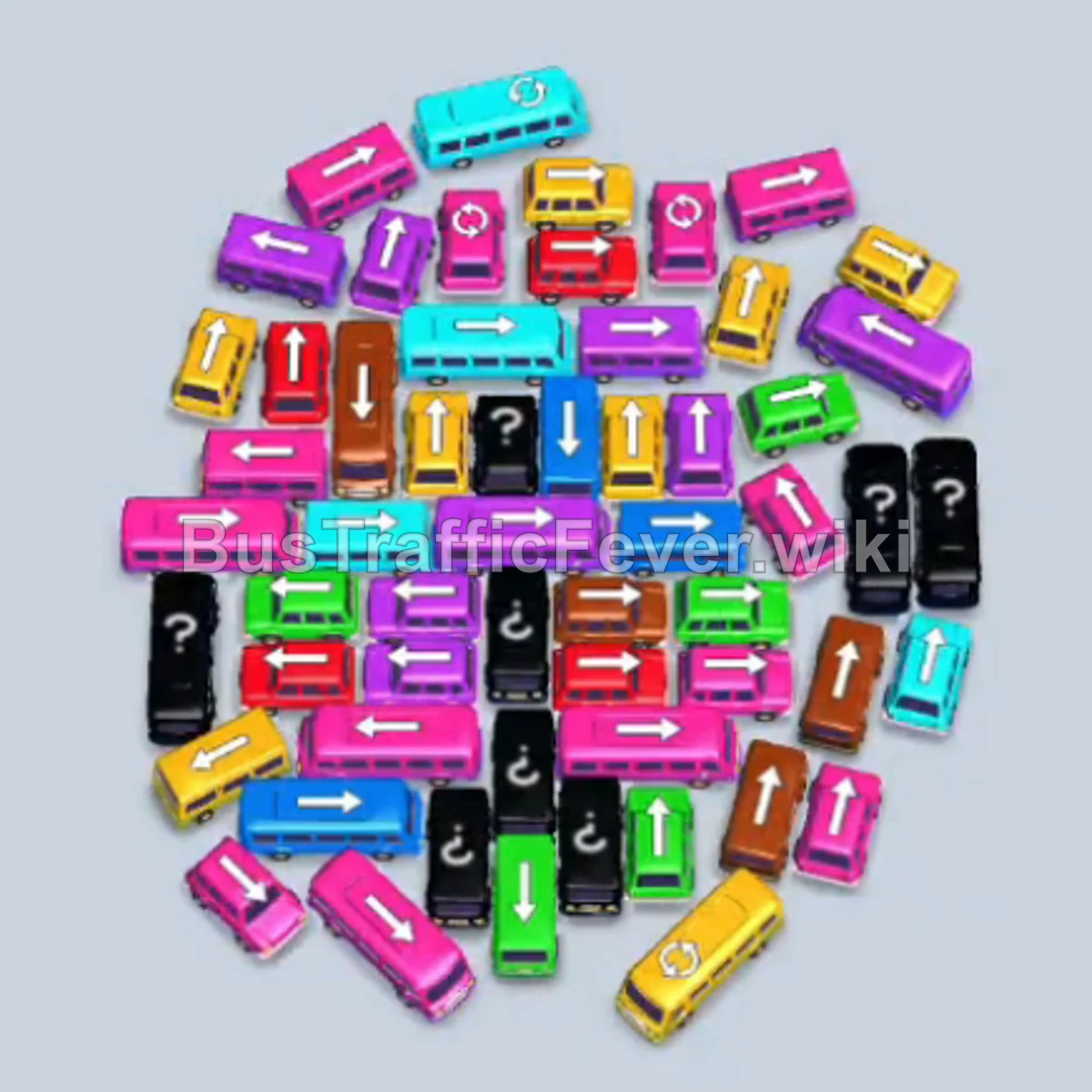
Step-by-step solution
Phase 1: Clearing Initial Yellow, Pink, and Cyan Passengers
- Tap the horizontal yellow bus in the lower center. It parks in the dock and begins loading yellow passengers.
- Tap the horizontal pink bus on the middle-left side into the dock.
- Tap the vertical yellow bus in the center. Both yellow buses fill with passengers and depart, opening up a parking slot.
- Tap the horizontal pink bus on the middle-right side.
- Tap the vertical pink bus on the upper-left side. Pink passengers board and the first pink bus departs.
- Tap the horizontal red bus at the bottom-left into an open dock slot.
- Tap the horizontal red bus on the middle-left into the dock.
- Tap the vertical cyan bus in the center-right. Cyan passengers board immediately and this bus departs.
- Tap the horizontal cyan bus at the top-right. It fills with cyan passengers and departs.
- Tap the horizontal cyan bus at the bottom-right. It boards passengers and departs.
- Tap the vertical cyan bus in the center. Cyan passengers finish boarding and it departs.
Phase 2: Green and Brown Queue Rush
- Tap the vertical green bus on the right edge into the dock.
- Tap the vertical green bus at the upper-right into the dock.
- Tap the horizontal green bus in the lower center.
- Tap the vertical green bus on the upper-left. The green passengers advance to the front, filling the green buses and allowing them to depart.
- Tap the horizontal brown bus in the center. Brown passengers board.
- Tap the vertical brown bus in the center. Brown passengers board.
- Tap the horizontal green bus at the bottom-left to clear the remaining green passengers.
- Tap the horizontal brown bus on the middle-left.
- Tap the vertical brown bus at the top center.
- Tap the horizontal brown bus on the middle-right.
Phase 3: Red Departures and Clearing Remaining Brown & Green
- Tap the horizontal pink bus on the lower-right side into the dock.
- Tap the horizontal red bus in the center. Red passengers reach the front of the queue, board, and free the red buses.
- Tap the vertical red bus in the center. Red passengers finish boarding and depart.
- Tap the horizontal brown bus at the bottom.
- Tap the horizontal brown bus in the middle to clear brown passengers and depart.
- Tap the vertical green bus at the upper-right into the dock.
- Tap the horizontal green bus at the bottom-left.
- Tap the vertical green bus in the center. Green passengers board and clear the dock.
Phase 4: Cyan and Purple Wave
- Tap the vertical cyan bus on the far right into the dock.
- Tap the horizontal cyan bus in the center. Cyan passengers board and it departs.
- Tap the vertical cyan bus at the top center. Cyan passengers board and it departs.
- Tap the horizontal cyan bus at the bottom-right into the dock.
- Tap the vertical cyan bus in the center. Cyan passengers finish boarding and depart.
- Tap the vertical purple bus in the center into the dock.
- Tap the horizontal purple bus on the center-left.
- Tap the horizontal purple bus on the center-right. Purple passengers board and depart.
- Tap the vertical purple bus in the center.
Phase 5: Yellow & Brown Mid-Game Clearing
- Tap the horizontal brown bus at the bottom into the dock.
- Tap the vertical brown bus in the center.
- Tap the horizontal brown bus on the center-left.
- Tap the vertical brown bus on the center-right.
- Tap the vertical purple bus in the center to finish boarding the purple queue.
- Tap the horizontal purple bus in the center.
- Tap the vertical yellow bus in the center.
- Tap the horizontal yellow bus on the left.
- Tap the vertical yellow bus in the center. Yellow passengers board and depart.
- Tap the horizontal yellow bus in the center.
- Tap the vertical yellow bus in the center.
- Tap the horizontal brown bus in the center.
- Tap the vertical brown bus in the center.
- Tap the horizontal brown bus in the center to board passengers and clear.
Phase 6: Pink Rush and Uncovering the Core
- Tap the horizontal red bus in the center into the dock.
- Tap the vertical yellow bus in the center.
- Tap the horizontal yellow bus in the center.
- Tap the vertical yellow bus in the center.
- Tap the vertical yellow bus near the top.
- Tap the vertical yellow bus in the center. Yellow passengers board and depart.
- Tap the horizontal brown bus in the center.
- Tap the vertical brown bus in the center to board the brown passengers.
- Tap the horizontal pink bus at the bottom-right.
- Tap the vertical pink bus in the center.
- Tap the vertical pink bus in the upper-center.
- Tap the horizontal pink bus in the center.
- Tap the horizontal pink bus on the left.
- Tap the horizontal pink bus in the center. Pink passengers board and depart.
- Tap the horizontal pink bus in the center.
Phase 7: Mixed Color Transitions (Yellow, Green, Cyan)
- Tap the vertical yellow bus at the top-left into the dock.
- Tap the horizontal yellow bus in the center.
- Tap the vertical red bus in the center.
- Tap the horizontal pink bus in the center.
- Tap the vertical cyan bus in the center.
- Tap the vertical green bus in the center.
- Tap the vertical green bus in the upper center.
- Tap the horizontal yellow bus in the center.
- Tap the horizontal yellow bus in the center.
- Tap the horizontal pink bus in the center.
- Tap the horizontal cyan bus on the right.
- Tap the vertical cyan bus in the center. Cyan passengers board and depart.
- Tap the vertical pink bus in the center.
- Tap the horizontal pink bus in the center.
- Tap the vertical brown bus in the center.
- Tap the horizontal brown bus in the center.
Phase 8: Final Sequence to Victory
- Tap the horizontal yellow bus in the center.
- Tap the vertical yellow bus in the center.
- Tap the vertical pink bus in the center.
- Tap the horizontal pink bus in the center.
- Tap the vertical red bus in the center.
- Tap the vertical red bus on the left.
- Tap the horizontal cyan bus in the center.
- Tap the horizontal green bus in the center.
- Tap the vertical green bus in the center.
- Tap the vertical green bus in the upper center.
- Tap the horizontal yellow bus in the center.
- Tap the horizontal pink bus in the center.
- Tap the vertical pink bus in the center.
- Tap the horizontal green bus in the center.
- Tap the vertical green bus in the center.
- Tap the vertical pink bus in the center.
- Tap the horizontal pink bus in the center.
- Tap the vertical yellow bus in the center.
- Tap the horizontal yellow bus in the center.
- Tap the horizontal yellow bus in the center.
- Tap the vertical purple bus in the center.
- Tap the horizontal purple bus in the center.
- Tap the vertical green bus in the center.
- Tap the horizontal green bus in the center.
- Tap the vertical green bus in the center.
- Tap the horizontal green bus in the center.
- Tap the horizontal yellow bus on the left.
- Tap the vertical green bus in the center.
- Tap the horizontal green bus on the right.
- Tap the horizontal cyan bus on the right.
- Tap the horizontal yellow bus in the center.
- Tap the vertical red bus in the center.
- Tap the horizontal pink bus in the center.
- Tap the vertical brown bus in the center. The remaining brown passengers board, completing the level.
Tips for success
- Watch the passenger line order: Because the board has a high density of overlapping buses, never send a bus to the dock unless its color is currently boarding or immediately next in the queue.
- Preserve open parking slots: Avoid parking more than two off-color buses at any time; keeping at least 2–3 slots active for current-color departures prevents complete gridlock.
- Prioritize outer unblockers: Buses along the perimeter (especially left and right flanks) free up central vertical and horizontal buses that unlock the rest of the pile.
More Bus Traffic Fever help
Continue with the Level 312 walkthrough, review the core rules in how to play Bus Traffic Fever, or browse all level solutions to jump to another number.