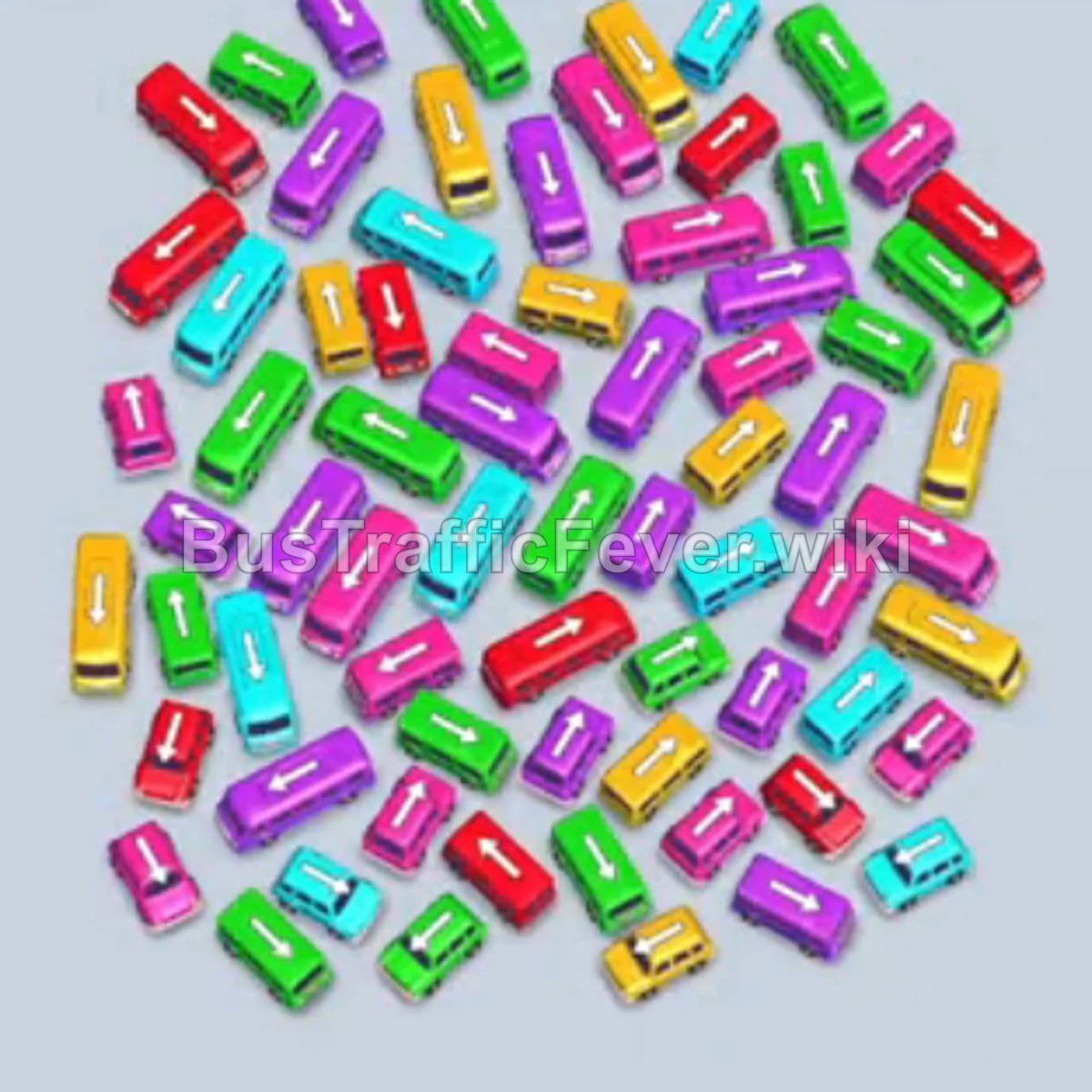
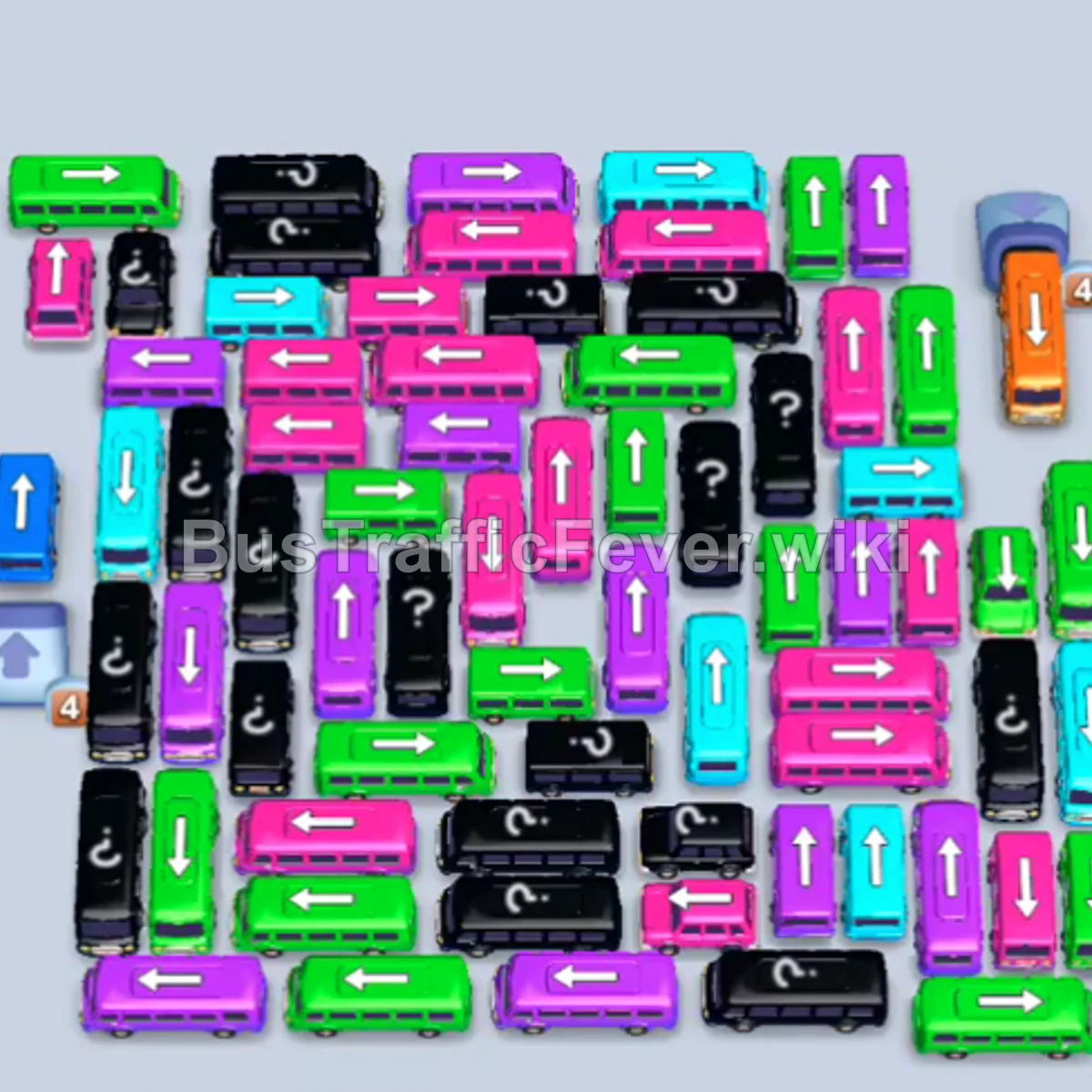
Bus Traffic Fever Level 305 Answer & Walkthrough Solution
Quick answer
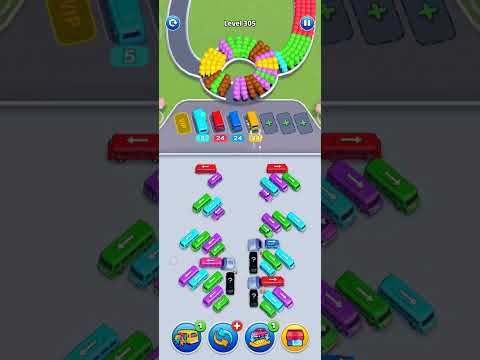
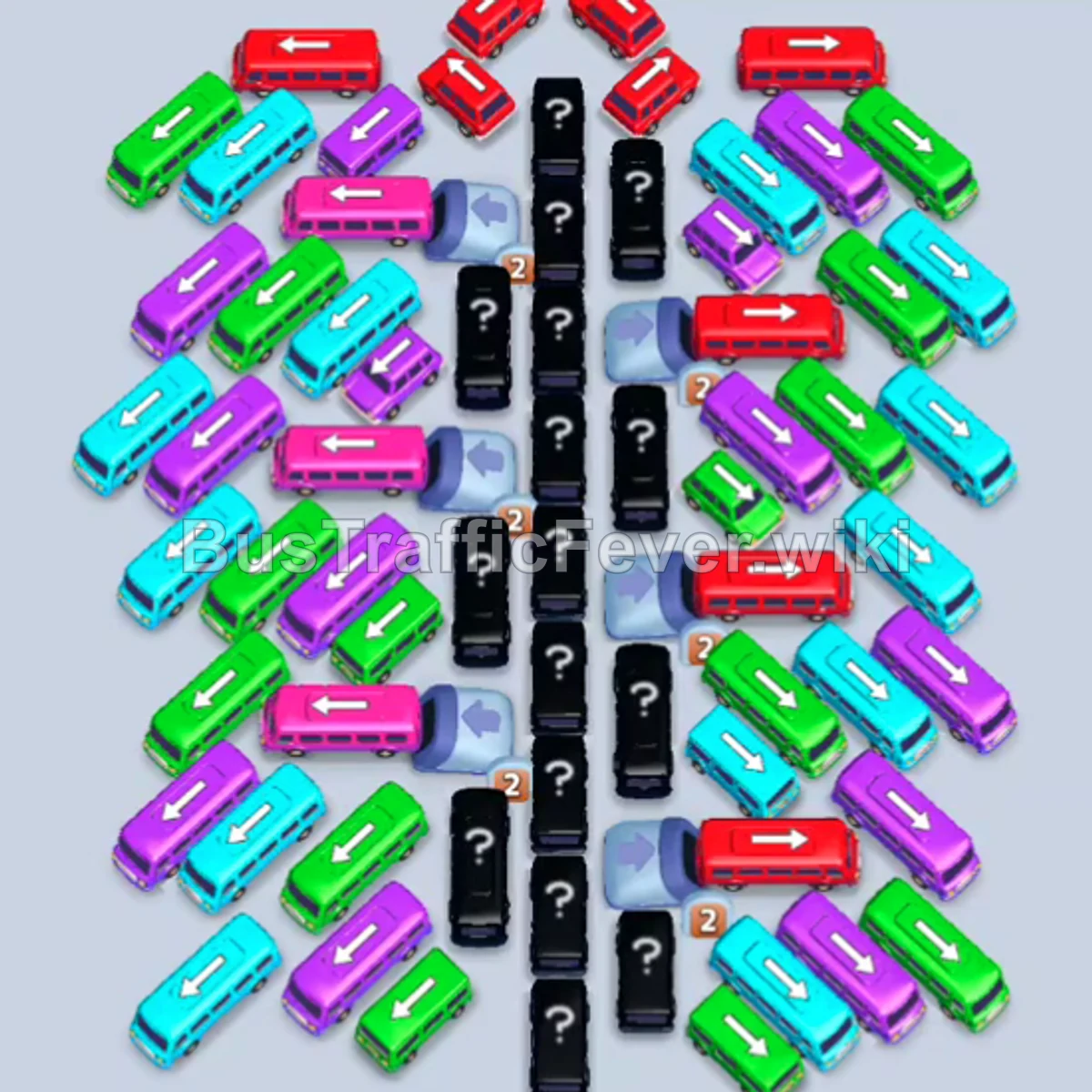
Level 305 features a large, symmetrical grid of angled and vertical vehicles flanking a central exit corridor blocked by hidden vehicles. The key strategy is methodically peeling away the unblocked vehicles at the top edges to create room in the parking slots, prioritizing matching colors currently leading the passenger ring, and opening up the central vertical lane so longer buses can freely exit.
Step-by-step solution
Phase 1: Clearing Top Blockers and Opening the Exit Path
- Tap the small red bus facing upward at the top-center exit to clear the front red passengers.
- Tap the green bus facing left at the top-left edge to begin filling the green queue.
- Tap the pink bus facing left below the top-left exit to clear the incoming pink passengers.
- Tap the small red bus facing up-left near the top-center to clear and depart.
- Tap the small cyan bus facing left near the top-left corner to clear cyan passengers.
- Tap the brown bus facing upward in the top-center lane.
- Tap the red bus facing upward in the top-center lane to clear the next red passenger wave.
- Tap the cyan bus facing up-right at the upper-right corner.
- Tap the green bus facing upward near the top-left to clear the green crowd.
- Tap the cyan bus facing down-right along the upper-right outer edge into an open slot.
- Tap the red bus facing down-left at the upper-right corner.
- Tap the blue bus facing down-right in the upper-right section.
- Tap the small yellow bus facing upward in the cleared top-center path.
- Tap the purple bus facing left on the upper-left flank.
- Tap the pink bus facing upward on the upper-left flank to clear pink passengers.
- Tap the orange bus facing upward in the upper-center lane to board orange passengers.
Phase 2: Clearing the Upper Flanks and Mystery Vehicles
- Tap the cyan bus facing down-left in the upper-right section.
- Tap the red bus facing upward in the middle-center corridor.
- Tap the blue bus facing down-left in the upper-middle right section.
- Tap the yellow bus facing upward in the center lane.
- Tap the cyan bus facing left on the upper-left edge.
- Tap the blue bus facing upward on the upper-right flank.
- Tap the pink bus facing upward in the upper-left cluster.
- Tap the green bus facing down-left in the middle-right section.
- Tap the cyan bus facing down-left in the middle-right section to clear incoming cyan passengers.
- Tap the cyan bus facing down-left on the lower-right edge.
- Tap the orange bus facing upward in the center lane.
- Tap the small green bus facing down-left in the middle-right cluster.
- Tap the red bus facing down-left on the lower-right edge.
- Tap the brown bus facing down-left in the lower-right area.
- Tap the green bus facing up-right in the middle-left area to board green passengers.
- Tap the purple bus facing down-left near the center.
- Tap the cyan bus facing up-right in the middle-left area.
- Tap the red bus facing upward in the center corridor.
- Tap the purple bus facing up-right on the middle-left edge.
Phase 3: Clearing the Center Lane and Middle Congestion
- Tap the cyan bus facing down-left on the middle-left side.
- Tap the small red bus facing upward at the top of the middle lane.
- Tap the small blue bus facing upward directly behind it.
- Tap the small cyan bus facing down-right in the middle-right area.
- Tap the small yellow bus facing down-left in the upper-right area.
- Tap the green bus facing upward on the upper-left side.
- Tap the cyan bus facing upward in the central corridor.
- Tap the purple bus facing upward in the central lane.
- Tap the green bus facing upward on the upper-left side.
- Tap the red bus facing upward in the middle-left cluster.
- Tap the cyan bus facing upward in the middle-left area.
- Tap the purple bus facing upward on the left side.
- Tap the red bus facing upward in the lower-left area.
- Tap the blue bus facing up-right in the middle-left area.
- Tap the pink bus facing upward in the lower-left corner into a slot.
- Tap the small blue bus facing down-left in the middle-left area.
- Tap the orange bus facing upward in the center column.
Phase 4: Clearing the Lower Grid and Final Clean-Up
- Tap the green bus facing upward in the middle-right section.
- Tap the green bus facing up-left in the lower-center lane.
- Tap the purple bus facing upward in the lower-center lane.
- Tap the cyan bus facing upward in the middle-left column.
- Tap the pink bus facing upward in the center corridor.
- Tap the small purple bus facing down-left on the lower-left side.
- Tap the small cyan bus facing up-left on the lower-left side.
- Tap the small green bus facing down-left in the middle area.
- Tap the small blue bus facing upward on the middle-right side.
- Tap the small red bus facing down-right in the middle-right cluster.
- Tap the small blue bus facing upward in the center.
- Tap the pink bus facing down-right in the upper-right cluster.
- Tap the cyan bus facing upward in the center corridor.
- Tap the red bus facing upward in the center corridor.
- Tap the purple bus facing down-left in the upper-right section.
- Tap the small green bus facing upward in the center lane.
- Tap the purple bus facing down-left in the middle-right area.
- Tap the pink bus facing down-left in the lower-center area.
- Tap the red bus facing down-left in the lower-right area.
- Tap the pink bus facing upward on the lower-left side.
- Tap the purple bus facing upward in the lower-left area.
- Tap the brown bus facing down-left in the lower-center area.
- Tap the cyan bus facing down-left in the lower-right corner.
- Tap the purple bus facing up-right on the lower-left edge.
- Tap the green bus facing up-right in the lower-center area.
- Tap the red bus facing upward in the lower-center lane.
- Tap the pink bus facing up-right in the lower-left area.
- Tap the brown bus facing upward in the lower-center lane.
- Tap the purple bus facing up-right in the lower-left corner.
- Tap the cyan bus facing up-right in the lower-right corner.
- Tap the small green bus facing upward at the bottom-center to board the final passengers and complete the level.
Tips for success
- Watch the Passenger Ring Rotation: The queue moves in a circle into the 4 active boarding points. Never dispatch a vehicle if its color is far away on the ring unless you have plenty of empty parking slots.
- Prioritize the Center Column: Many of the vertical buses and buses in the middle lane act as keystone blockers for adjacent angled vehicles. Removing vertical blockers steadily creates exit lanes for both sides.
- Avoid Parking Overflow: Several buses in this level carry large capacities (40 passengers). Make sure large-capacity buses are sent only when their color dominates the queue so they clear out quickly rather than clogging parking spaces.
More Bus Traffic Fever help
Continue with the Level 304 walkthrough, review the core rules in how to play Bus Traffic Fever, or browse all level solutions to jump to another number.