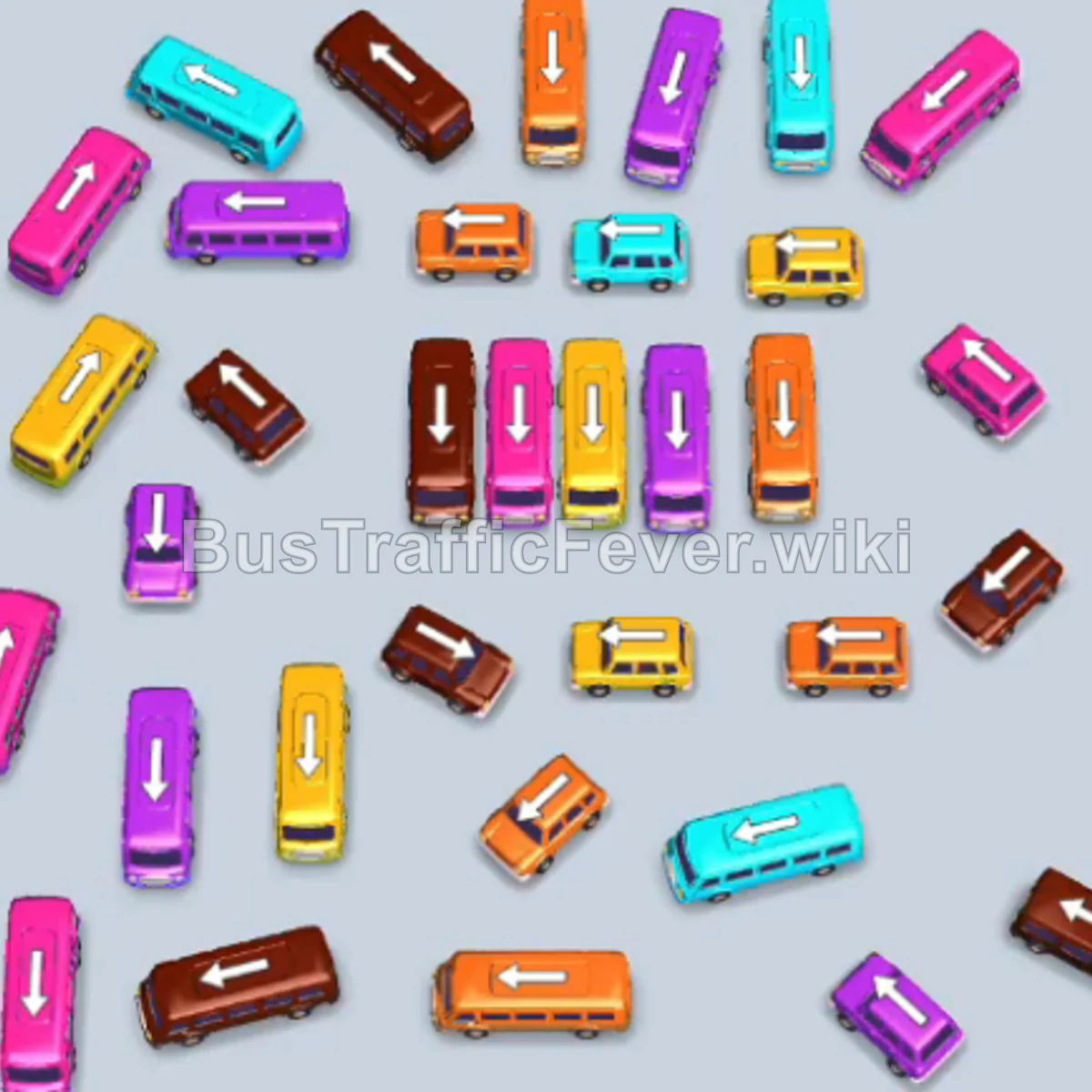
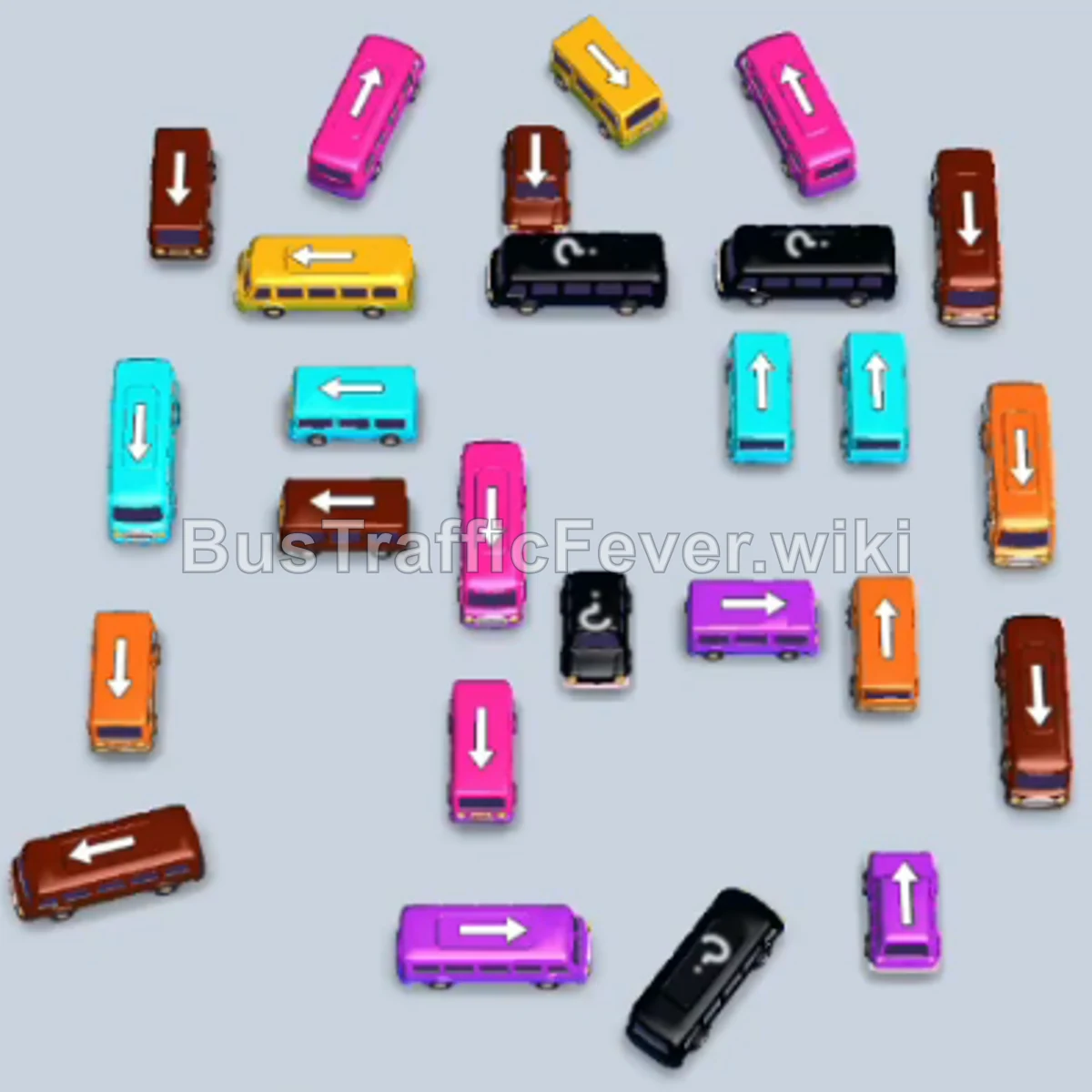
Bus Traffic Fever Level 261 Answer & Walkthrough Solution

Quick answer
To beat Level 261, clear outer perimeter buses early to free up the tightly clustered center, and strictly match incoming passenger colors from the conveyor loop. Avoid releasing vehicles that do not match the immediate queue to prevent filling all five bays prematurely. Dismantle color groups in matched pairs (bus + bus) to keep bays opening rapidly.
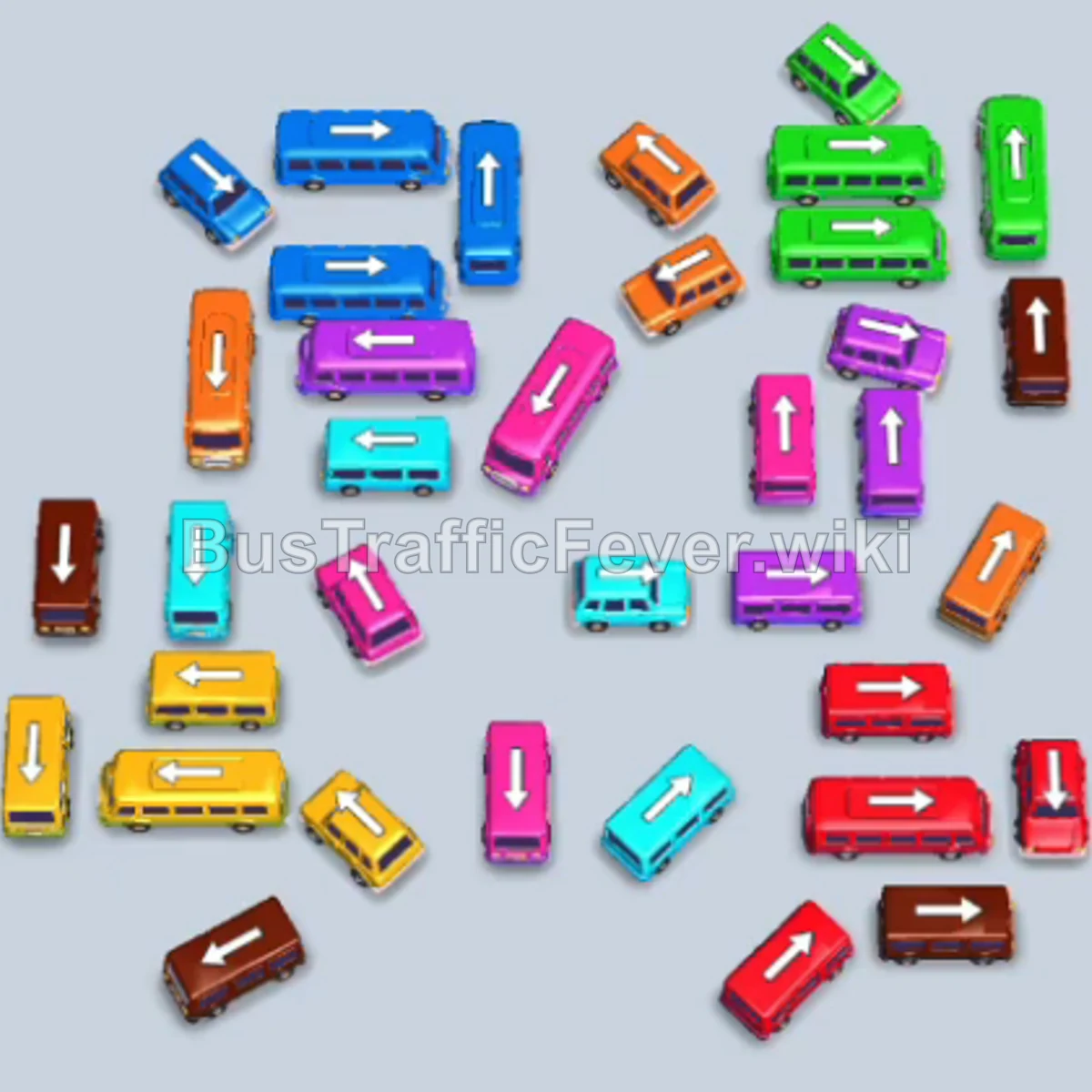
Step-by-step solution
Phase 1: Opening the Perimeter and Early Passenger Waves
- Tap the long Green bus on the far left (vertical, facing upward). It occupies the first loading bay.
- Tap the small vertical Red bus in the upper-center to clear the aisle.
- Tap the long vertical Red bus on the far right.
- Tap the horizontal Orange bus on the lower-left. Orange passengers immediately board and it departs.
- Tap the small Yellow bus at the bottom-center into the newly freed bay.
- Green passengers board the waiting Green bus in the first bay, and it drives away.
- Tap the small Green bus on the upper-right (facing downward).
- Tap the horizontal Pink bus in the center. Pink passengers board immediately, and it clears out.
- Tap the small Pink bus on the middle-right. It collects the remaining pink passengers and departs.
- Tap the horizontal Cyan bus in the center.
- Tap the horizontal Brown bus on the left. Brown passengers board and it clears.
- Tap the small Brown bus at the bottom-left to finish off the brown passenger wave.
- Tap the horizontal Orange bus at the bottom. Orange passengers board and it drives off.
Phase 2: Clearing Center Congestion & Queue Flow
- Tap the small Cyan bus in the center.
- Tap the long Cyan bus in the upper-center. Cyan passengers board both cyan vehicles, clearing both bays.
- Tap the small Blue bus in the center.
- Tap the horizontal Blue bus in the lower-middle. Blue passengers board both blue vehicles and they depart.
- Tap the small Green bus on the upper-right. Green passengers board.
- Tap the horizontal Yellow bus in the lower-center.
- Tap the small Yellow bus at the bottom-center. Yellow passengers board both yellow vehicles and they leave.
- Tap the vertical Green bus in the center.
- Tap the small Blue bus in the lower-center.
- Tap the small Red bus on the right.
(Note: Keep your bays circulating here; if bays become filled with vehicles waiting for future colors, use a free bay reset or booster to reopen parking spaces).
Phase 3: Flank Disassembly & Color Pairing
- Tap the small Blue bus in the center. Blue passengers board both the waiting Blue bus and Blue bus, clearing the bus.
- Tap the small Red bus in the center into an open bay.
- Tap the horizontal Red bus in the lower-center. Red passengers board and it drives away.
- Tap the small Red bus on the far right. The remaining red passengers board, clearing all red vehicles.
- Tap the horizontal Yellow bus in the center. Yellow passengers board immediately and it departs.
- Tap the horizontal Orange bus in the center. Orange passengers board and it clears.
- Tap the horizontal Cyan bus in the upper-left. Cyan passengers board and it leaves.
- Tap the small Cyan bus in the upper-middle.
- Tap the horizontal Cyan bus directly beneath it. Cyan passengers board both vehicles and they depart.
- Tap the small Brown bus on the far left.
- Tap the horizontal Brown bus in the lower-left. Brown passengers board both brown vehicles and they clear out.
- Tap the small Cyan bus in the center to pick up incoming cyan passengers.
- Tap the horizontal Green bus in the center. Green passengers board and it drives away.
Phase 4: Final Sequence and Cleanup
- Tap the small Green bus on the upper-right to finish boarding the green passenger group.
- Tap the horizontal Yellow bus in the center. Yellow passengers board and it leaves.
- Tap the small Yellow bus on the far right. It absorbs the remaining yellow passengers and departs.
- Tap the horizontal Pink bus in the center. Pink passengers board and it clears.
- Tap the small Pink bus on the right to clear the rest of the pink queue.
- Tap the small Blue bus on the left.
- Tap the horizontal Blue bus in the center. Blue passengers board both vehicles and they leave.
- Tap the horizontal Yellow bus in the lower-center to collect the next yellow group.
- Tap the small Green bus and the horizontal Green bus in the upper-right. Green passengers board both and they depart.
- Tap the horizontal Purple bus in the center. Purple passengers board and it leaves.
- Tap the small Purple bus in the lower-center to finish the purple passenger group.
- Tap the horizontal Blue bus on the left. Blue passengers board and it departs.
- Tap the horizontal Cyan bus on the right. Cyan passengers board and it drives away.
- Finally, tap the last remaining Red bus at the bottom. The final group of red passengers boards, clearing the entire board and completing Level 261 with a Perfect! score.
Tips for success
- Observe Queue Headings: Always look at the lead colors on the conveyor loop. Releasing vehicles whose passengers are far back in the queue is the primary cause of full-bay lockouts.
- Pair Vehicles Efficiently: Almost every color group arrives in numbers large enough to fill both a small bus (4 capacity) and a bus (12–24 capacity). Releasing them together clears large chunks of passengers in one pass.
- Maintain at Least One Free Bay: Never fill all 5 bays unless at least one of those vehicles is actively loading and about to depart, ensuring you always have a buffer for traffic management.
More Bus Traffic Fever help
Continue with the Level 260 walkthrough, review the core rules in how to play Bus Traffic Fever, or browse all level solutions to jump to another number.