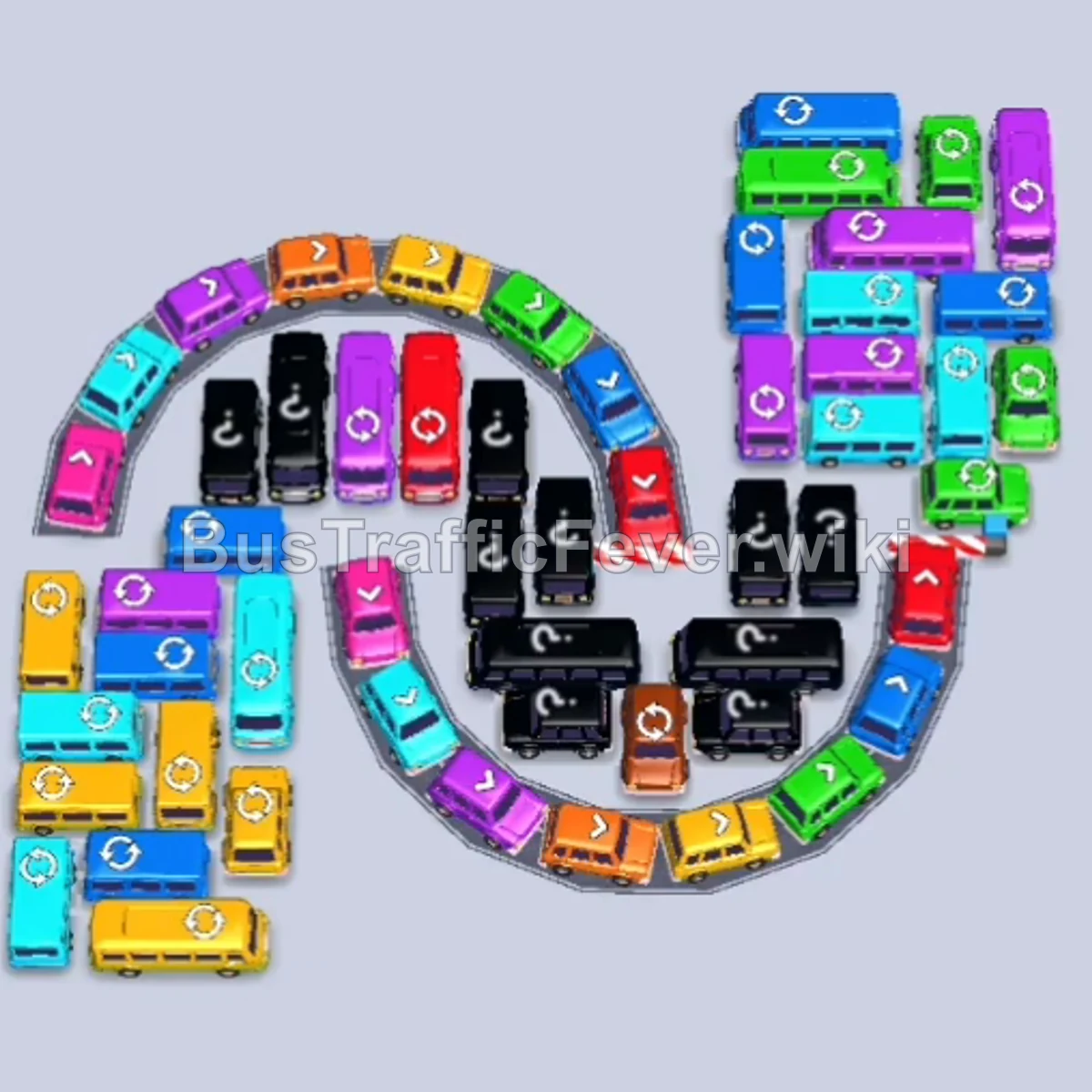
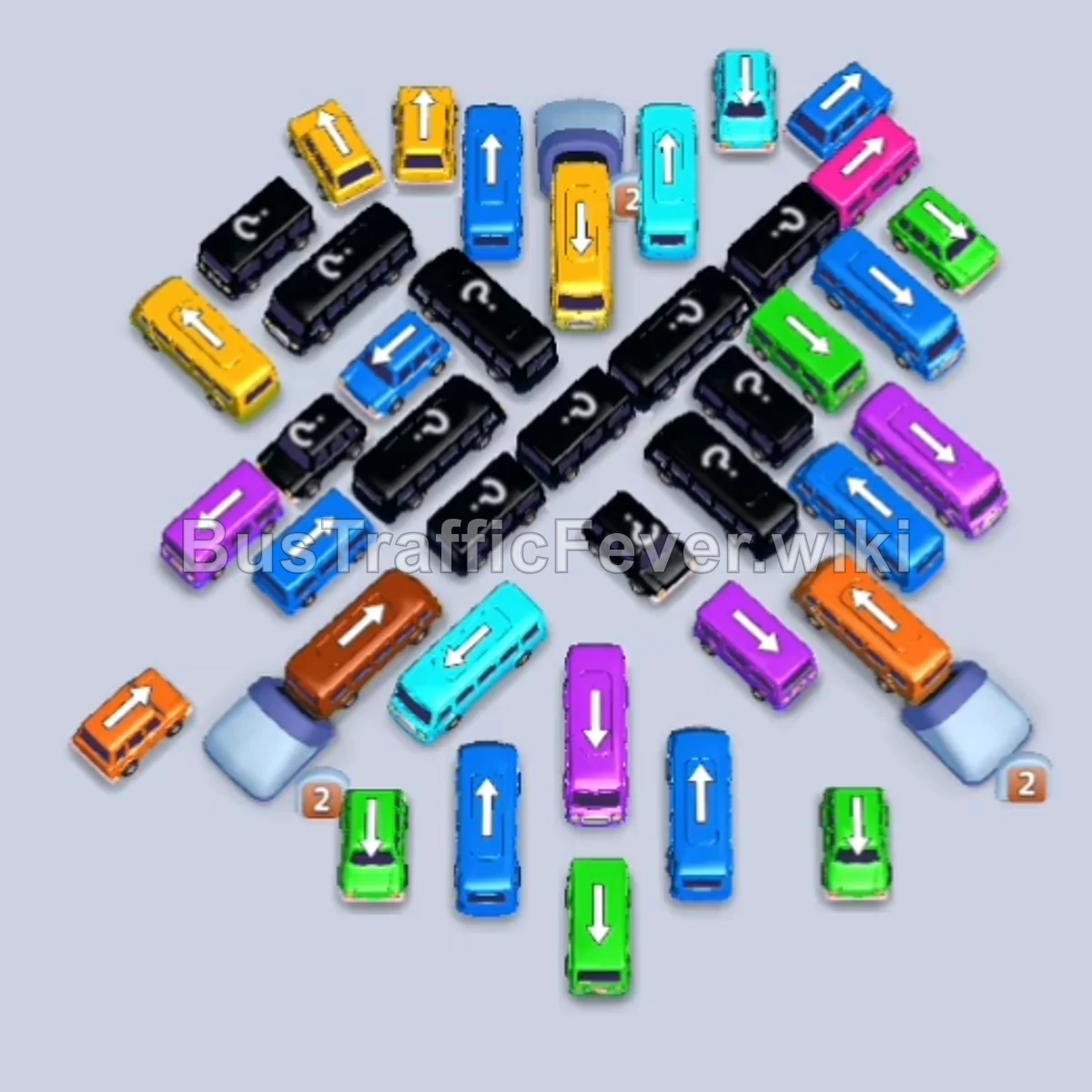
Bus Traffic Fever Level 202 Answer & Walkthrough Solution

Quick answer
To solve Level 202, systematically clear the free perimeter buses first to create boarding slots matching the incoming passenger snakes. Manage your 5 parking slots carefully so they do not fill up with unmatched colors, and prioritize clearing vehicles that trap special emergency vehicles (Ambulance and Fire Truck) and key center buses.
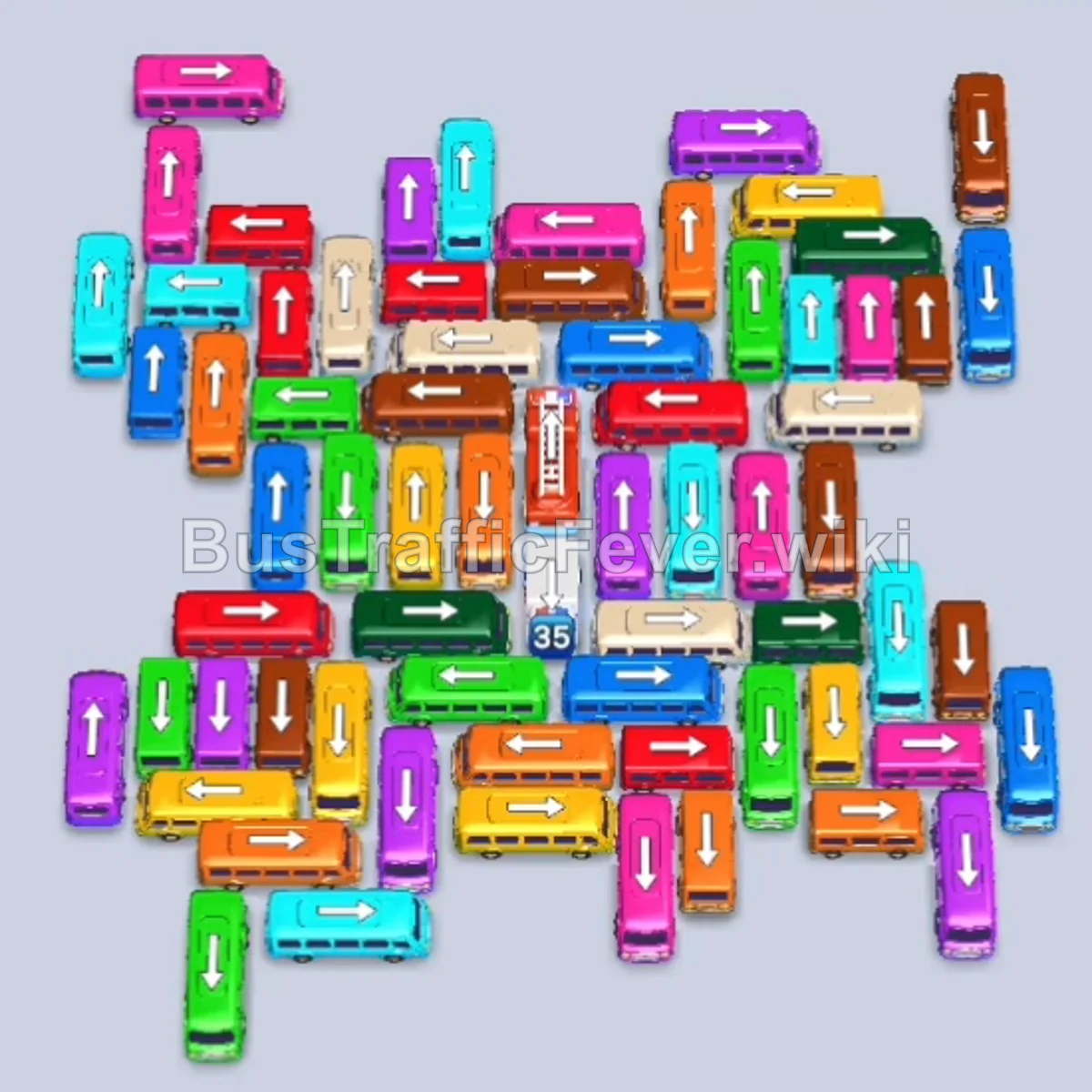
Step-by-step solution
Phase 1: Opening the Outer Perimeter
- Tap the Green bus at the bottom left (pointing left) to board the initial green passengers.
- Tap the Purple bus at the top left (pointing up) into a parking slot.
- Tap the Pink bus at the top left (pointing up/left).
- Tap the Blue bus at the top right (pointing right).
- Tap the Cyan bus at the top right (pointing up).
- Tap the Orange bus at the top right (pointing up) into the freshly vacated slot.
- Tap the Green bus at the bottom right (pointing right).
- Tap the Green bus at the top left (pointing left) to clear the next batch of green passengers.
- Tap the Orange bus at the upper left (pointing left).
- Tap the Yellow bus at the upper right (pointing up/right).
- Tap the Pink bus at the top right (pointing right).
- Tap the Cyan bus at the bottom right (pointing right).
Phase 2: Clearing Mid-Level Vehicles
- Tap the Green bus on the middle-left edge (pointing left).
- Tap the Brown bus on the middle-right edge (pointing right).
- Tap the Blue bus on the far right (pointing right).
- Tap the Blue bus at the upper right (pointing up).
- Tap the Brown bus at the lower right (pointing right).
- Tap the Pink bus at the upper right (pointing right).
- Tap the Cyan bus at the center-right (pointing right).
- Tap the Yellow bus at the lower right (pointing right).
- Tap the Cyan bus at the bottom left (pointing left).
- Tap the Purple bus at the far left edge (pointing left).
- Tap the Orange bus at the lower right (pointing right).
- Tap the Orange bus at the bottom right (pointing right).
Phase 3: Unraveling the Core Traffic
- Tap the Cyan bus in the upper center (pointing up).
- Tap the Blue bus at the far left edge (pointing left).
- Tap the Purple bus in the upper center (pointing right).
- Tap the Yellow bus at the lower left (pointing left).
- Tap the Green bus at the far left (pointing left).
- Tap the Pink bus at the top center (pointing right).
- Tap the Cyan bus in the upper center (pointing up).
- Tap the Blue bus at the upper right (pointing right).
- Tap the Yellow bus at the bottom left (pointing down).
- Tap the Purple bus at the upper center (pointing up).
- Tap the Brown bus at the bottom center (pointing left).
- Tap the Green bus at the bottom center (pointing left).
Phase 4: Emergency Vehicles and Inner Grid
- Tap the Orange bus at the far left (pointing left).
- Tap the Ambulance (white emergency vehicle) at the lower center (pointing left).
- Tap the Purple bus at the lower center (pointing right).
- Tap the Red bus at the center-left (pointing left).
- Tap the Cyan bus at the lower center (pointing left).
- Tap the Red bus in the center (pointing down).
- Tap the Beige bus at the upper right (pointing left).
- Tap the Yellow bus at the upper left (pointing left).
- Tap the Beige bus in the center (pointing left).
- Tap the Green bus at the upper right (pointing up).
- Tap the Cyan bus at the lower center (pointing right).
- Tap the Purple bus at the lower center (pointing right).
Phase 5: Final Clean-up and Completion
- Tap the Blue bus in the center (pointing up).
- Tap the Brown bus in the center (pointing left).
- Tap the Fire Truck (red emergency vehicle) in the center (pointing up).
- Tap the Beige bus at the lower center (pointing right).
- Tap the Red bus at the lower center (pointing left).
- Tap the Green bus on the far right (pointing up).
- Tap the Yellow bus at the lower center (pointing up).
- Tap the Red bus at the lower center (pointing right).
- Tap the Purple bus at the lower center (pointing left).
- Tap the Blue bus at the lower left (pointing down).
- Tap the Red bus at the lower center (pointing left).
- Tap the Green bus at the lower center (pointing right).
- Tap the Cyan bus at the lower center (pointing up).
- Tap the Beige bus at the bottom right (pointing right).
- Tap the remaining Brown bus at the bottom right (pointing up) to complete the level.
Tips for success
- Observe the Queue Head: Always watch the front of the winding passenger line to ensure that at least one of your current buses matches the incoming color.
- Manage Slot Space: You only have 5 temporary parking slots. Never fill the 5th slot unless that bus or an existing bus can immediately board passengers and clear away.
- Prioritize Blocking Vehicles: Emergency vehicles like the Ambulance and Fire Truck take up extra space and trap several inner buses; aim to free their exit paths as soon as their matching colors appear.
More Bus Traffic Fever help
Continue with the Level 201 walkthrough, review the core rules in how to play Bus Traffic Fever, or browse all level solutions to jump to another number.