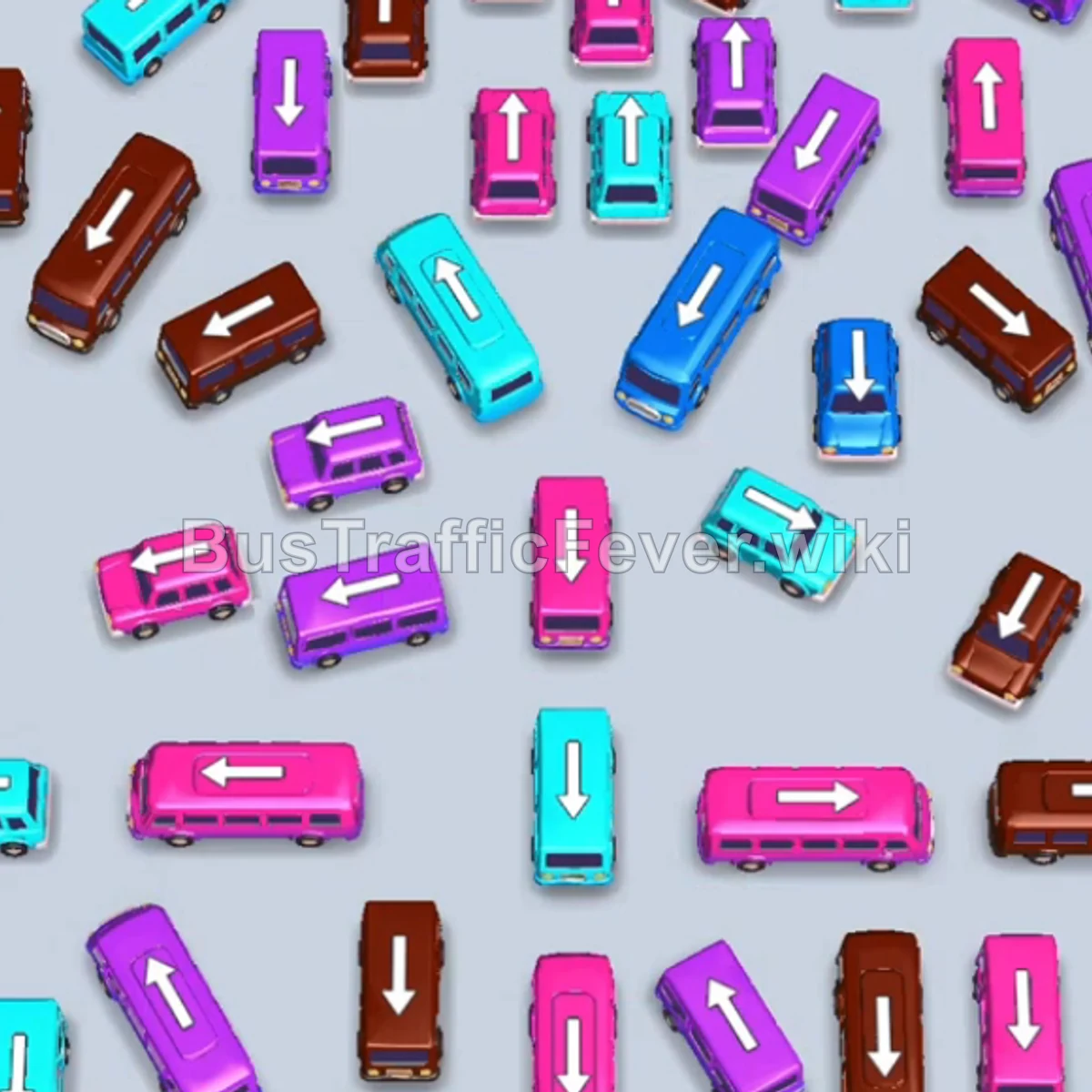
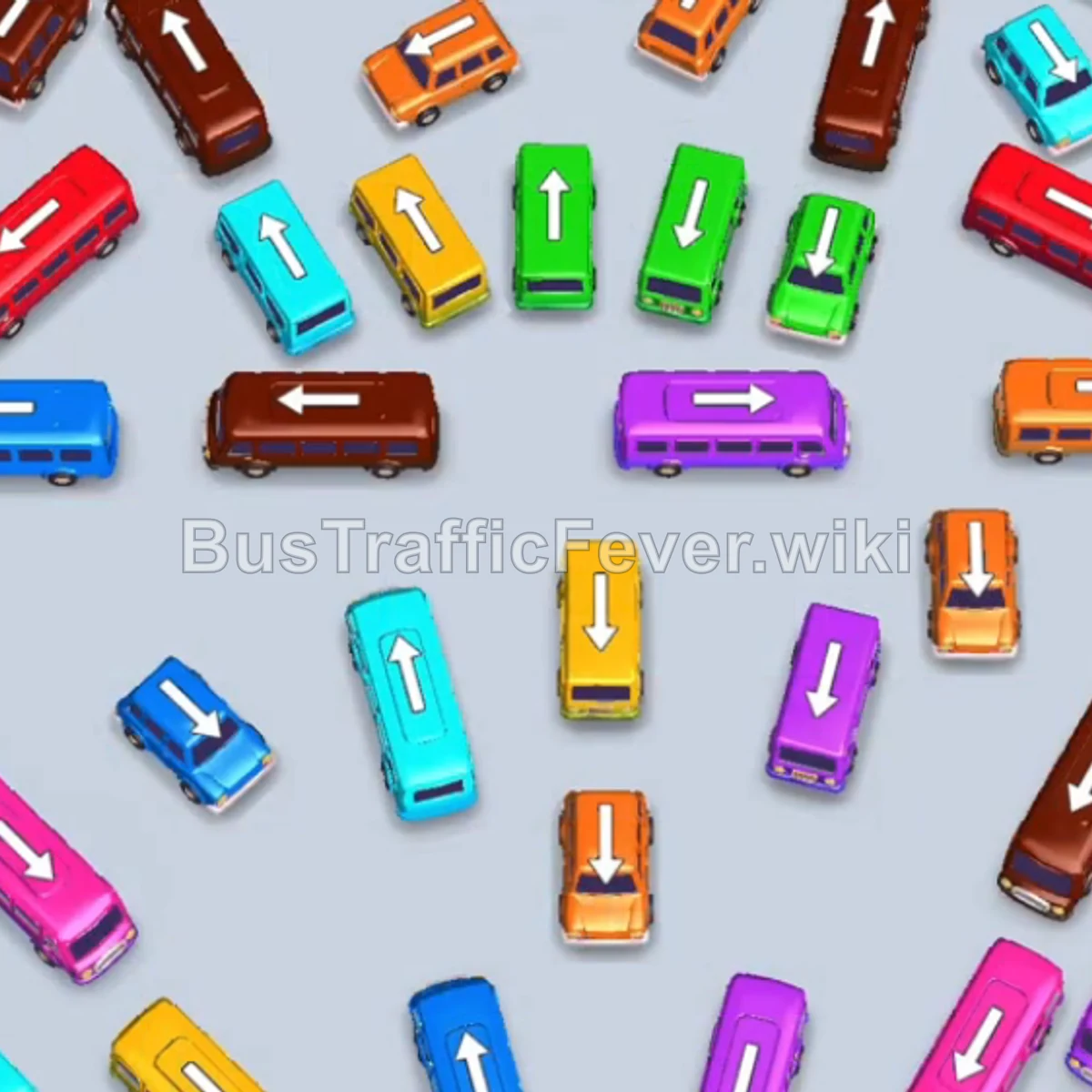
Bus Traffic Fever Level 126 Answer & Walkthrough Solution


Quick answer
Tap the Green Bus at the bottom-left pointing left into slot 1 to begin loading green passengers. Tap the Cyan Bus at the bottom-left pointing upward into slot 2. Green and cyan passengers board and clear both buses. Tap the Purple Bus at the top-left pointing left into slot 1.
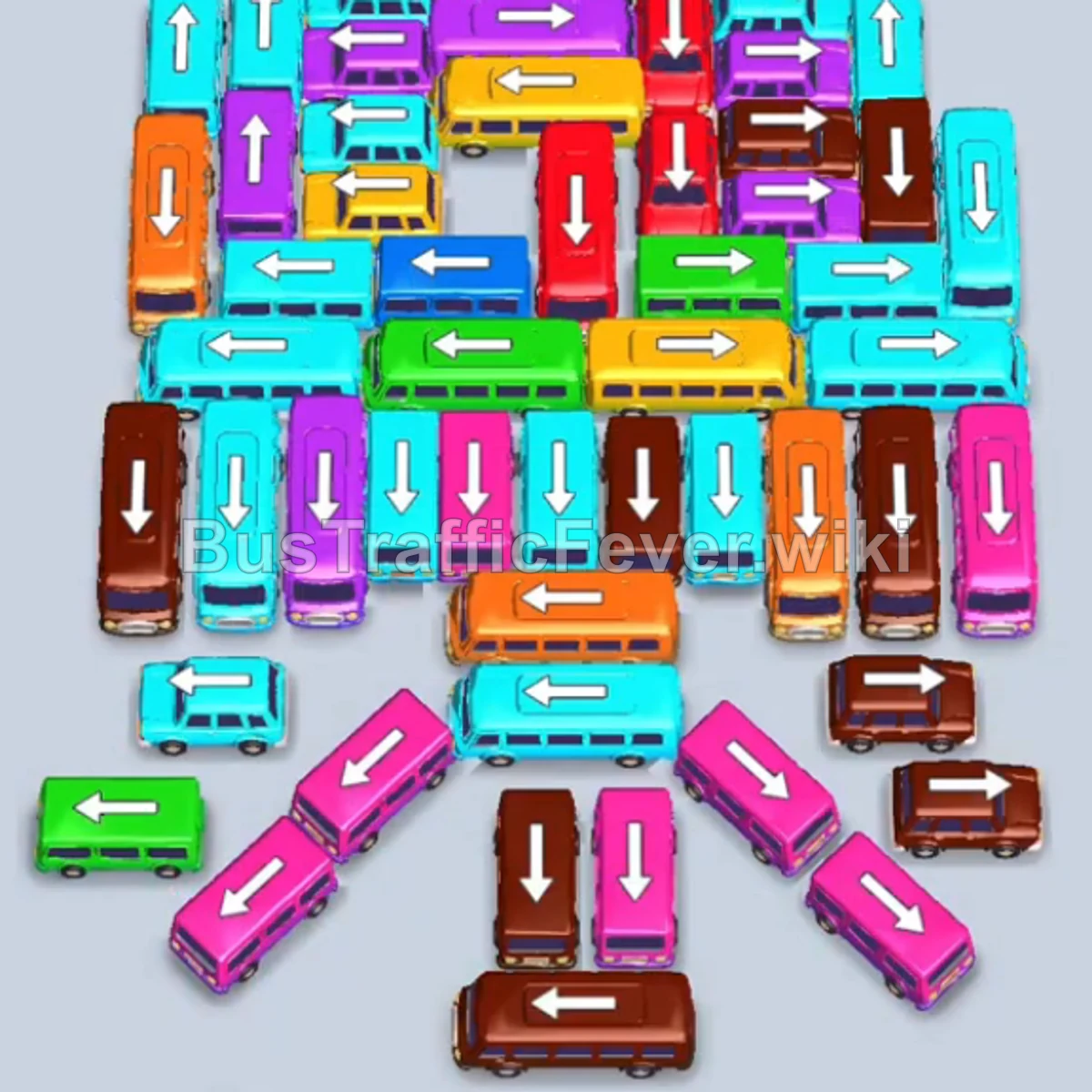
Step-by-step solution
Phase 1: Opening the Perimeter & Initial Clearance
- Tap the Green Bus at the bottom-left pointing left into slot 1 to begin loading green passengers.
- Tap the Cyan Bus at the bottom-left pointing upward into slot 2. Green and cyan passengers board and clear both buses.
- Tap the Purple Bus at the top-left pointing left into slot 1.
- Tap the Cyan Bus at the top-left pointing left into slot 2.
- Tap the Yellow Bus in the center pointing upward into slot 3. Yellow, cyan, and purple passengers will board, clearing the Purple Bus and Cyan Bus.
- Tap the Cyan Bus on the far-left edge pointing upward into slot 1.
- Tap the Green Bus on the far-left edge pointing upward into slot 3. Green and yellow passengers board, clearing the Yellow Bus.
Phase 2: Clearing Left and Bottom Clusters
- Tap the Brown Bus on the left edge pointing downward into slot 3.
- Tap the Pink Bus in the bottom-middle area pointing downward into slot 4. Pink passengers board and clear it.
- Tap the next Pink Bus in the bottom-middle pointing downward into slot 4. Pink passengers board and clear it.
- Tap the Brown Bus at the bottom pointing downward into slot 4. Brown, green, and cyan passengers board and clear all three buses in slots 1, 2, and 4.
- Tap the Purple Bus in the center pointing upward into slot 3. Purple passengers board and clear it.
- The Brown Bus in slot 4 finishes boarding and departs.
- Tap the Cyan Bus on the lower-left pointing upward into slot 1. Cyan passengers board and clear it.
Phase 3: Multi-Lane Unblocking
- Tap the Cyan Bus on the left pointing upward into slot 1.
- Tap the Brown Bus pointing downward into slot 2.
- Tap the Orange Bus in the center pointing left into slot 3. Brown, Cyan, and Orange passengers board; the Orange and Cyan buses clear.
- Tap the Cyan Bus pointing left into slot 1.
- Tap the Blue Bus pointing upward into slot 3. Cyan and blue passengers board and clear both buses.
- Tap the Cyan Bus pointing upward into slot 1.
- Tap the Purple Bus pointing left into slot 3. Cyan and purple passengers board, clearing the Cyan Bus.
- Tap the Yellow Bus pointing upward into slot 1.
- Tap the Pink Bus pointing downward into slot 3. Pink and yellow passengers board and clear both buses.
- Tap the Pink Bus pointing downward into slot 1. Pink passengers board and clear it.
- The Brown Bus in slot 2 finishes loading and departs.
Phase 4: Mid-Field Progression
- Tap the Pink Bus at the bottom pointing downward into slot 1. Pink passengers board and clear it.
- Tap the Orange Bus in the middle pointing left into slot 1.
- Tap the Brown Bus pointing left into slot 2. Brown passengers board and clear it.
- Tap the Red Bus pointing downward into slot 2.
- Tap the Cyan Bus pointing upward into slot 3. Red, Orange, and Cyan passengers board and clear all three vehicles.
- Tap the Brown Bus on the bottom-right pointing left into slot 1. Brown passengers board and clear it.
- Tap the Pink Bus on the right pointing upward into slot 1. Pink passengers board and clear it.
- Tap the Brown Bus in the center pointing upward into slot 1. Brown passengers board and clear it.
Phase 5: Clearing the Remaining Center Cross
- Tap the two Cyan Buses pointing downward into slots 1 and 2.
- Tap the Brown Bus pointing downward into slot 3.
- Tap the Purple Bus pointing upward into slot 4. Purple, Brown, and Cyan passengers board and clear all four buses.
- Tap the Cyan Bus pointing upward into slot 1.
- Tap the Green Bus pointing downward into slot 2.
- Tap the Purple Bus pointing upward into slot 3. Cyan, Green, and Purple passengers board and clear their vehicles.
- Tap the Cyan Bus pointing upward into slot 1.
- Tap the Red Bus pointing right into slot 2. Cyan and red passengers board and clear them.
- Tap the Red Bus pointing upward into slot 1.
- Tap the Cyan Bus pointing upward into slot 2. Cyan passengers board and clear it.
- Tap the Purple Bus pointing upward into slot 2. Red and purple passengers board and clear both vehicles.
Phase 6: Final Sequence & Cleanup
- Tap the Cyan Bus pointing left into slot 1.
- Tap the Purple Bus pointing left into slot 2.
- Tap the Yellow Bus pointing right into slot 3.
- Tap the Cyan Bus pointing right into slot 4. Cyan, Purple, and Yellow passengers begin boarding and clear the smaller buses.
- Tap the Orange Bus pointing downward into slot 3.
- Tap the Pink Bus pointing downward into slot 4.
- Tap the Cyan Bus pointing downward into slot 2.
- Tap the final Cyan Bus pointing left into slot 5. All remaining passengers will board their respective buses, clearing Level 126 with a Perfect! score.
Tips for success
- Manage the Bottom Bottlenecks: The lower section contains tightly packed buses pointing downward; clear them early to open escape routes for the buses trapped behind.
- Keep Bus Lanes Clear: Long buses (like the Cyan, Brown, and Orange buses) require uninterrupted straight paths to exit—ensure the buses directly in front of them are removed first.
- Synchronize Multiple Bus Departures: During the final phase, having open slots allows you to park Yellow, Orange, Pink, and Cyan buses together so passenger queues resolve without stalling.
More Bus Traffic Fever help
Continue with the Level 125 walkthrough, review the core rules in how to play Bus Traffic Fever, or browse all level solutions to jump to another number.