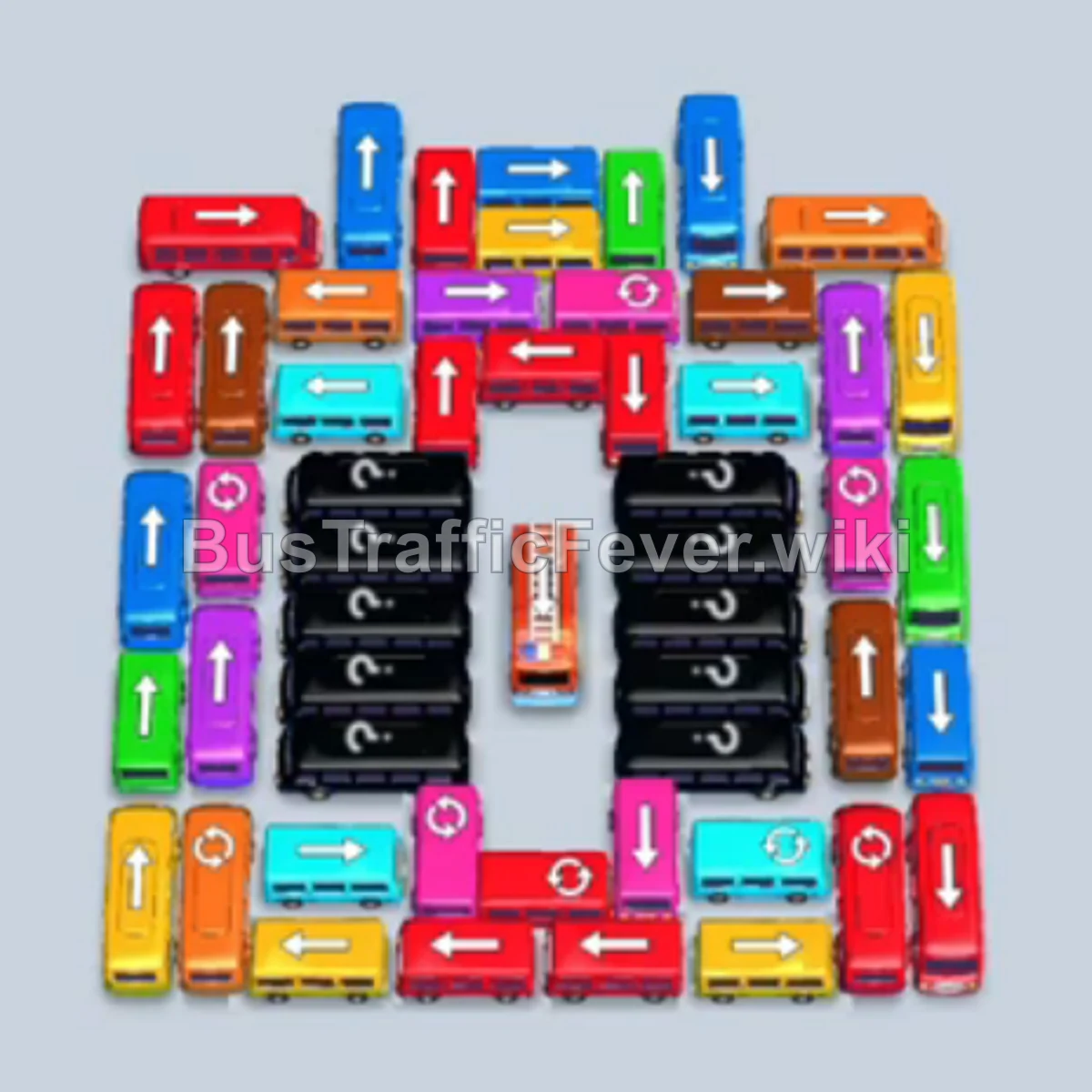
Bus Traffic Fever Level 303 Answer & Walkthrough Solution

Quick answer
The board in Level 303 is a tightly packed parking maze flanked by long buses and smaller buses. Success relies on selectively releasing outer edge vehicles to create turning room for long interior buses. Be very careful with the limited waiting slots: prioritize sending vehicles that match the active front of the passenger line (primarily Yellow, Blue, Cyan, Green, and Red early on) so slots empty quickly and never overflow.
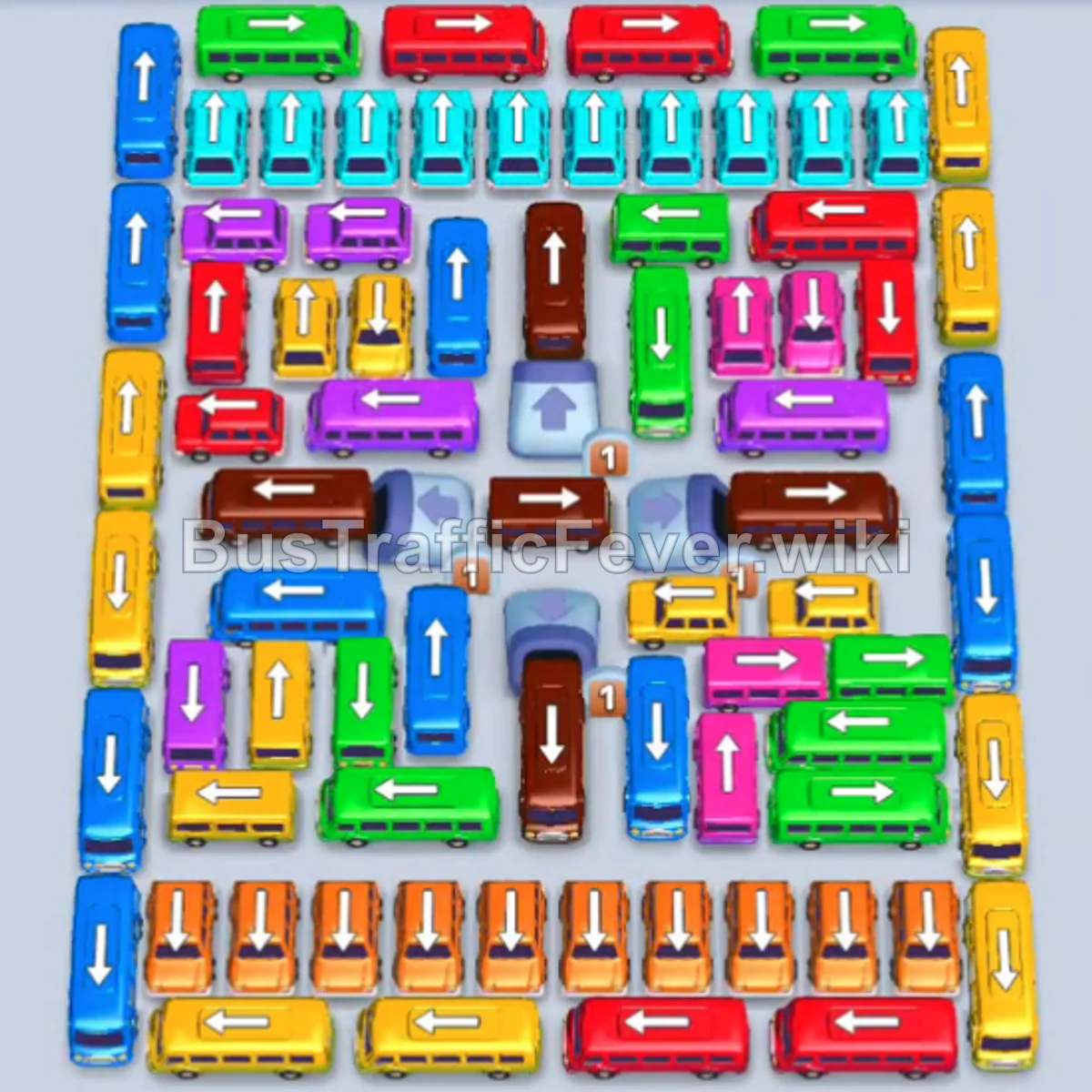
Step-by-step solution
Difficulty: Hard
Phase 1: Clearing the Outer Perimeter and Early Batches
- Tap the Yellow bus at the bottom-left edge facing left to immediately service the starting yellow queue.
- Tap the Blue bus at the top-left corner facing up into the waiting bay.
- Once the blue and yellow passengers clear, tap the Yellow bus along the bottom row facing left.
- Tap the Green bus near the top-center facing up.
- Tap the Cyan bus at the top-right corner facing right.
- Tap the Orange bus in the lower-right area facing left.
- Wait for the cyan and orange buses to fill and depart, freeing up waiting bays.
- Tap the Yellow bus on the bottom-left facing left.
- Tap the Blue bus on the bottom-right facing down/right.
- Tap the Yellow bus at the bottom-right facing left.
- Allow the green bus and yellow vehicles to leave.
- Tap the Yellow bus in the bottom row facing left.
- Tap the Yellow bus in the bottom row facing left.
- Tap the Cyan bus on the upper right facing left.
- Tap the Green bus along the top row facing left.
Phase 2: Opening the Midfield Grid
- Tap the Yellow bus in the lower-middle section facing left.
- Tap the Blue bus in the left column facing up.
- Tap the Cyan bus at the top-left facing left.
- Allow slots to clear, then tap the Red bus on the top row facing left.
- Tap the Yellow bus along the bottom area facing left.
- Tap the Brown bus in the central column facing down.
- Tap the Pink bus near the top-center facing left.
- Tap the Green bus in the middle row facing right.
- Tap the Yellow bus near the bottom facing right.
- Tap the Blue bus in the mid-right area facing right.
- Tap the Yellow bus on the middle-right facing right.
- Tap the Green bus at the bottom-center facing up.
- Tap the Pink bus in the middle-right area facing left.
- Tap the Red bus facing left in the upper-mid row.
- Tap the Orange bus facing right to clear passengers.
- Tap the Cyan bus on the top-right facing right.
- Tap the Red bus at the top facing left.
- Tap the Cyan bus facing left just beneath the top row.
- Tap the Orange bus on the left side facing down.
- Tap the Yellow bus near the bottom facing right.
Phase 3: Untangling the Dense Center
- Tap the Blue bus in the right column facing down.
- Tap the Green bus along the bottom row facing right.
- Tap the Yellow bus near the center facing left.
- Tap the Orange bus at the bottom row facing down.
- Tap the Cyan bus facing down.
- Tap the Pink bus facing right.
- Tap the Red bus at the bottom facing left.
- Tap the Blue bus on the left facing down.
- Tap the Orange bus in the lower-mid area facing left.
- Tap the Cyan bus in the center facing down.
- Tap the Orange bus in the center facing down.
- Tap the Yellow bus in the center facing right.
- Tap the Cyan bus facing down into the slot.
- Tap the Orange bus facing down.
- Tap the long Brown bus in the center facing up.
- Tap the Pink bus facing right.
- Tap the Orange bus facing down.
- Tap the Pink bus facing left.
- Tap the Cyan bus facing left.
- Tap the Yellow bus facing right.
- Tap the Green bus facing left.
- Tap the Orange bus facing down.
- Tap the Blue bus facing up, followed by the Yellow bus facing right.
Phase 4: Final Clearance
- Tap the Purple bus facing right.
- Tap the Brown bus facing left.
- Tap the Cyan bus facing left to pick up remaining cyan passengers.
- Tap the next Brown bus facing left.
- Tap the Pink bus facing left.
- Tap the Orange bus facing left.
- Tap the Blue bus facing left.
- Tap the Yellow bus facing down, then the Yellow bus facing right.
- Tap the Blue bus facing left.
- Tap the Red bus facing left.
- Tap the Green bus facing left.
- Tap the Purple bus facing left.
- Tap the Brown bus facing down.
- Tap the Red bus facing up to load red passengers.
- Tap the Green bus facing right.
- Tap the Pink bus facing left.
- Tap the Brown bus facing right.
- Tap the Pink bus facing left.
- Release the remaining unobstructed vehicles in quick succession: the Red bus facing left, Green bus facing right, Blue bus facing left, Brown bus facing right, Red bus facing down, and Pink bus facing down to board the last passengers and complete the level.
Tips for success
- Watch the Passenger Queue Tail: The queue alternates between large groups of primaries (Yellow, Blue, Green, Red) and short batches of secondary colors (Cyan, Orange, Pink, Purple). Always time your bus taps to coincide with their group appearing at the front of the line.
- Keep at Least Two Bays Open: Because several 40-capacity buses must park before their colors are fully exhausted, keep extra parking bays empty so smaller 4-seater buses can cycle through quickly.
- Unblock Center Columns Early: The long vertical Brown buses block key horizontal pathways. Send vehicles parked above or below them as soon as matching passengers arrive to free up the middle.
More Bus Traffic Fever help
Continue with the Level 302 walkthrough, review the core rules in how to play Bus Traffic Fever, or browse all level solutions to jump to another number.