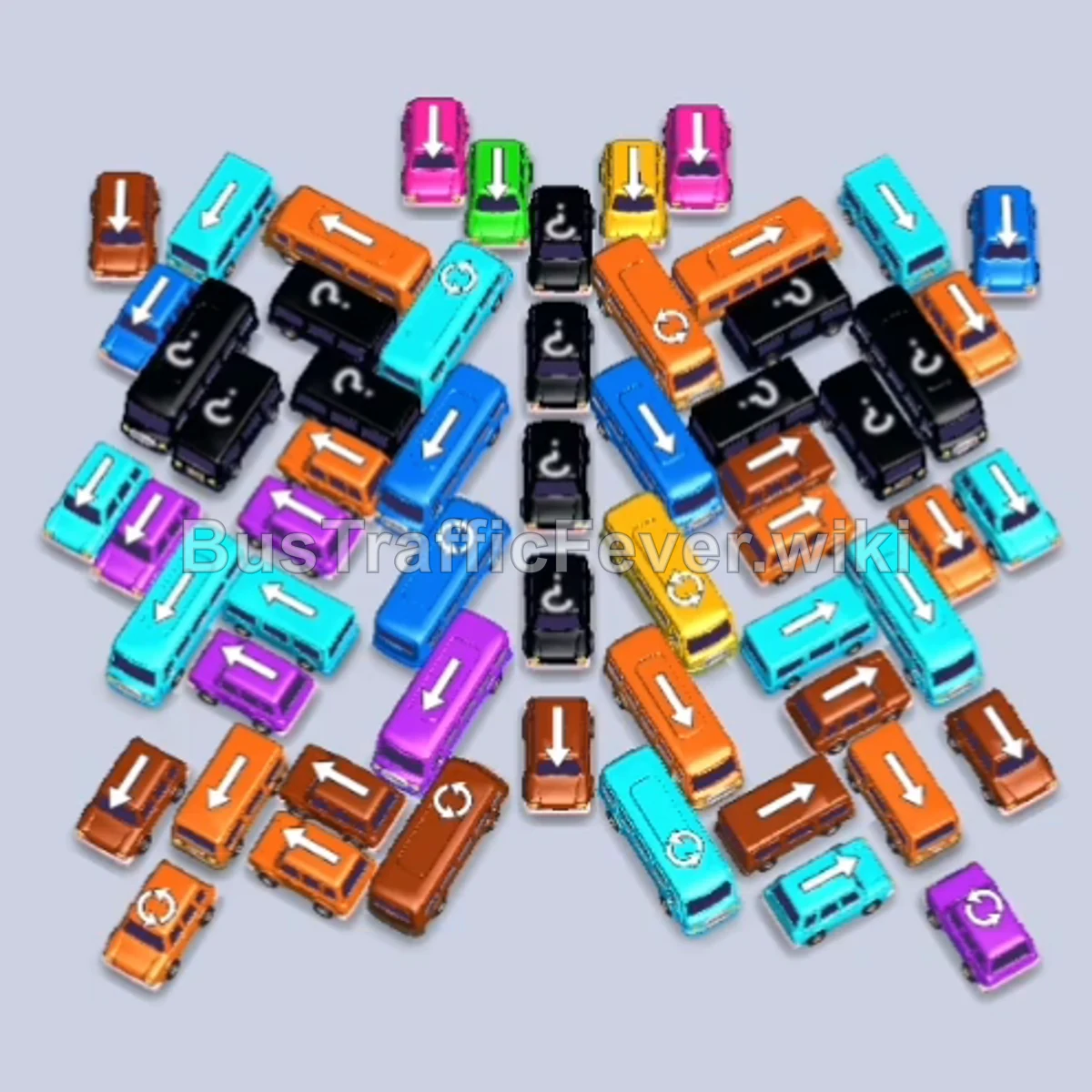
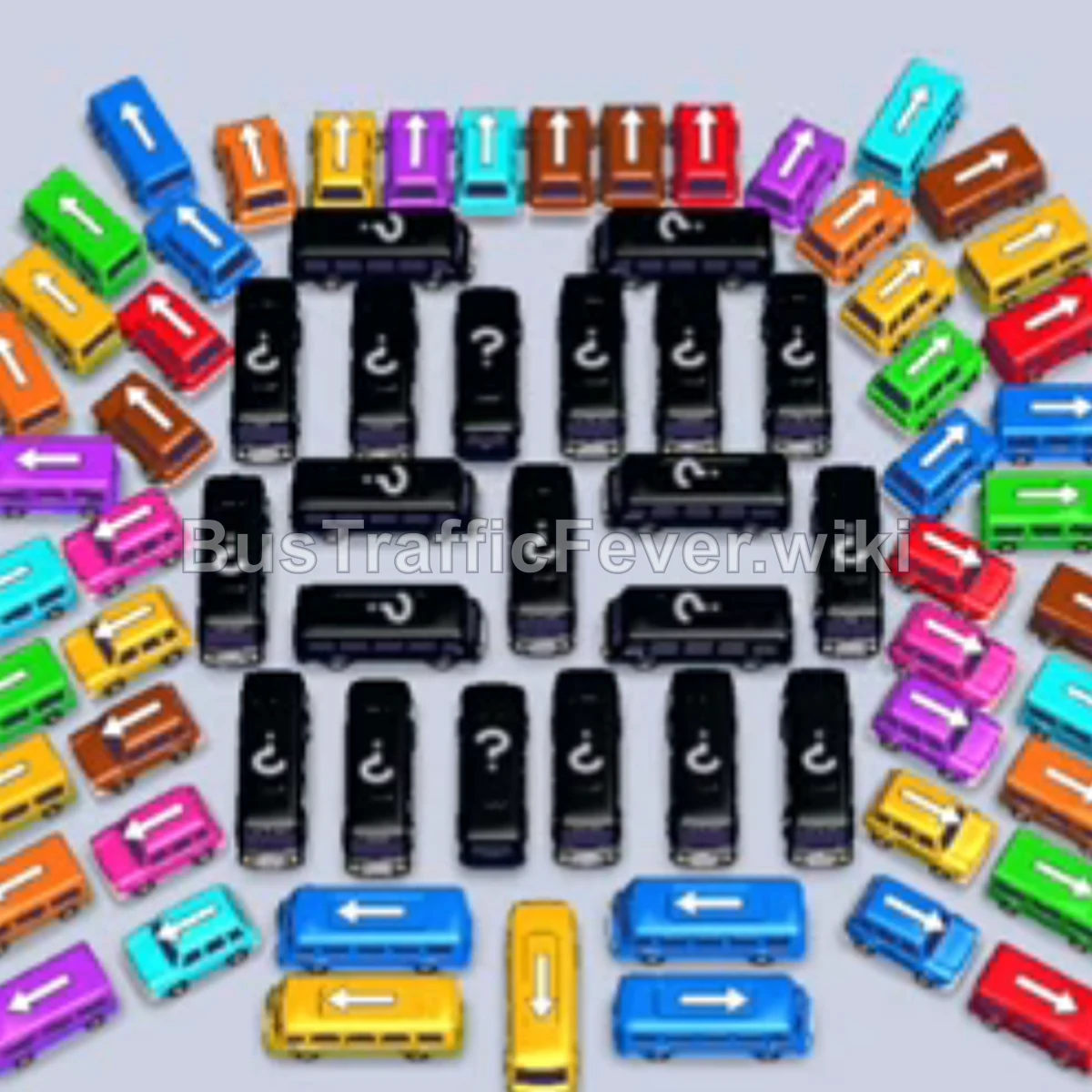
Bus Traffic Fever Level 190 Answer & Walkthrough Solution

Quick answer
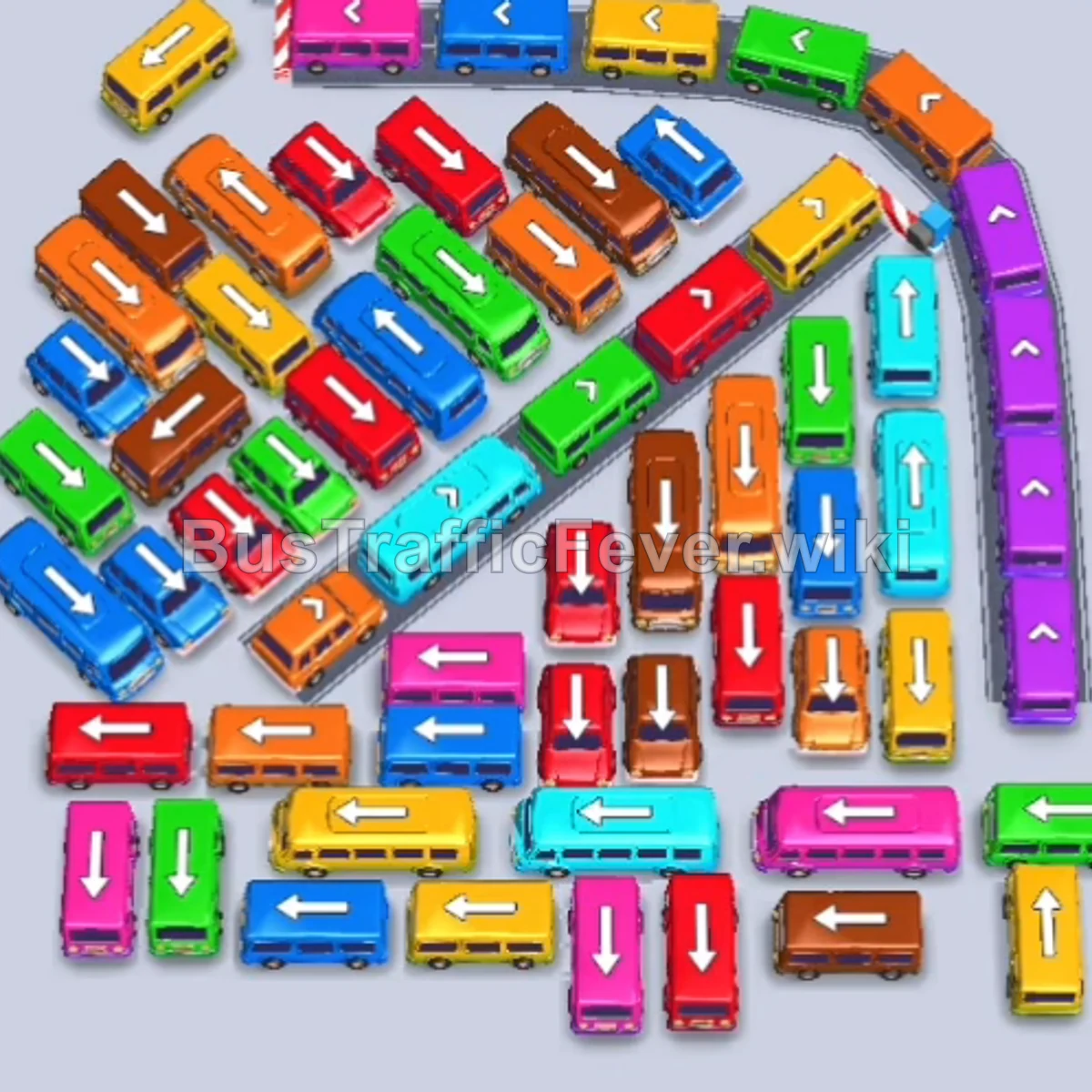
Level 190 features a dense parking lot surrounded by a curving outer highway along the top and right, crossed by an angled diagonal divider through the middle. To beat this level, peel away the unobstructed outer perimeter vehicles along the top curve and left edges first, then systematically unlock the long diagonal spine to free the trapped inner buses and buses.
Step-by-step solution
Phase 1: Clearing the Outer Top-Left Curve & Freeing Initial Lanes
- Tap the Yellow bus at the top-left outer curve facing left to collect the incoming yellow crowd.
- Tap the Green bus on the far-left outer edge facing left to pick up the green queue.
- Tap the Red bus on the upper-left edge pointing up-left.
- Tap the Pink bus near the upper-left area facing left.
- Tap the Yellow bus on the left side pointing left.
- Tap the Blue bus in the upper-left area facing left.
- Tap the Green bus in the upper section pointing up-left.
- Tap the Orange bus on the far-left outer edge pointing upward.
- Tap the Cyan bus stationed along the central diagonal divider pointing up-right to open the center channel.
- Tap the Pink bus on the lower-left edge pointing left.
Phase 2: Opening the Diagonal Spine & Lower Avenues
- Tap the Cyan bus on the far-right edge pointing upward.
- Tap the Red bus on the left side pointing up-left.
- Tap the Yellow bus on the lower edge pointing right.
- Tap the Orange bus at the bottom-left edge pointing upward.
- Tap the Blue bus in the center-left area pointing down-left.
- Tap the Green bus at the top-right curve pointing down-right.
- Tap the Red bus on the lower-left perimeter pointing left.
- Tap the Yellow bus at the bottom-left corner pointing upward.
- Tap the Pink bus in the bottom aisle pointing left.
- Tap the Red bus in the center-left grid pointing left.
- Tap the Orange bus in the center-left grid pointing up-right.
Phase 3: Dismantling the Bottom Grid & Side Flanks
- Tap the Yellow bus at the top-left curve pointing left.
- Tap the Blue bus in the upper curve pointing left.
- Tap the Cyan bus in the bottom row pointing left.
- Tap the Pink bus in the bottom row pointing left.
- Tap the Brown bus in the bottom row pointing left.
- Tap the Red bus in the bottom row pointing left.
- Tap the Red bus on the far-right edge pointing upward.
- Tap the Brown bus in the bottom row pointing right.
- Tap the Orange bus on the upper-left edge pointing up-left.
- Tap the Blue bus at the bottom pointing down-left.
- Tap the Purple bus in the upper-right section pointing down-right.
- Tap the Green bus along the top edge pointing left.
Phase 4: Clearing the Upper Curve & Middle Gridlock
- Tap the Pink bus on the far-left edge pointing left.
- Tap the Cyan bus in the center area pointing left.
- Tap the Yellow bus at the bottom-left pointing left.
- Tap the Green bus in the bottom row pointing left.
- Tap the Orange bus at the bottom pointing left.
- Tap the Pink bus on the upper-left grid pointing left.
- Tap the Purple bus in the far-right vertical column pointing down.
- Tap the Yellow bus at the top-right corner pointing down.
- Tap the Blue bus at the bottom-left pointing up-left.
- Tap the Purple bus along the top curve pointing left.
- Tap the Red bus in the right column pointing upward.
- Tap the Green bus on the right side pointing upward.
Phase 5: Final Evacuation & Clean-up
- Tap the Brown bus in the lower-middle area pointing upward.
- Tap the Red bus in the lower-right area pointing right.
- Tap the Cyan bus in the center pointing up-left.
- Tap the Purple bus in the upper curve pointing left.
- Tap the Yellow bus at the bottom right pointing downward.
- Tap the Orange bus in the center pointing right.
- Tap the Brown bus in the lower section pointing down-right.
- Tap the Pink bus on the left pointing left.
- Tap the Red bus in the lower-left area pointing down-left.
- Tap the Red bus in the center pointing right.
- Tap the Green bus at the bottom right pointing right.
- Tap the Cyan bus in the right column pointing upward.
- Tap the Blue bus in the center pointing left.
- Tap the Orange bus on the bottom right pointing downward.
- Tap the Yellow bus in the center pointing up-left.
- Tap the Green bus exiting toward the bottom right.
- Tap the Red bus on the right pointing down-right.
- Tap the Purple bus in the center pointing down-right.
- Tap the Brown bus on the right side pointing upward.
- Tap the Blue bus on the left pointing down-left.
- Tap the Red bus in the center pointing up-right.
- Tap the Orange bus in the center pointing up-right.
- Finally, tap the Blue bus in the upper-right pointing upward to board the remaining passengers and clear the stage.
Tips for success
- Clear Outer Curved Paths First: The vehicles lined along the outer top arch and right column can leave without hindrance. Send them out when their colors appear to create breathing room.
- Unlock the Diagonal Corridor Early: The central diagonal lane acts as a barrier separating the left and right halves of the lot. Freeing the vehicles along this line opens alternative exit paths for interior buses.
- Monitor the Looping Queue: The passenger line cycles in a continuous oval. Prioritize vehicles whose colors are right at the front gate so buses empty immediately and don’t occupy pickup slots unnecessarily.
- Avoid Same-Color Parking Flooding: Don’t dispatch multiple buses of the same color into the bays unless their passenger count matches the oncoming queue volume.
More Bus Traffic Fever help
Continue with the Level 189 walkthrough, review the core rules in how to play Bus Traffic Fever, or browse all level solutions to jump to another number.