Bus Traffic Fever Level 30 Answer & Walkthrough Solution

Quick answer
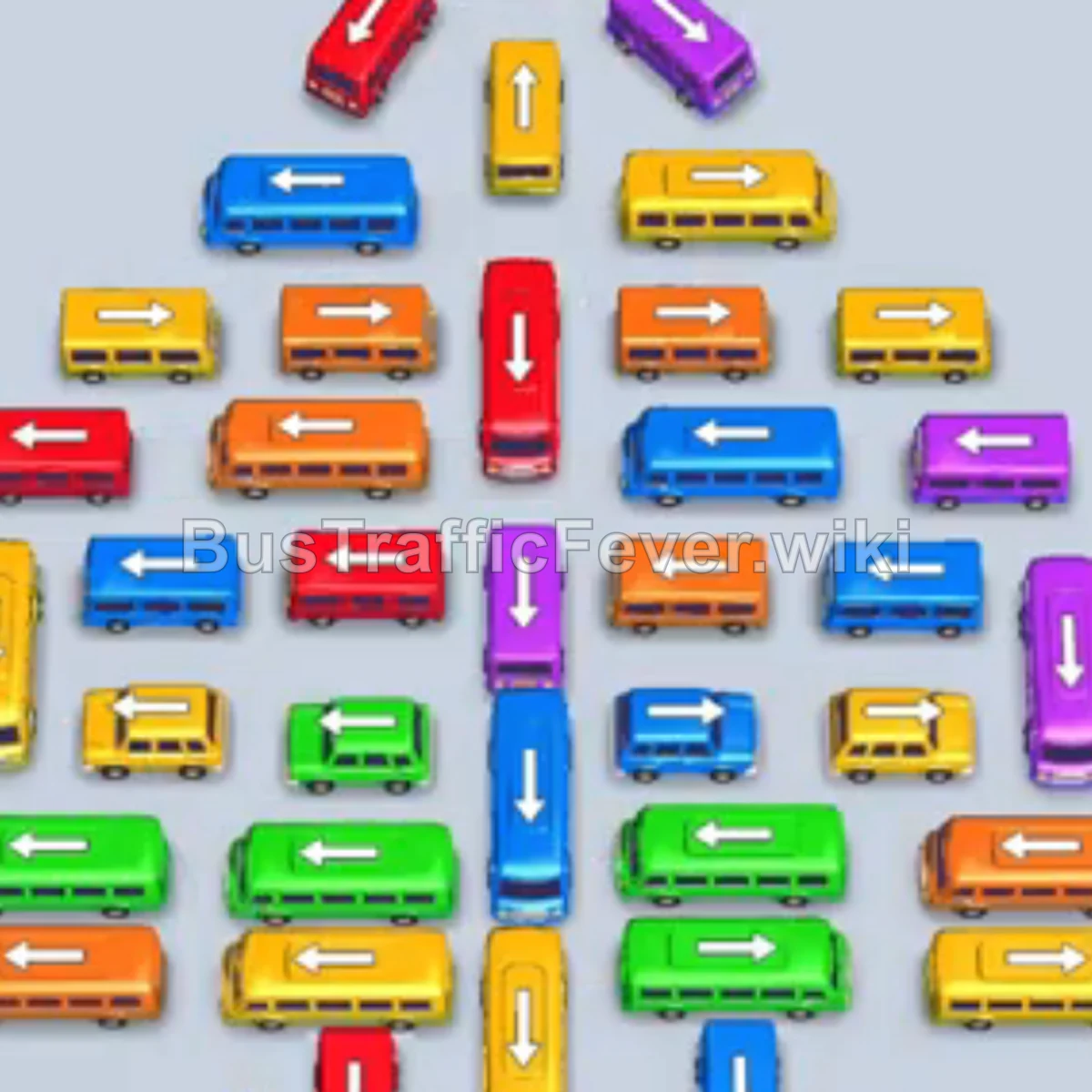
Tap the Orange bus on the left into a bay. Tap the Red bus near the center into a bay. Tap the Green bus near the top right. Tap the Red bus on the middle-left. Both red vehicles clear. Tap the Yellow bus on the upper right into a bay.
Step-by-step solution
Phase 1: Open the parking area
- Tap the Orange bus on the left into a bay.
- Tap the Red bus near the center into a bay.
- Tap the Green bus near the top right.
- Tap the Red bus on the middle-left. Both red vehicles clear.
- Tap the Yellow bus on the upper right into a bay.
- Tap the Green bus at the top center.
- Tap the large Blue bus at the top left into a bay.
- Tap the small Blue bus at the top right. Both blue vehicles clear.
- Tap the Yellow bus on the middle right. Both yellow buses clear.
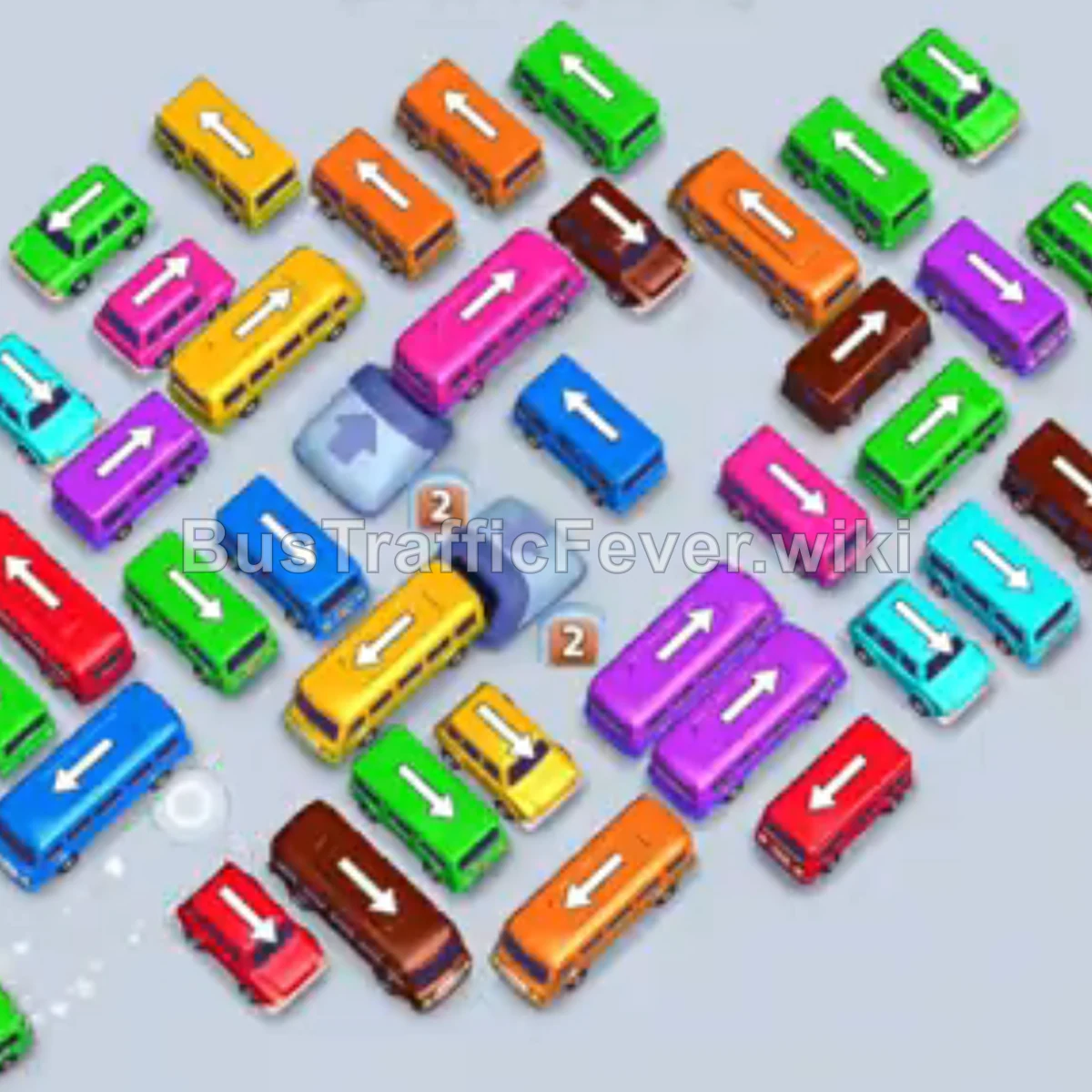
Phase 2: Untangle the center
- Tap the Red bus in the center, facing down.
- Tap the Purple bus in the center into an open bay.
- Tap the Purple bus directly below it. Both purple buses clear.
- Tap the Brown bus near the upper-middle into a bay.
- Tap the Red bus facing left in the center.
- Tap the Cyan bus at the top center.
- Tap the Cyan bus in the middle.
- Tap the Red bus in the center, facing left.
- Tap the Yellow bus on the bottom right.
- Tap the Red bus on the center-right.
- Tap the Red bus facing right.
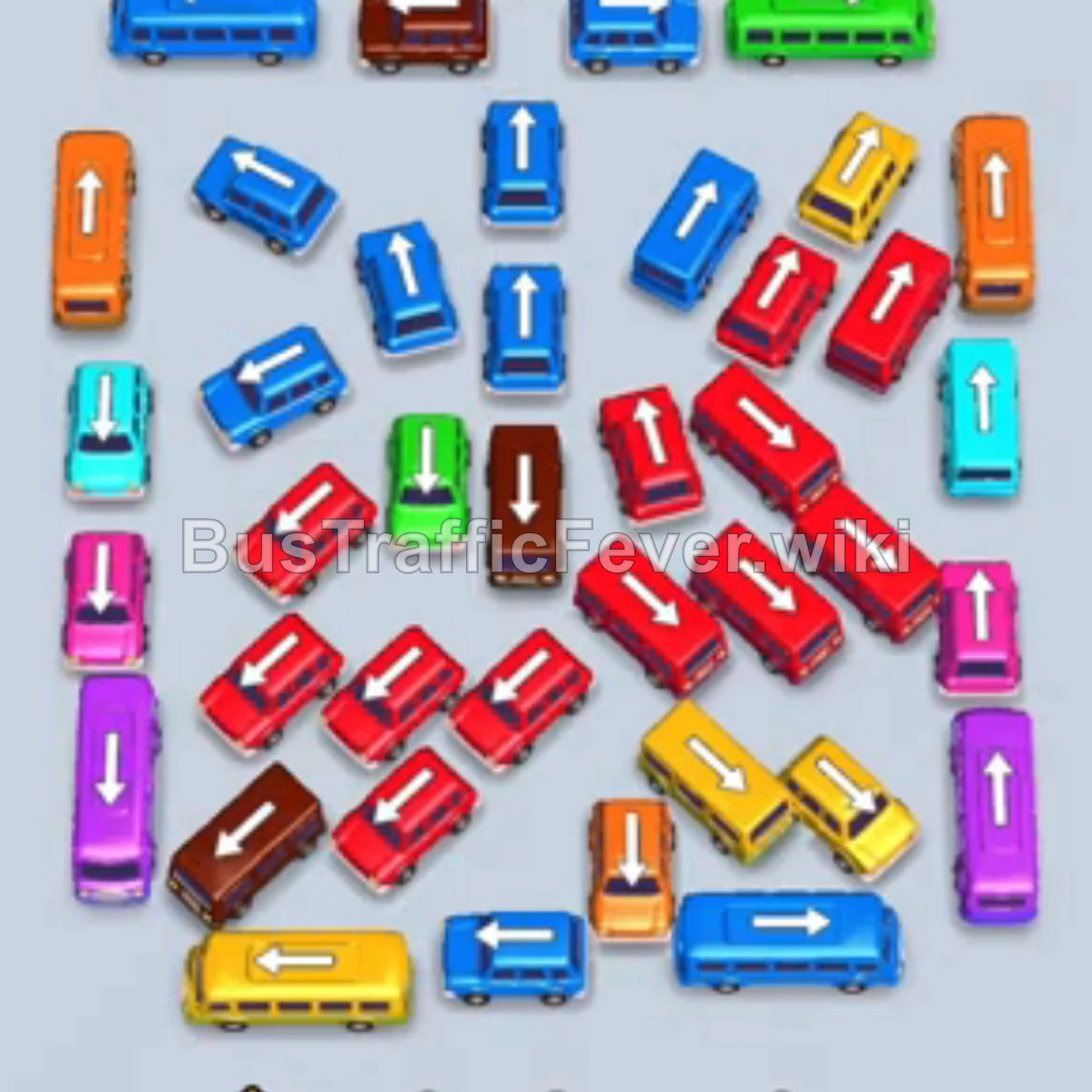
Phase 3: Manage dense traffic
- Tap the Pink bus in the center.
- Tap the Yellow bus at the bottom right.
- Tap the Orange bus near the bottom center. Both orange buses clear.
- Tap the Teal/Cyan bus in the center.
- Tap the Brown bus facing down into a bay.
- Tap the Red bus facing up.
- Tap the Pink bus in the middle into an open bay.
- Tap the Purple bus on the bottom right.
- Tap the Red bus in the center.
- Tap the Brown bus facing right at the bottom. The brown vehicles clear.
- Tap the Red bus in the center.
- Tap the Green bus in the center.
- Tap the Cyan bus facing down.
Phase 4: Finish the board
- Tap the Brown bus facing right.
- Tap the Blue bus in the center.
- Tap the Orange bus on the far left.
- Tap the Red bus facing up. The orange bus then departs.
- Tap the Blue bus facing up.
- Tap the Blue bus facing left.
- Let the earlier parked Pink bus board and leave.
- Tap the Red bus facing right.
- Tap the Green bus facing left into a bay.
- Tap the Orange bus facing left.
- Tap the Yellow bus facing up. The yellow and green vehicles clear.
- Tap the Red bus facing right.
- Tap the remaining two Blue buses and the Brown bus.
Tips for success
- Track the next colors in the serpentine passenger queue.
- Keep one or two bays empty for blocker vehicles.
- Use the high-capacity buses to advance large passenger groups quickly.
More Bus Traffic Fever help
Continue with the Level 29 walkthrough, review the core rules in how to play Bus Traffic Fever, or browse all level solutions to jump to another number.