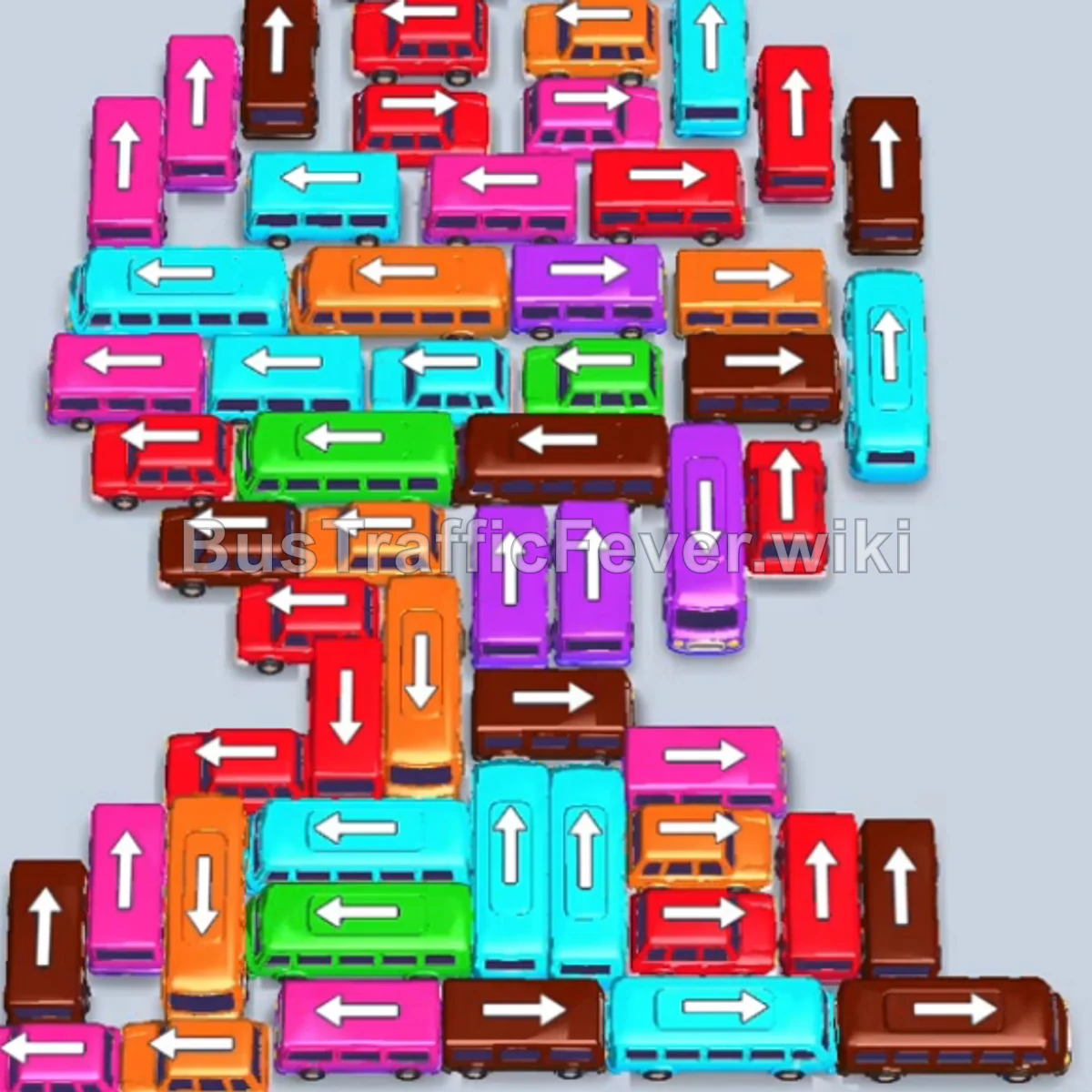
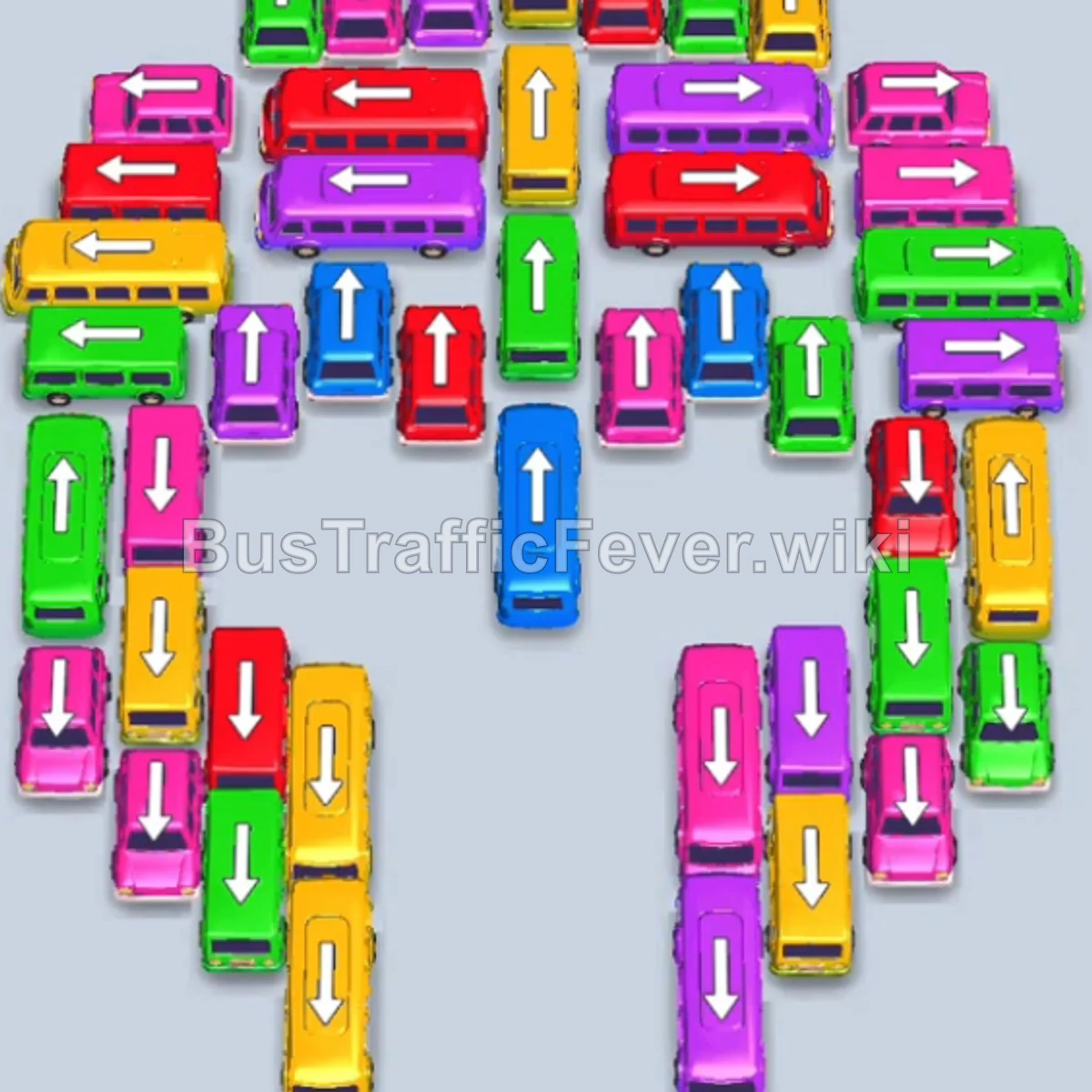
Bus Traffic Fever Level 93 Answer & Walkthrough Solution

Quick answer
Tap the Brown bus at the top center pointing upward into the first parking slot. Tap the Purple bus next to it; brown and purple passengers will board immediately, clearing both vehicles. Tap the Orange bus in the center lane to board the orange passenger queue.
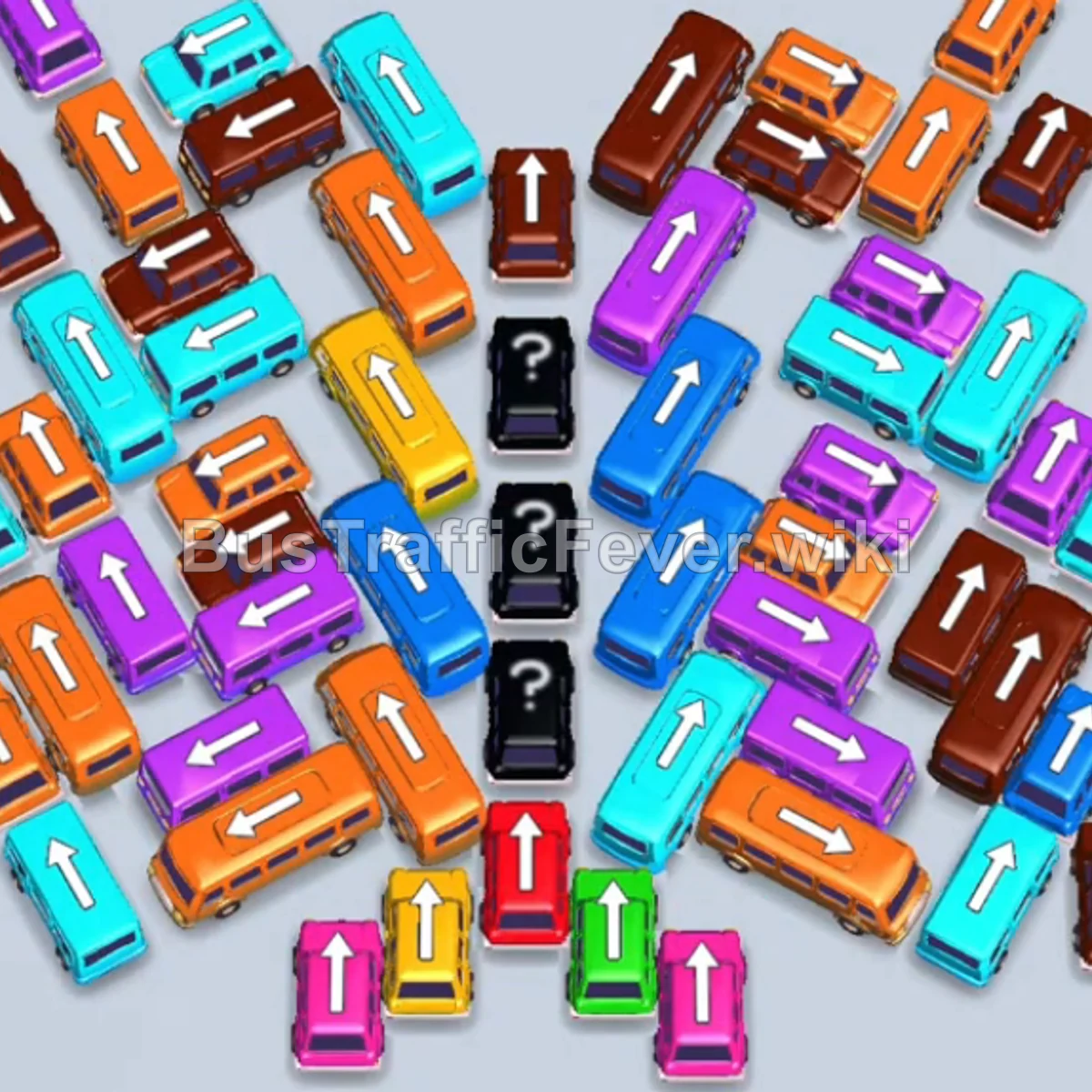
Step-by-step solution
Phase 1: Opening Moves & Unblocking the Center
- Tap the Brown bus at the top center pointing upward into the first parking slot.
- Tap the Purple bus next to it; brown and purple passengers will board immediately, clearing both vehicles.
- Tap the Orange bus in the center lane to board the orange passenger queue.
- Tap the Blue bus and Red bus into parking slots; blue and red passengers will board and clear them.
- Tap the Cyan bus (large) to board the long cyan queue.
- Tap the Orange bus and then the Brown bus to clear the next passenger lines and reveal vehicles beneath.
Phase 2: Clearing Diagonal Stacks & Large Buses
- Tap the Orange bus (large) to pick up the extensive orange passenger wave.
- Tap the Blue bus and Purple bus to clear blue and purple passengers.
- Tap the Brown bus and Purple bus to clear the next pair of queues.
- Tap the Cyan buses sequentially as cyan passenger groups arrive.
- Tap the Brown bus (large), Cyan bus, and Orange bus into parking slots; cyan and orange passengers will board, while the Brown bus absorbs incoming brown passengers.
- Tap the Purple bus and Blue bus (large) to clear purple and blue passenger lines.
- Tap the Orange bus, Brown bus, and Blue bus (large) into bays to clear the next segment.
Phase 3: Handling Mystery Vehicles & Multi-Lane Clear
- Tap the Purple bus and Cyan bus into parking bays to finish clearing remaining brown and cyan passengers.
- Tap the Purple bus and Orange bus (large) to board purple and orange lines.
- Tap the Brown bus, Purple bus (large), and Cyan bus (large) into slots; purple, cyan, orange, and brown passengers will board and clear their vehicles.
- Tap the Brown bus and Cyan bus to collect remaining brown and cyan passenger waves.
- Tap the Brown bus, Yellow bus (large), and Orange bus to board yellow and orange queues.
- Tap the Orange bus (large) to absorb the orange passenger line and clear the Brown bus.
Phase 4: Final Sequence and Cleanup
- Tap the Purple bus (large), Brown bus (large), and Green bus; green and purple passengers will board and clear.
- Tap the Cyan bus (large), Purple bus, and Cyan bus into parking bays to clear purple and cyan waves.
- Tap the Orange bus (large), Blue bus, Cyan bus (large), and another Orange bus (large) sequentially to board blue, cyan, orange, and brown passengers.
- Tap the Cyan bus and Purple bus (large) to clear the next waves.
- Tap the Brown bus, Orange bus, and Blue bus (large) to clear blue, orange, and brown queues.
- Tap the Purple bus to board the purple line.
- Tap the Brown bus and Orange bus (large) to board orange passengers.
- Tap the Yellow bus and Pink bus into parking slots; yellow and pink passengers will board and clear both buses along with the Brown bus.
- Finally, tap the Purple bus (large) at the bottom to collect the remaining purple passengers and complete the level with a Perfect! rating.
Tips for success
- Plan Around V-Shaped Formations: The diagonal layout means vehicles overlap heavily. Clearing the center channel first opens up exit angles for both left and right wings.
- Match Large Buses to Dominant Queues: Deploy large buses (capacity 40) only when their matching color forms a long continuous segment in the passenger loop.
- Maintain Slot Headroom: Never fill all parking slots with vehicles whose colors are far back in the passenger queue; always leave at least one or two spaces to cycle active colors.
More Bus Traffic Fever help
Continue with the Level 92 walkthrough, review the core rules in how to play Bus Traffic Fever, or browse all level solutions to jump to another number.