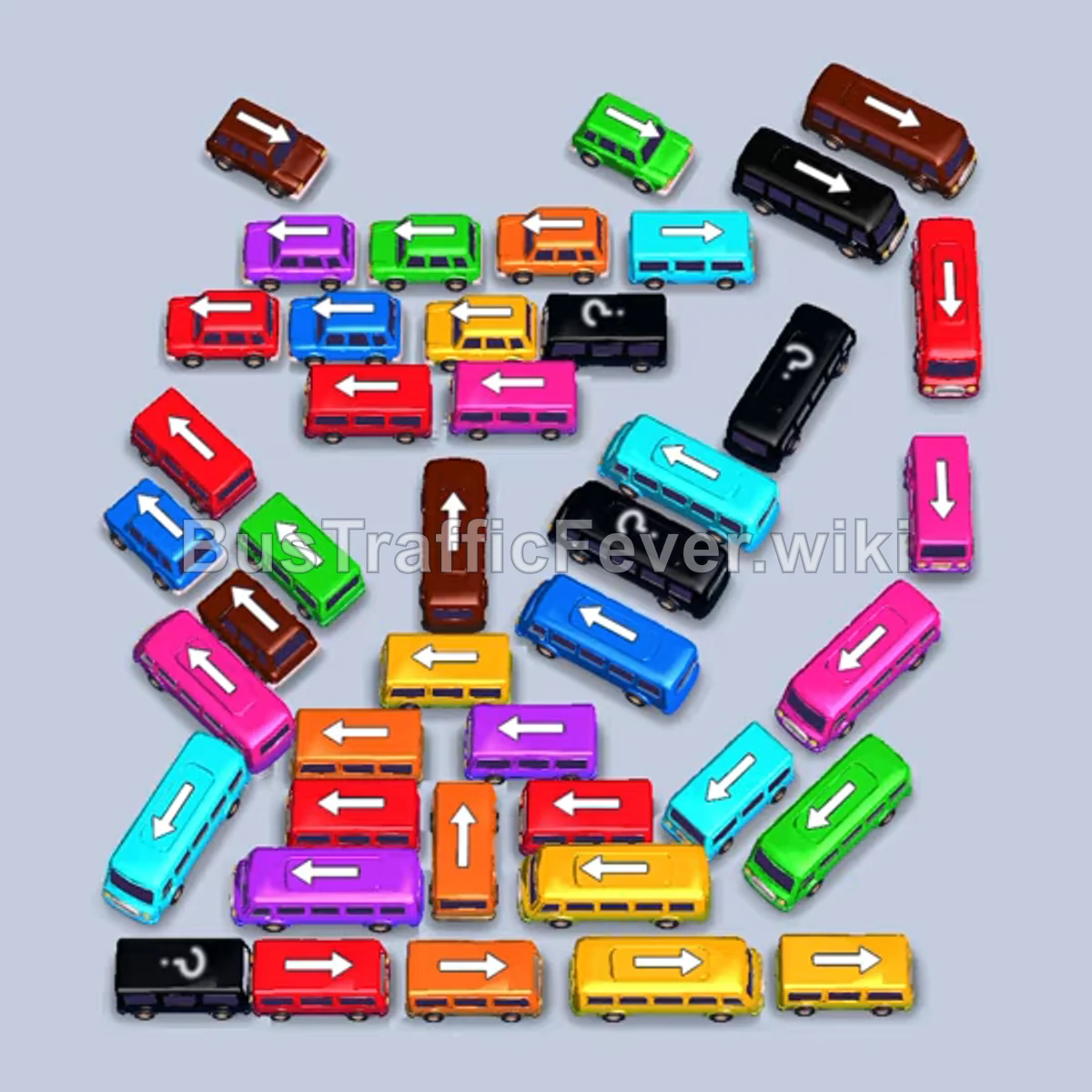
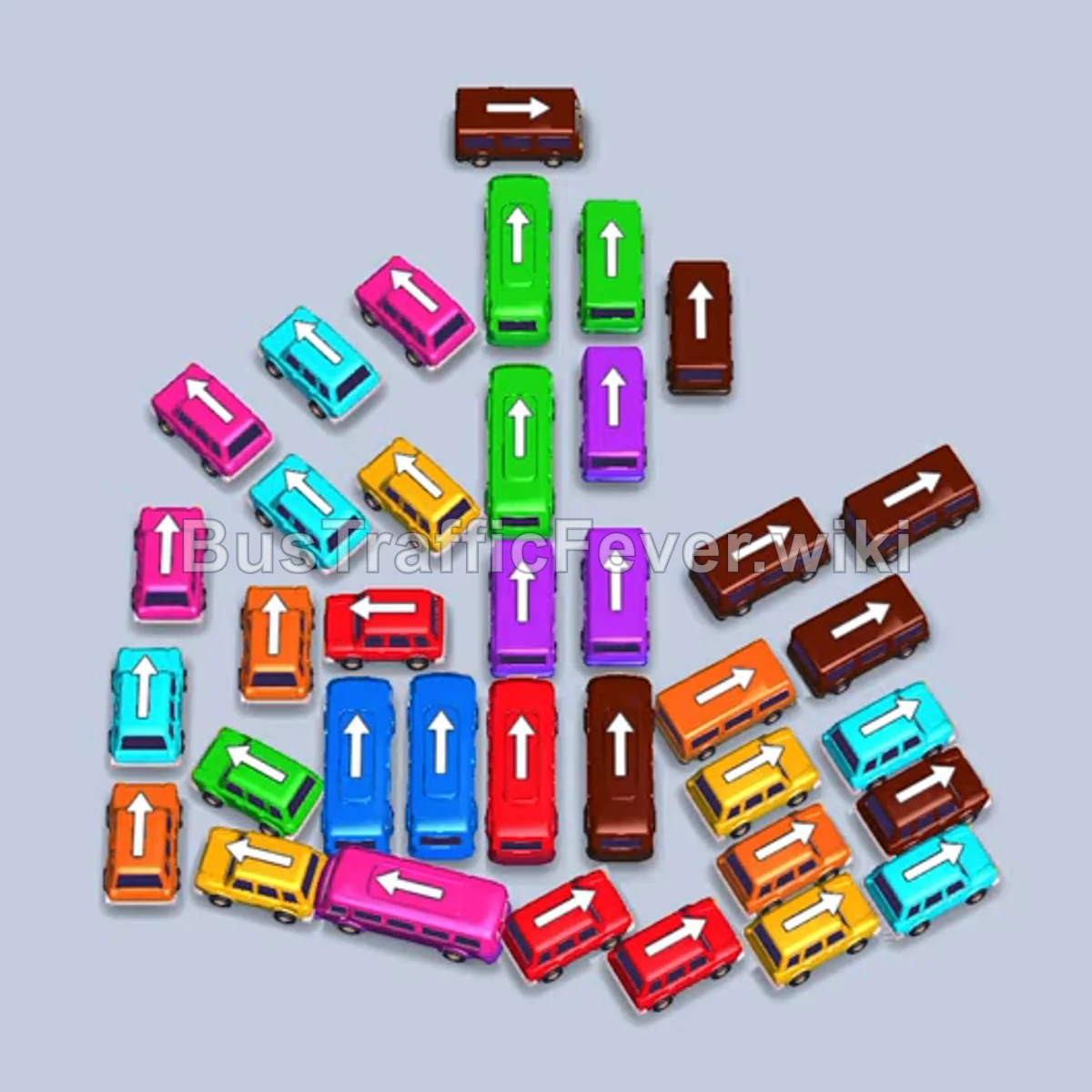
Bus Traffic Fever Level 350 Answer & Walkthrough Solution

Quick answer
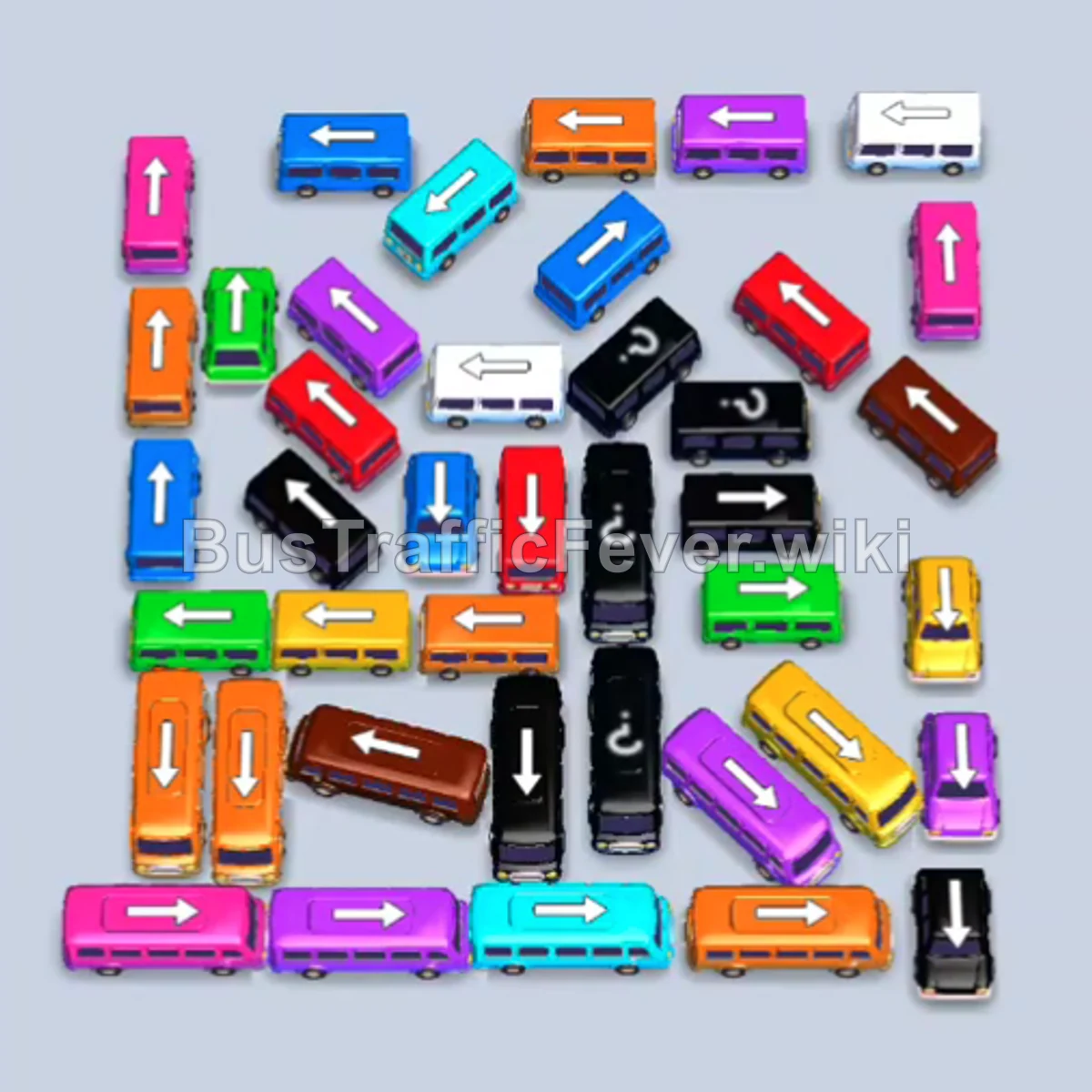
Level 350 features a dense, tightly parked grid of buses and buses with limited movement lanes. The strategy is to prioritize vehicles matching the current queue front—specifically black, yellow, cyan, and orange—while freeing up perimeter routes to access the trapped vehicles in the central column.
Step-by-step solution
Phase 1: Clearing the First Wave
- Tap the black bus facing left in the left-center row to send it to the first parking slot.
- Tap the purple bus facing right along the upper-right edge.
- Tap the yellow bus facing right in the middle-right area to pick up the waiting yellow passengers.
- Tap the orange bus facing right in the lower-right corner once the yellow bus finishes boarding and departs.
- Tap the cyan bus facing up along the far-right edge.
- Tap the cyan bus facing left in the upper-middle section.
- Tap the purple bus facing up on the right side.
- Tap the pink bus facing left in the lower-left area.
- Tap the pink bus facing right on the right edge. It loads quickly and leaves.
- Tap the orange bus facing left in the middle-left area; it boards the queue and clears a parking slot.
- Tap the blue bus facing left in the lower-center section.
Phase 2: Opening the Center Column
- Tap the green bus facing down in the upper-left quadrant.
- Tap the purple bus facing right in the bottom-middle section.
- Tap the white bus facing left in the upper-right corner.
- Tap the red bus facing down in the upper-left area.
- Tap the blue bus facing down in the center-right lane to collect cyan/blue queue passengers.
- Tap the orange bus facing left in the bottom-left area.
- Tap the cyan bus facing up in the center-left lane.
- Tap the cyan bus facing right near the top-left corner.
- Tap the green bus facing right in the center of the board.
- Tap the green bus facing right on the middle-right side.
Phase 3: Clearing Hidden and Cross-Parked Vehicles
- Tap the purple bus facing left in the bottom-left corner.
- Tap the white bus facing right in the upper-right lane.
- Tap the black bus facing left in the lower-center row.
- Tap the yellow bus facing down on the right side.
- Tap the black bus facing left in the upper-center section.
- Tap the blue bus facing up in the upper-middle area.
- Tap the green bus facing left in the center row.
- Tap the yellow bus facing down in the center-left area.
- Tap the red bus facing down in the top-center lane.
- Tap the green bus facing right in the upper-right area.
- Tap the orange bus facing right in the central cluster.
Phase 4: Final Clear
- Tap the orange bus facing left on the left side.
- Tap the black bus facing down in the center lane.
- Tap the pink bus facing down/right in the lower-right area.
- Tap the pink bus facing up on the right side.
- Tap the orange bus facing down on the left side.
- Tap the orange bus facing left at the bottom edge.
- Tap the cyan bus facing down in the center.
- Tap the pink bus facing right in the center-right area.
- Tap the brown bus facing left in the lower-left section.
- Tap the brown bus facing up near the top-center.
- Tap the blue bus facing down in the center.
- Tap the red bus facing down in the center.
- Tap the purple bus facing right in the lower-right corner.
- Allow the remaining buses and the final purple bus to board the last passengers from the ring to complete the level.
Tips for success
- Watch the Center Column: Several small buses (red, blue, brown) are parked bumper-to-bumper in the vertical center. Do not tap them until their corresponding colors appear near the front of the queue.
- Keep One Slot Free: Never fill all parking slots with buses that have no active matching passengers in the top ring; always ensure at least one slot can rotate out quickly.
- Prioritize Long Buses: Whenever a long 40-passenger bus matches the active queue, send it forward immediately to rapidly shrink large passenger bunches.
More Bus Traffic Fever help
Continue with the Level 349 walkthrough, review the core rules in how to play Bus Traffic Fever, or browse all level solutions to jump to another number.