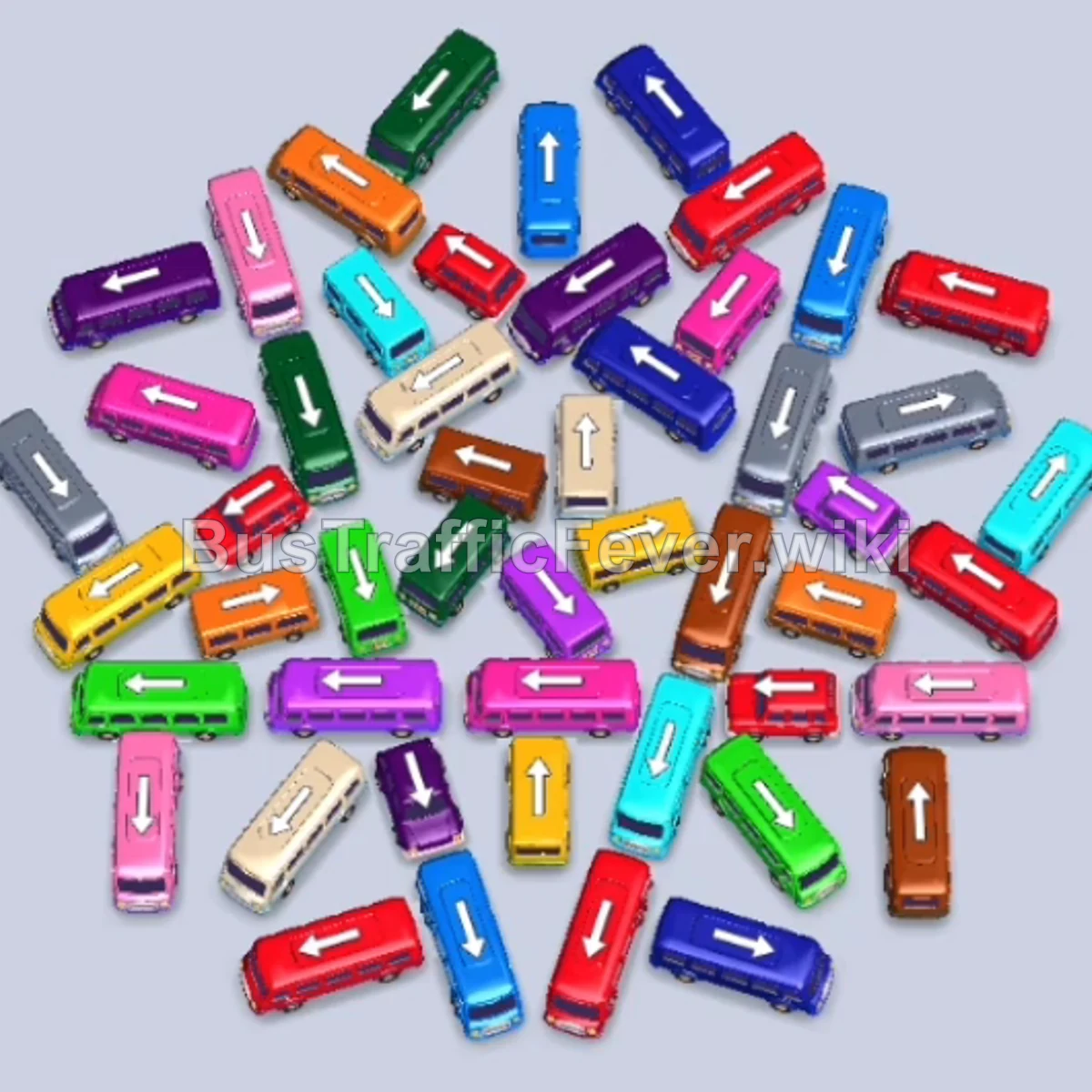
Bus Traffic Fever Level 172 Answer & Walkthrough Solution

Quick answer
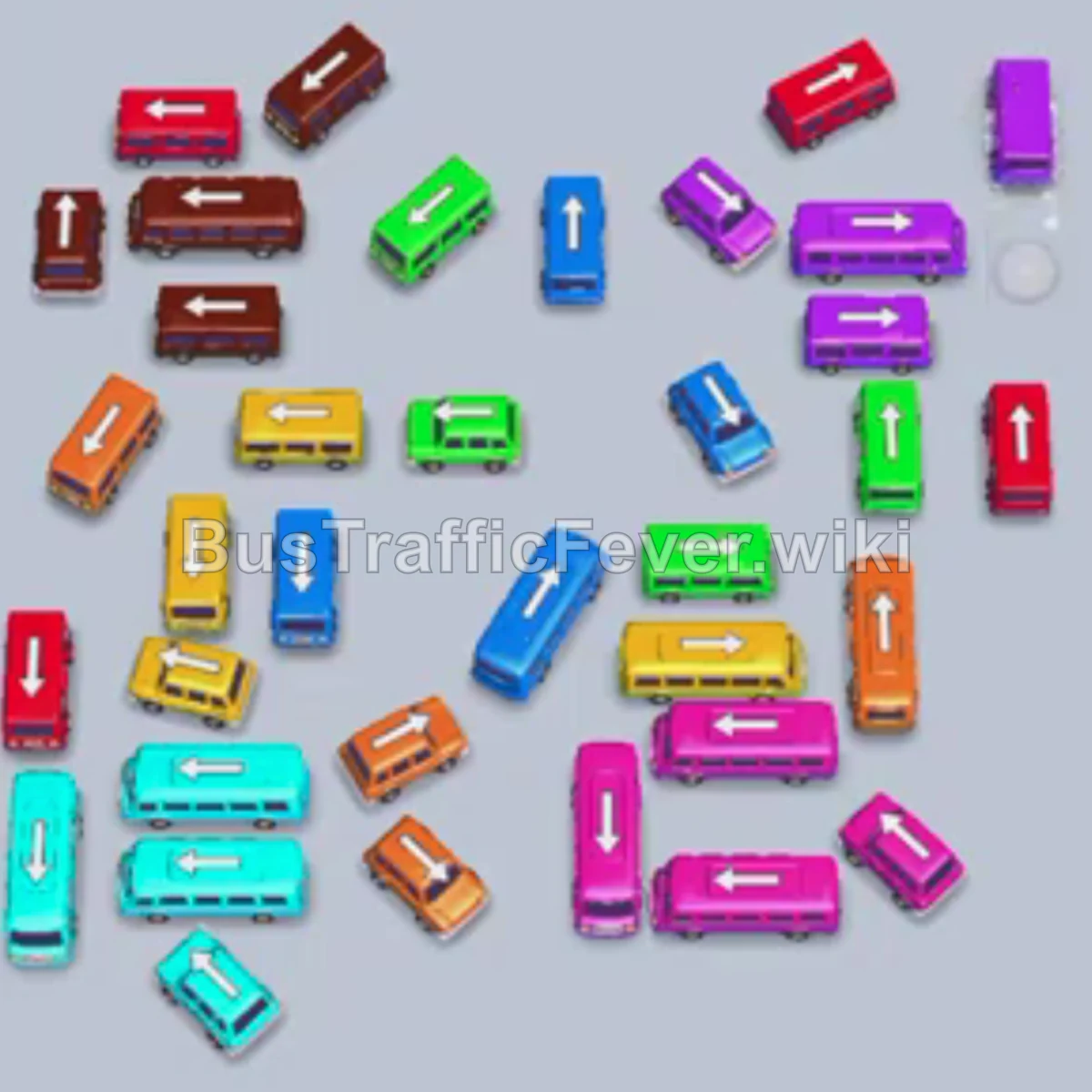
Level 172 features a very tight, scattered cluster of small buses and mid-sized buses blocking each other’s escape angles. Success depends on methodically plucking out outer-facing vehicles whose paths to the edge of the screen are completely unobstructed, matching incoming colors on the horseshoe passenger loop, and keeping staging slots open to absorb transition vehicles when clearing deep blockages.
Step-by-step solution
Phase 1: Initial Clearing & Perimeter Vehicles (Purple, Yellow, Red)
- Tap the Purple bus in the upper-right area pointing right to take the first parking slot.
- Tap the angled Yellow bus in the mid-right area pointing right into the second slot. Yellow and purple passengers begin boarding immediately.
- Tap the small Red bus pointing up and right to take the arriving red passenger queue.
- Tap the Brown bus near the top left pointing left into an open slot.
- Tap the Green bus pointing up and right.
- Tap the small Blue bus pointing down and left.
- Tap the small Grey bus pointing up and right to keep the queue flowing.
- Tap the horizontal Blue bus pointing left to load the blue line.
- Tap the vertical Cyan bus pointing downward.
Phase 2: Working Through the Dense Cluster (Yellow, Green, Orange)
- Tap the horizontal Yellow bus pointing left to absorb the second wave of yellow passengers.
- Tap the small vertical Yellow bus pointing downward.
- Tap the horizontal Grey bus pointing left.
- Tap the small Green bus pointing right to clear the green passenger wave.
- Tap the small Dark Blue bus pointing right.
- Tap the small Orange bus pointing left to collect the arriving orange passengers.
- Tap the horizontal Cyan bus pointing left to board the cyan queue.
- Tap the small vertical Orange bus pointing downward.
- Tap the small vertical Blue bus pointing upward.
- Tap the small Purple bus pointing left.
Phase 3: Untangling the Middle Grid (Red, Brown, White)
- Tap the small Yellow bus pointing left.
- Tap the small Red bus pointing left to absorb incoming red passengers.
- Tap the small Blue bus pointing downward.
- Tap the small Orange bus pointing upward.
- Tap the small Green bus pointing downward.
- Tap the small Purple bus pointing left.
- Tap the small Red bus pointing right.
- Tap the small Red bus pointing downward.
- Tap the small Brown bus pointing downward.
- Tap the horizontal Orange bus pointing right to clear the major orange queue.
- Tap the small Red bus pointing upward.
- Tap the small Green bus pointing right.
- Tap the small White bus pointing left.
- Tap the small Brown bus pointing downward.
- Tap the small Cyan bus pointing upward.
- Tap the small Yellow bus pointing right.
- Tap the small Red bus pointing upward.
- Tap the small Blue bus pointing downward.
- Tap the small Orange bus pointing downward.
Phase 4: Mid-Stage Breakthrough & Flank Unlocking
- Tap the Red bus pointing upward to clear its column.
- Tap the Pink bus on the lower-left pointing left to board the pink queue.
- Tap the Blue bus pointing right across the middle lane.
- Tap the large Yellow bus on the upper-left pointing left to clear the long yellow line.
- Tap the Brown bus on the bottom-left pointing left.
- Tap the vertical Pink bus pointing upward.
- Tap the large Blue bus in the center pointing right to absorb blue passengers.
- Tap the Cyan bus on the lower-left pointing left.
- Tap the angled Orange bus in the center pointing up and right.
- Tap the vertical Red bus on the lower-left pointing upward.
- Tap the horizontal Brown bus pointing left.
- Tap the Yellow bus in the center pointing up and left.
- Tap the vertical Red bus pointing downward.
- Tap the Green bus in the upper-left pointing left.
- Tap the Green bus in the upper-center pointing left.
Phase 5: Final Sequence & Cleanup (Cyan, Purple, Pink)
- Tap the Purple bus in the lower-left pointing down and left.
- Tap the Green bus pointing left to finish the green passenger line.
- Tap the vertical Cyan bus on the mid-right pointing upward.
- Tap the Cyan bus in the lower-center pointing down and left.
- Tap the vertical Brown bus on the upper-right pointing upward.
- Tap the angled Red bus on the lower-right pointing up and left.
- Tap the Cyan bus pointing down and left to finish off the cyan queue.
- Tap the large Brown bus pointing left.
- Tap the horizontal Orange bus pointing left to clear all remaining orange passengers.
- Tap the vertical Green bus pointing upward.
- Tap the vertical Brown bus pointing upward.
- Tap the vertical Cyan bus pointing upward.
- Tap the vertical Red bus pointing downward.
- Tap the vertical Cyan bus pointing downward.
- Tap the horizontal Brown bus pointing left.
- Tap the vertical Blue bus pointing downward.
- Tap the Purple bus pointing downward.
- Tap the horizontal Purple bus pointing left.
- Tap the vertical Pink bus pointing downward to load the final pink passengers.
- Tap the remaining Purple bus pointing left to board the last passengers and complete the level.
Tips for success
- Check the Exit Corridors: Because Level 172 is packed with small, tightly grouped buses, always double-check that a vehicle’s exit path is fully clear of bumpers before tapping it to avoid wasting moves.
- Prioritize High-Capacity Buses: High-capacity buses (24–40 capacity) clear huge chunks of the passenger queue in one go, freeing up valuable parking slots quickly.
- Keep Staging Buffer Slots Open: Try to keep at least two empty parking slots available so you have room to extract blocking buses without getting stuck in a complete gridlock.
More Bus Traffic Fever help
Continue with the Level 171 walkthrough, review the core rules in how to play Bus Traffic Fever, or browse all level solutions to jump to another number.